-46- v2.9
Data Access
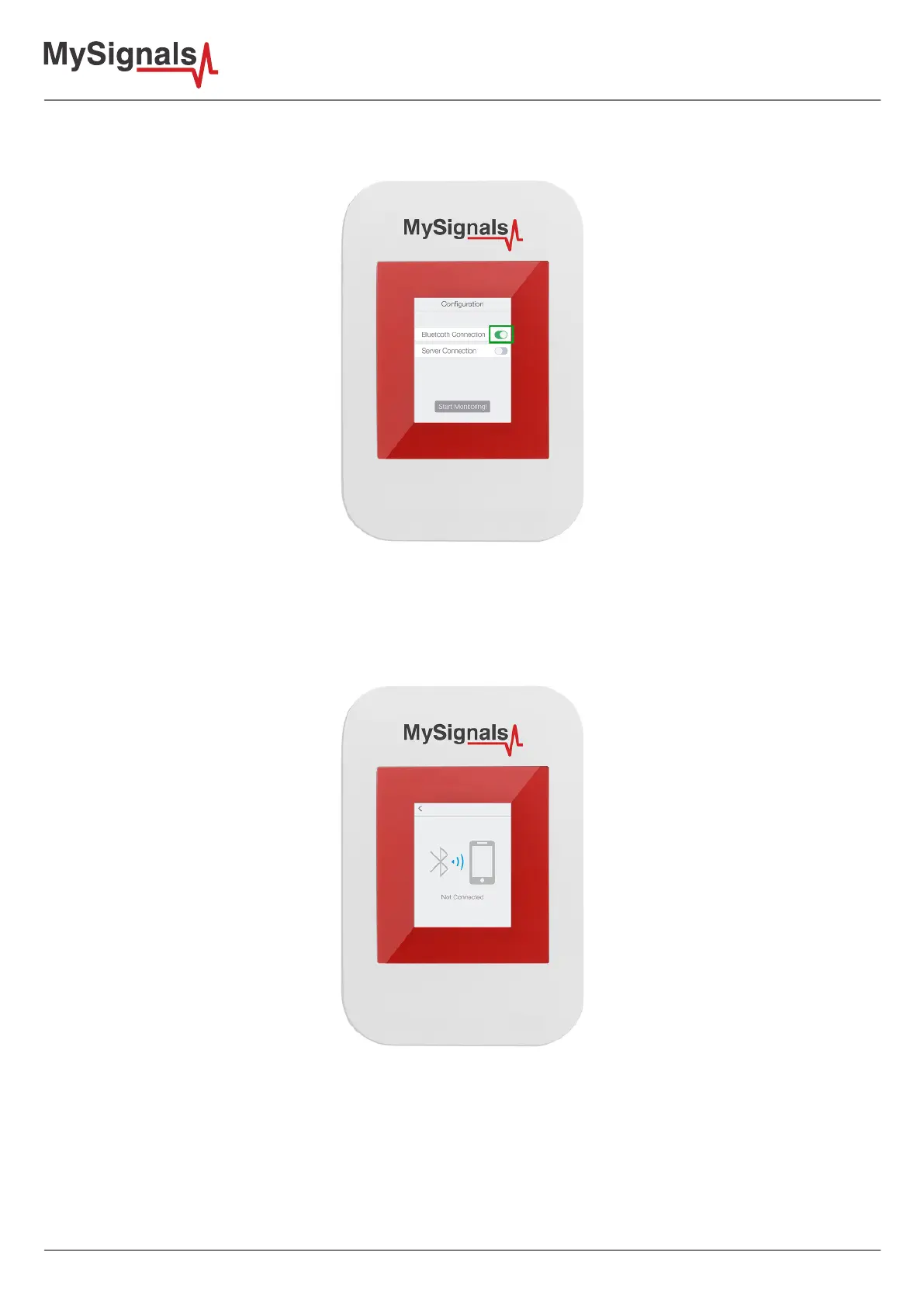
- Once arrived to the last conguration screen, before doing anything here in the phone app, you must power on
MySignals, select “Bluetooth Connection” on conguration screen and click “Start Monitoring” button.
Figure: TFT BLE selected
When you see “Not Connected” message on the screen and a gray Bluetooth icon on MySignals screen, you can
click on “Search for MySignals” in you phone app.
Figure: TFT BLE not connected



 To Next Page