-51- v2.9
Data Access
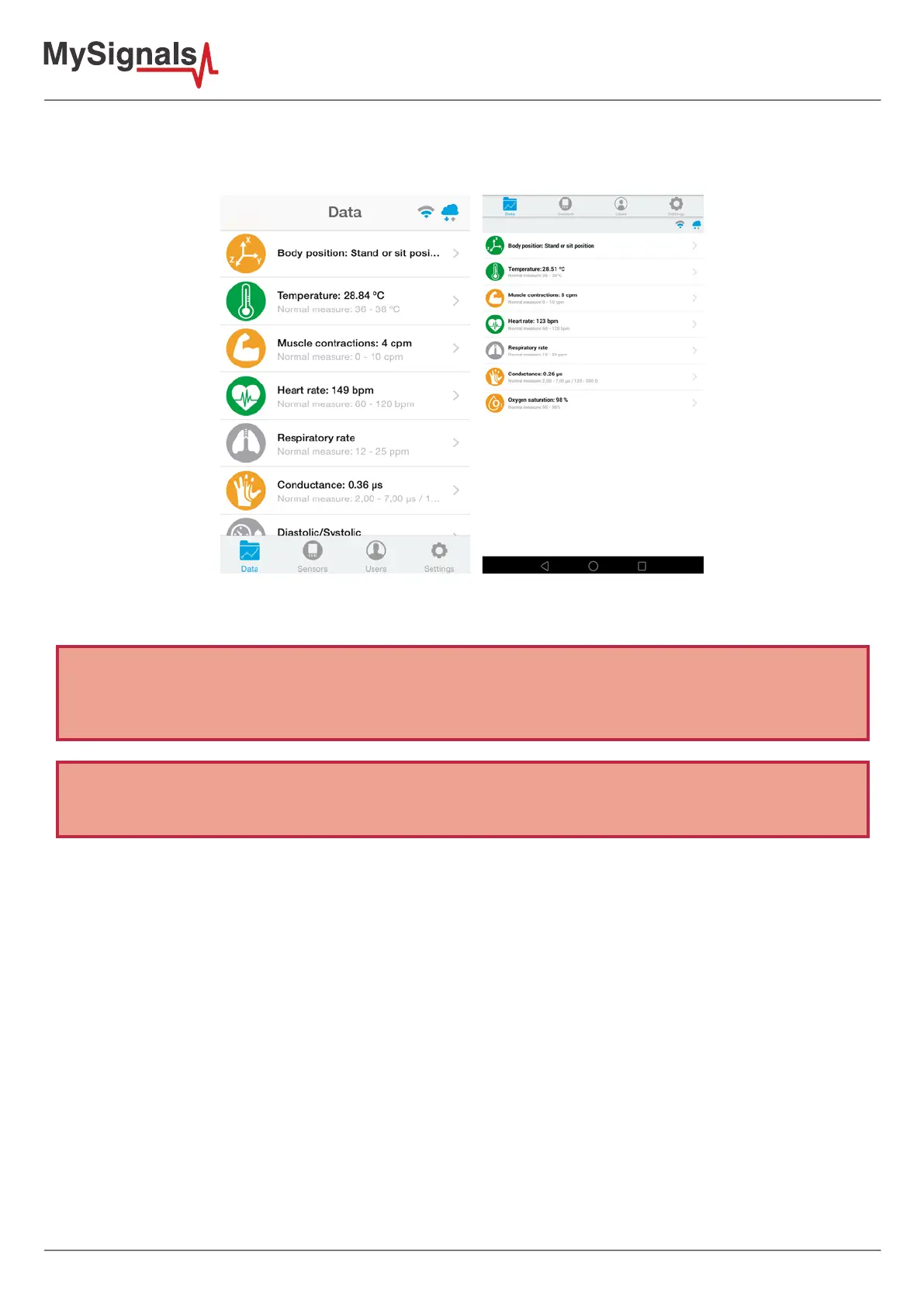
In “General mode” screen you will be able to see in one glance the main information of all sensors at once. The
latest received sensor info will be green, the sensors with old received info will be orange and sensors that hasn't
received info will be gray.
Figure: APP general mode
IMPORTANT: In the detailed view only information coming from that specic sensor is received and send to the
Cloud. If you want to receive and store information coming from many sensors at the same time you should use the
"General view" screen.
NOTE: At any time you can Activate / Deactivate the synchronization of the information being sent to your Cloud
Account by just pressing the Cloud icon on the top right corner.



 To Next Page