18
EVOS
®
FL and EVOS
®
FL Color User Guide
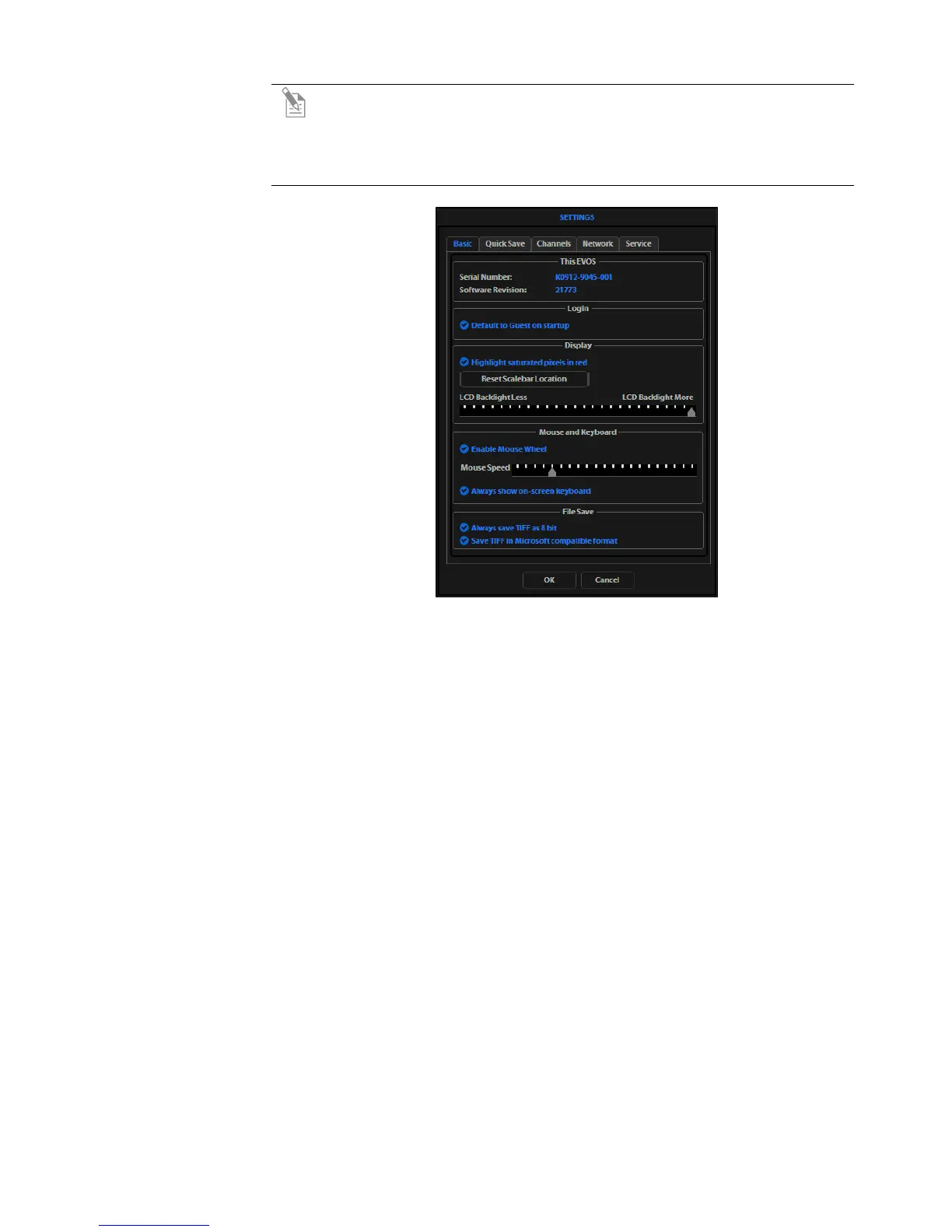
Note: The instrument is pre-configured with an overexposed pixel feature.
Overexposed pixels will appear red, to obtain the maximum level of
brightness without any overexposed areas, dim the illumination until the
red highlights disappear. To disable this feature, go to the Basic Tab, found
under the settings menu (Figure 9).
Figure 9 Settings: Basic Tab
8.
Click the Capture button to acquire the image.


 To Next Page