Page 10
Operation
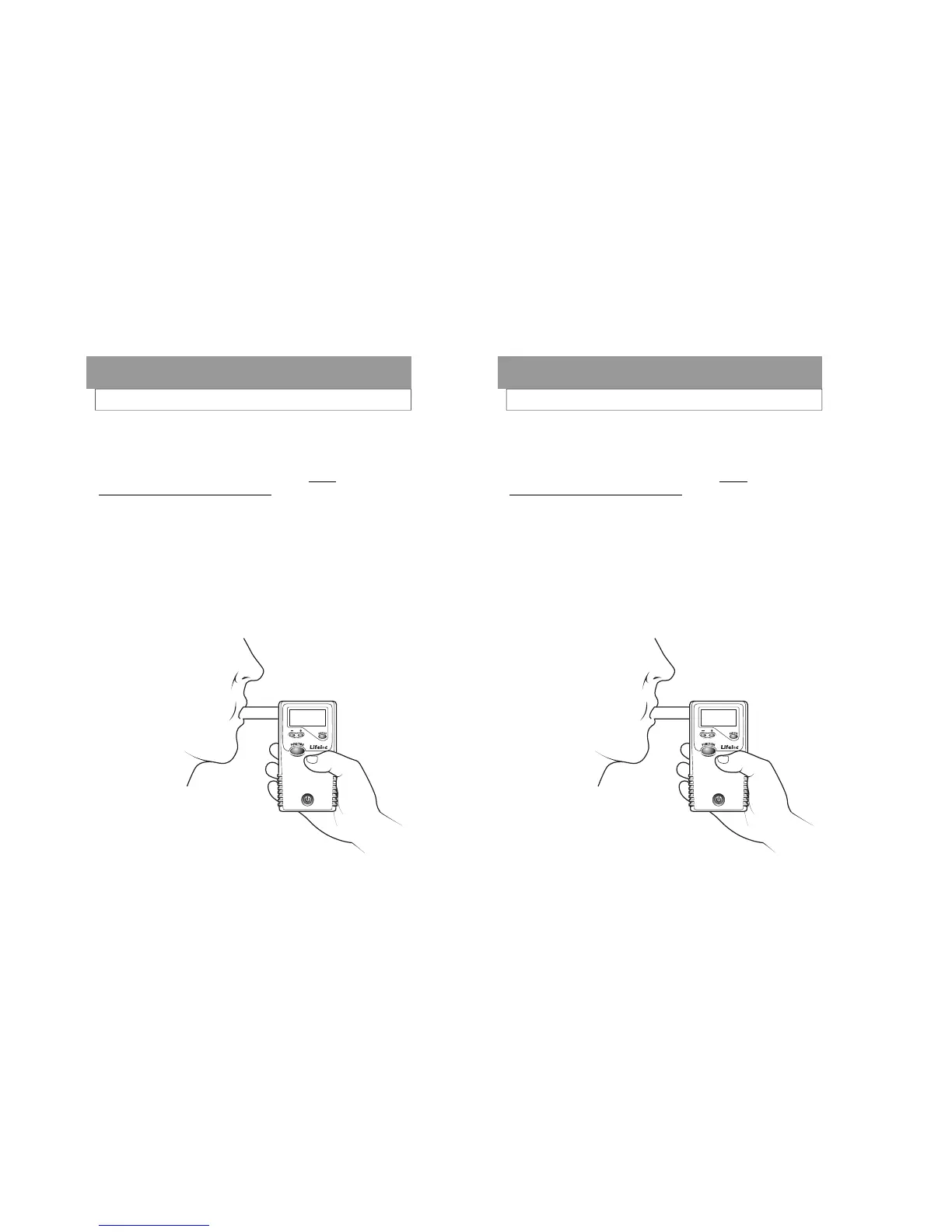
TAKING AN AUTO TEST
Attach the mouthpiece to the back of the unit.
Verify the display reads “AUTO TEST”.
Instruct subjects to blow into the mouthpiece firmly
and steadily for as long as they can. (Not neces-
sarily as hard as they can.)
Read the result.
After taking a test the FC20 will display the results
in large numbers on the display.
Additionally, the results are stored in memory and
available for viewing at a later date.
Press the Function button to return to the test mode.
Page 10
Operation
TAKING AN AUTO TEST
Attach the mouthpiece to the back of the unit.
Verify the display reads “AUTO TEST”.
Instruct subjects to blow into the mouthpiece firmly
and steadily for as long as they can. (Not neces-
sarily as hard as they can.)
Read the result.
After taking a test the FC20 will display the results
in large numbers on the display.
Additionally, the results are stored in memory and
available for viewing at a later date.
Press the Function button to return to the test mode.



 To Next Page