Page 21
User Settings
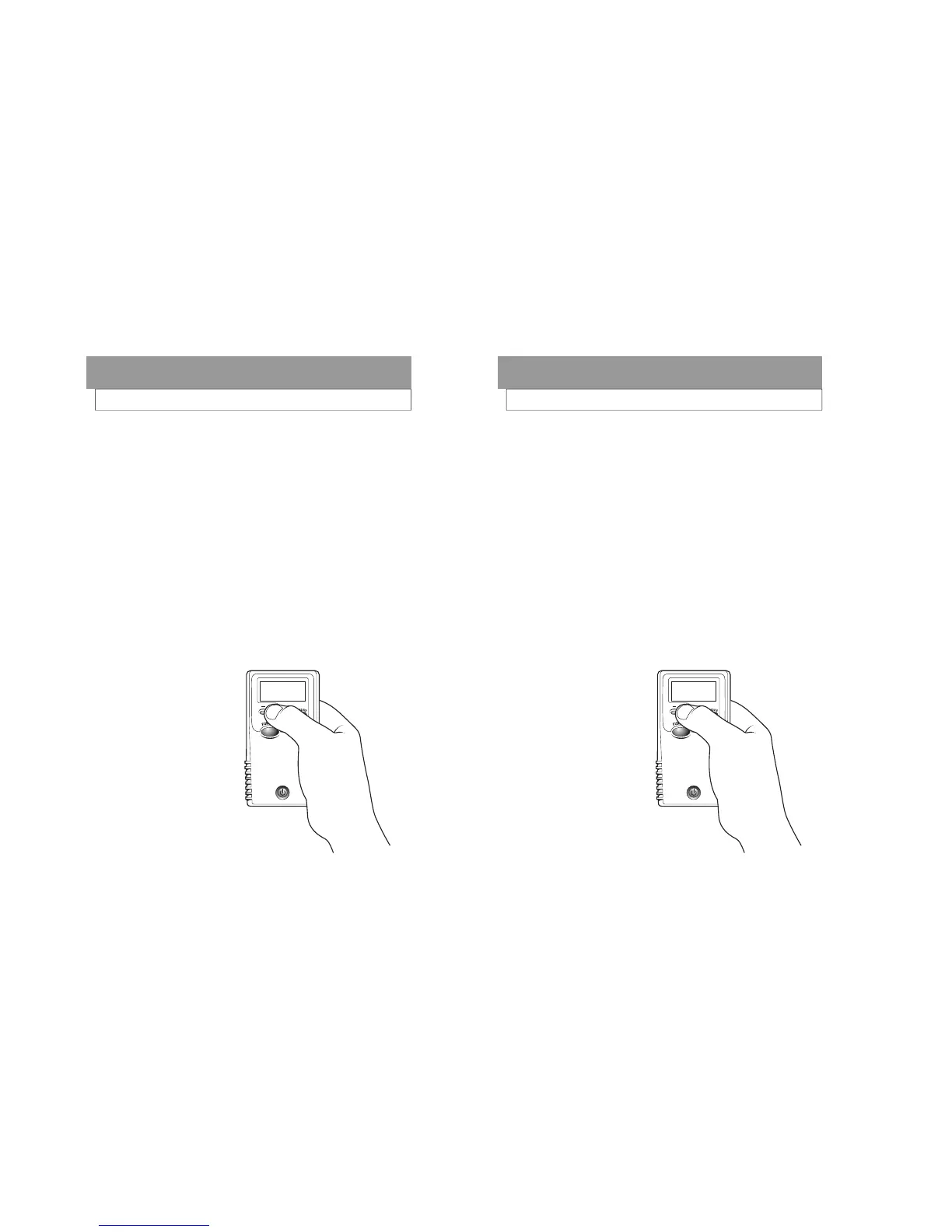
From the “Settings” display, press the Execute but-
ton.
Press the Function button until the display reads
“Date”.
Press the + or – buttons to change the year.
Press the Execute button to move to the month set-
ting.
Press the + or – buttons to change the month.
Press the Execute button to move to the day.
Press the + or- button to change the day.
Press the Function button to move to the next set-
ting or repeatedly until the display reads “Exit”.
Press the Execute button to save the changes and
return to the testing mode.
2. CHANGING THE DATE
Date
09/24/02
Next
Digit
Page 21
User Settings
From the “Settings” display, press the Execute but-
ton.
Press the Function button until the display reads
“Date”.
Press the + or – buttons to change the year.
Press the Execute button to move to the month set-
ting.
Press the + or – buttons to change the month.
Press the Execute button to move to the day.
Press the + or- button to change the day.
Press the Function button to move to the next set-
ting or repeatedly until the display reads “Exit”.
Press the Execute button to save the changes and
return to the testing mode.
2. CHANGING THE DATE
Date
09/24/02
Next
Digit



 To Next Page