Page 12
Operation
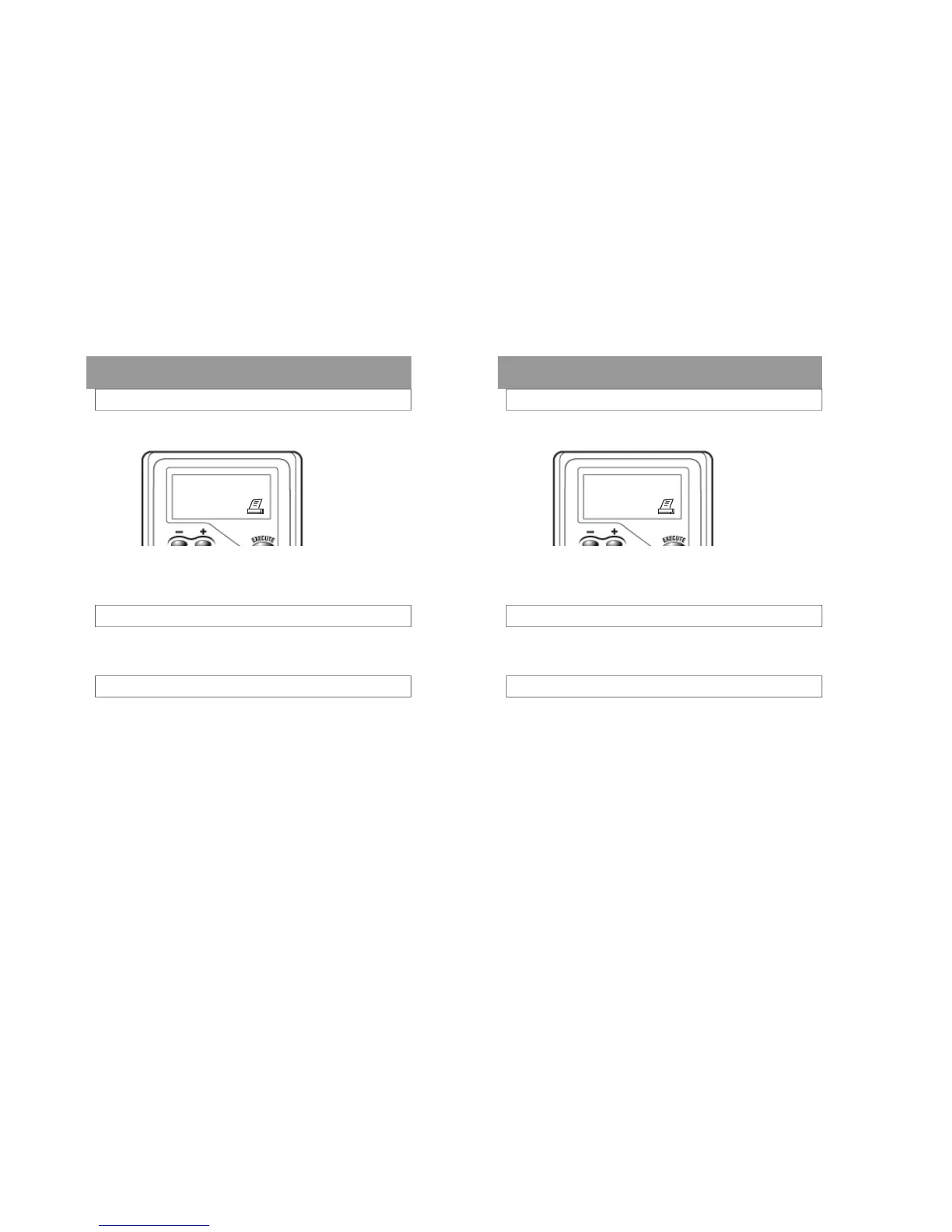
Press the Function button repeatedly until the print-
er icon is displayed. The results of the last test will
be displayed along with its test number at the
lower left of the display.
The FC20 retains up to 500 tests along with all
related data in memory.
Press the + or- buttons to view previous tests.
Press the Function button repeatedly to return to
the testing mode.
VIEWING PREVIOUS TEST RESULTS
TEST RESULT
.080
BAC
After the alcohol is graphed, the test result is dis-
played.
REMOVING THE MOUTHPIECE
Remove the mouthpiece by pushing against the
back of the tab located on the exhaust end.
The result will remain on the screen for 90 seconds,
or until the Function or Power button is pressed, or
the test is printed.
Page 12
Operation
Press the Function button repeatedly until the print-
er icon is displayed. The results of the last test will
be displayed along with its test number at the
lower left of the display.
The FC20 retains up to 500 tests along with all
related data in memory.
Press the + or- buttons to view previous tests.
Press the Function button repeatedly to return to
the testing mode.
VIEWING PREVIOUS TEST RESULTS
TEST RESULT
.080
BAC
After the alcohol is graphed, the test result is dis-
played.
REMOVING THE MOUTHPIECE
Remove the mouthpiece by pushing against the
back of the tab located on the exhaust end.
The result will remain on the screen for 90 seconds,
or until the Function or Power button is pressed, or
the test is printed.



 To Next Page