Page 15
Turn the FC20 on.
Attach a mouthpiece to the back of the unit.
Press the Function button until the display reads
“MANUAL TEST”.
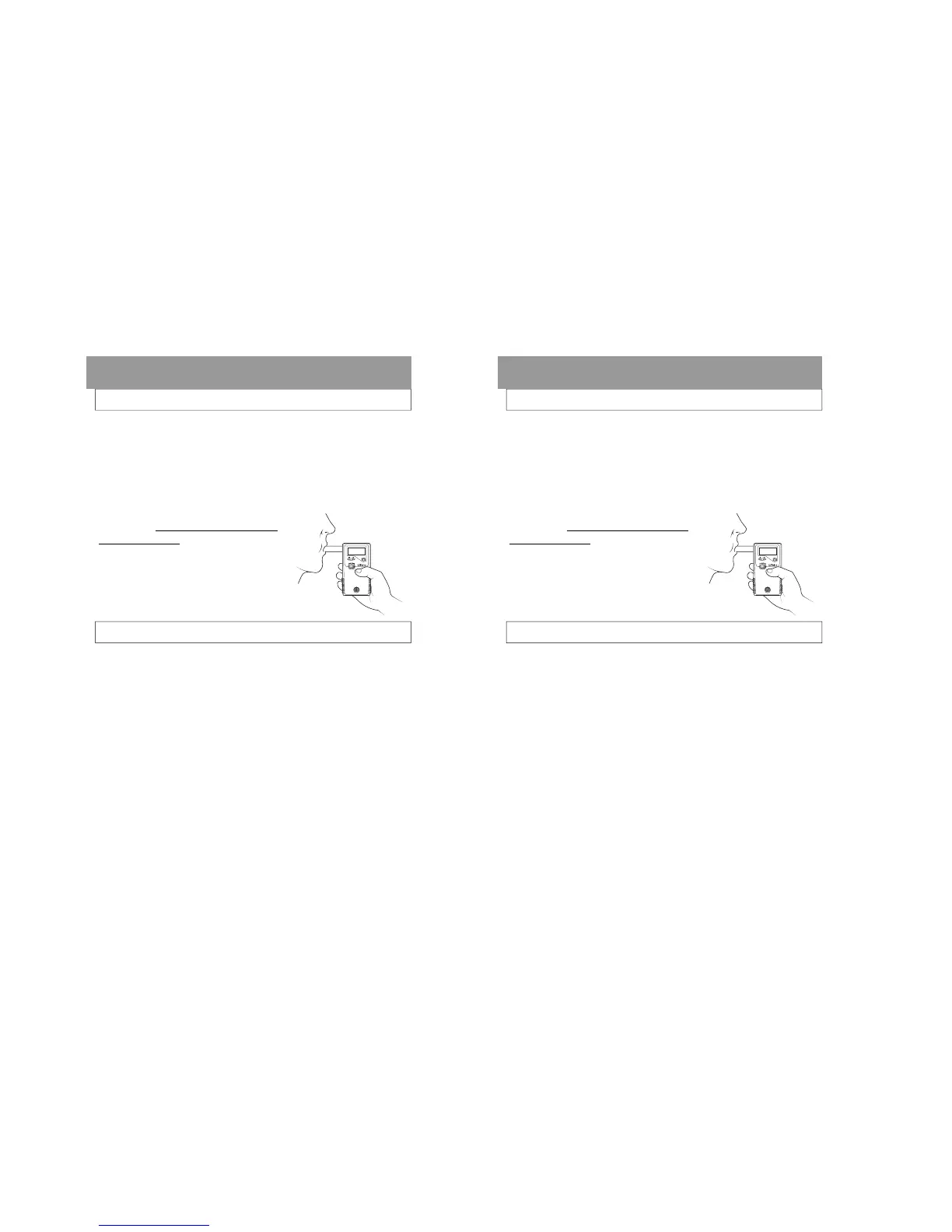
Instruct the subject to blow into the
mouthpiece firmly and steadily for as
long as they can.
When they are near the end of their
breath, press the Execute button.
Read the result.
CONDUCTING A MANUAL TEST
Breath Testing Modes
MANUALLY OVERRIDING AN AUTOMATIC TEST
Note: This feature allows the completion of a test
in the occasional instance when the subject may
have diminished lung capacity and cannot activate
the Auto Test .
Turn the FC20 on.
Attach a mouthpiece to the back of the unit and
verify the display reads “AUTO TEST”.
Instruct the subject to blow into the mouthpiece
firmly and steadily for as long as they can.
When they are near the end of their breath, press
the Execute button.
Read the result.
Page 15
Turn the FC20 on.
Attach a mouthpiece to the back of the unit.
Press the Function button until the display reads
“MANUAL TEST”.
Instruct the subject to blow into the
mouthpiece firmly and steadily for as
long as they can.
When they are near the end of their
breath, press the Execute button.
Read the result.
CONDUCTING A MANUAL TEST
Breath Testing Modes
MANUALLY OVERRIDING AN AUTOMATIC TEST
Note: This feature allows the completion of a test
in the occasional instance when the subject may
have diminished lung capacity and cannot activate
the Auto Test .
Turn the FC20 on.
Attach a mouthpiece to the back of the unit and
verify the display reads “AUTO TEST”.
Instruct the subject to blow into the mouthpiece
firmly and steadily for as long as they can.
When they are near the end of their breath, press
the Execute button.
Read the result.



 To Next Page