Page 16
Turn the FC20 on.
Press the Function button until the display reads
“PASSIVE TEST”.
To take the test:
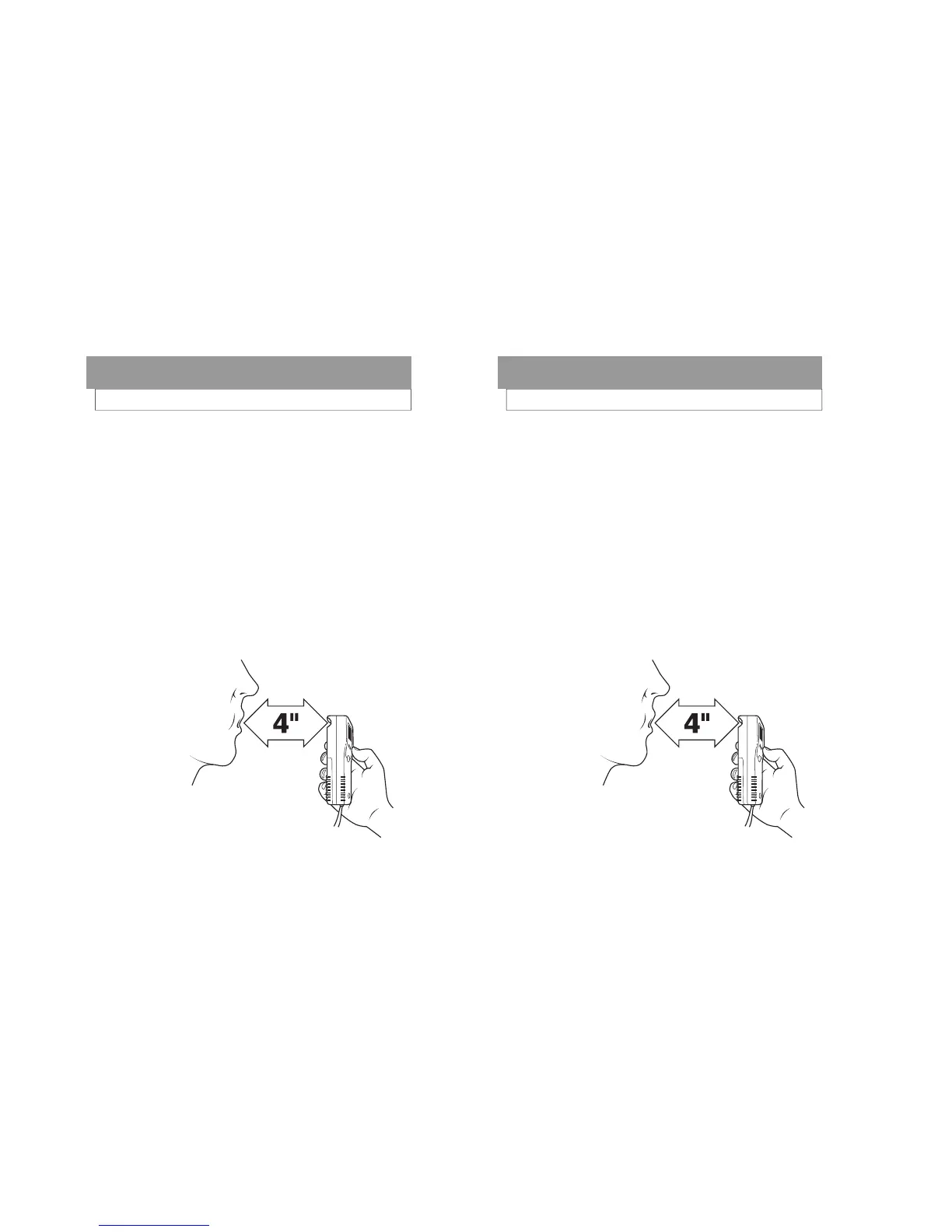
Hold the FC20 sample port (orange-colored open-
ing labeled Port on the back label of the FC20)
about 4 inches from the subjects mouth.
Have the subject blow towards the port.
Press the Execute button while the subject is blow-
ing.
Read the result. (“POS” or “NEG”)
CONDUCTING A PASSIVE TEST (No mouthpiece)
Breath Testing Modes
Page 16
Turn the FC20 on.
Press the Function button until the display reads
“PASSIVE TEST”.
To take the test:
Hold the FC20 sample port (orange-colored open-
ing labeled Port on the back label of the FC20)
about 4 inches from the subjects mouth.
Have the subject blow towards the port.
Press the Execute button while the subject is blow-
ing.
Read the result. (“POS” or “NEG”)
CONDUCTING A PASSIVE TEST (No mouthpiece)
Breath Testing Modes



 To Next Page