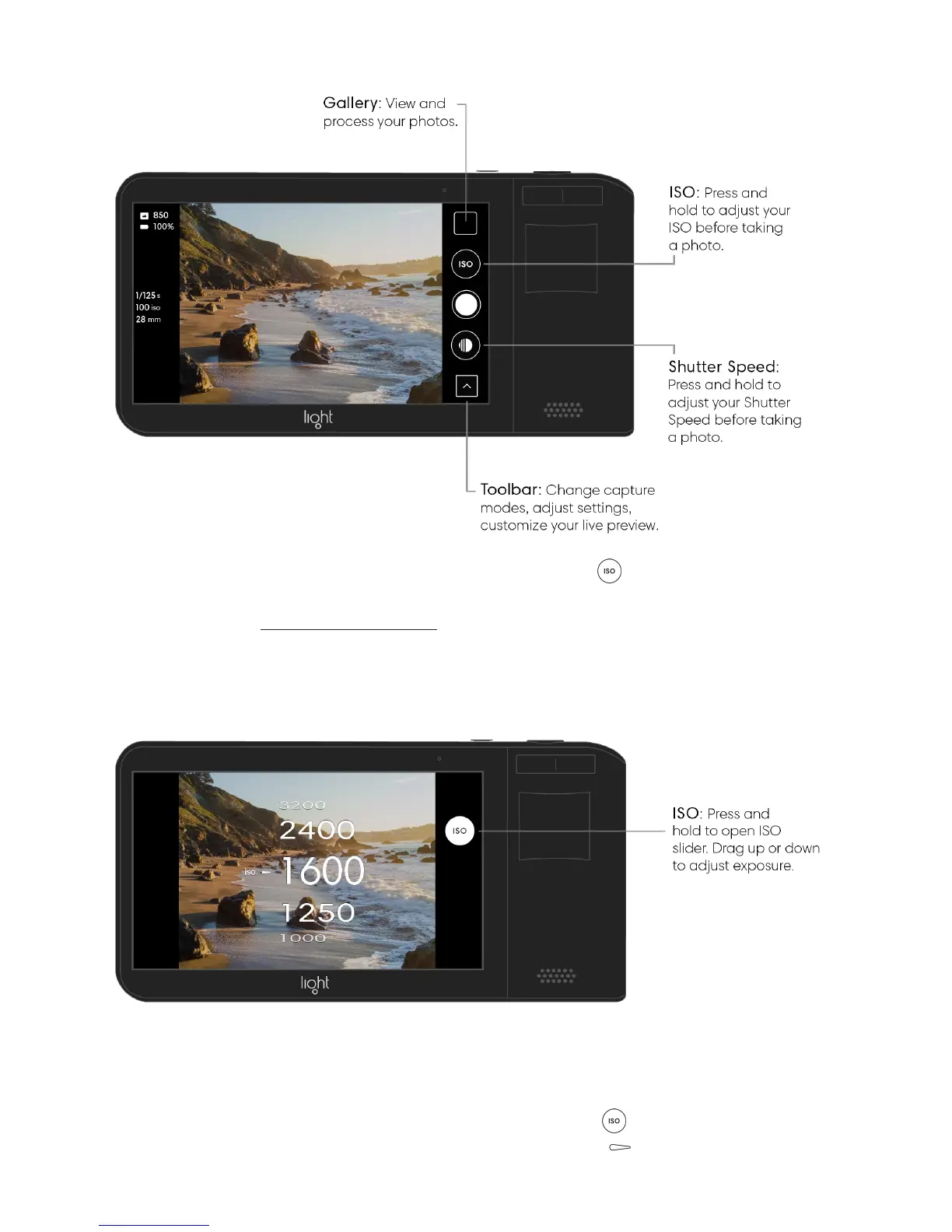
Adjust ISO in manual mode. Press and hold the ISO button on the right side of the
screen to open the ISO slider. While holding, move your finger up or down to set your
desired ISO value. Learn more about ISO.
View your current ISO value. Press and hold the ISO button to open the ISO slider.
Your previously used ISO value is indicated by a hollow carrot .



 To Next Page