Page 1
1. LOADING THE TABLE WITH MATERIAL
The material sheet size, gauge and type for the job will be shown on the SHEET CUT LISTING. This
is the first page of the sheet report.
Position the first sheet to be cut against the metal stops which are located along the edge and at the
end of the table. The metal stops should be level to or just below the height of the metal sheet.
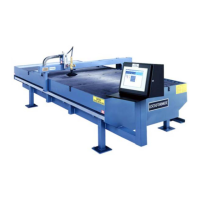
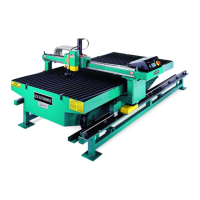
SEE ILLUSTRATION #1
2. CONTROL POWER-UP PROCEDURE
Turn the power on to the Lockformer 5395 controller using the main ON/OFF switch located at the
rear. After the unit has completed the Power On Self Test (POST), release the Emergency stops;
one emergency stop is located on the controller front panel and the other is mounted on the outboard
side of the bridge. After the Emergency Stops have been released, press the DRIVES ON key to
apply power to the drives. Then press AUTO ZERO to Home the machine to the coordinates (0,0)
on the table. SEE ILLUSTRATION #1
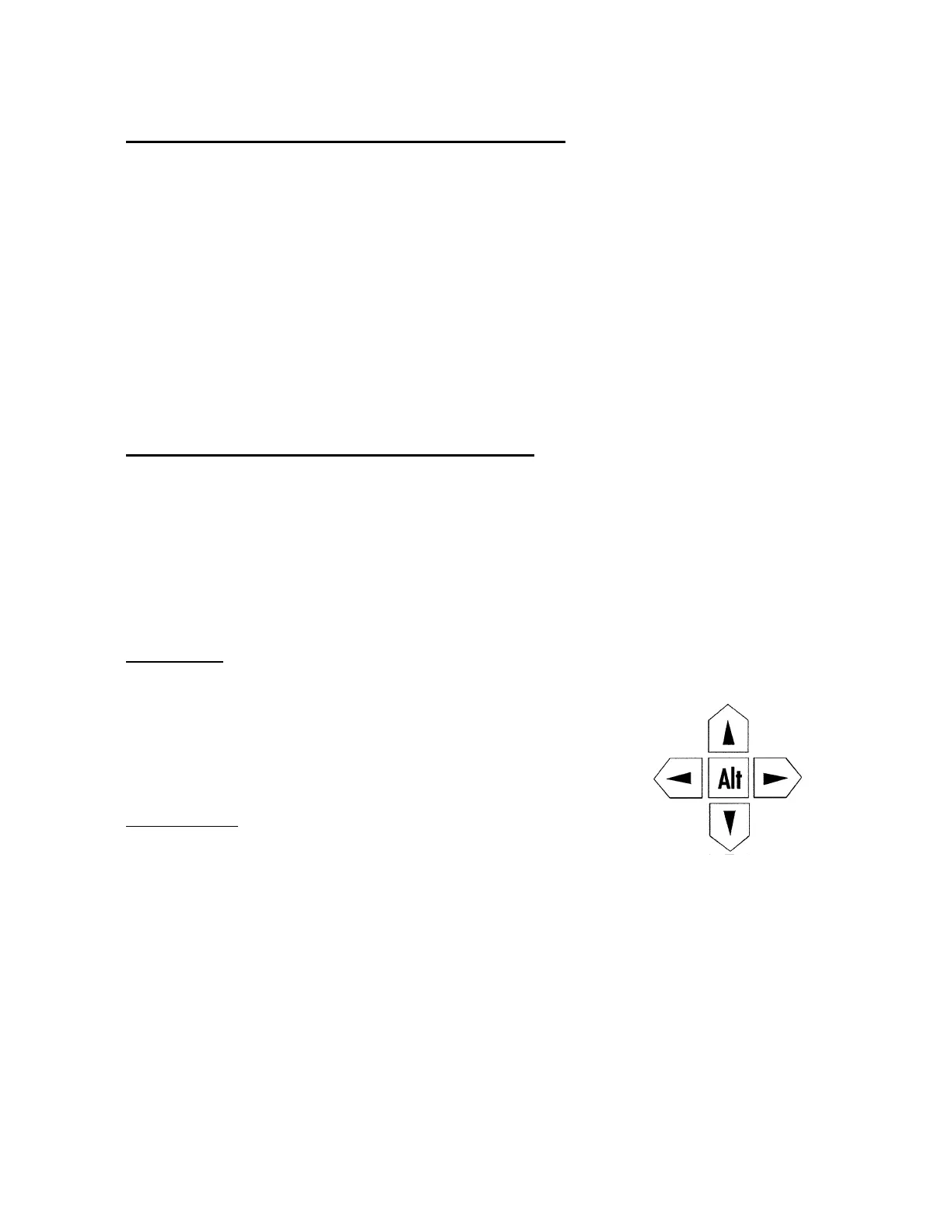
Machine Jog: The machine jog keys are split off from the other
keys and are positioned on the left side of the panel. Unlike the
other panel keys, the jog keys (with exception to the ALT key) are
pressure sensitive; the greater the force exerted on a key the faster
the axis being jogged will move. When in jog mode, the screen
display shows the current axis positions relative to (0,0). To return
to the main menu press the ESC key.
Fast Jog Mode: If the operator needs to move the machine from
one spot on the table to another, double clicking on the ALT key will
activate the Fast Jog Mode. Pressing one of the jog keys will move
the machine until it reaches one of the ends or F3 - Stop is pressed.
The left direction jog key will move the machine to (0) along the Y-
axis. The right direction jog key will move it to (120) along the Y-
axis. The up direction key will move it to (0) on the X-axis. The
down direction jog key will move it to (60) on the X-axis.
JOG KEYS
-Y
+Y
- X
+X
H. WEISS MACHINERY & SUPPLY
H. WEISS MACHINERY & SUPPLY
PHONE: (718) 605-0395 - www.hweiss.com


 To Next Page