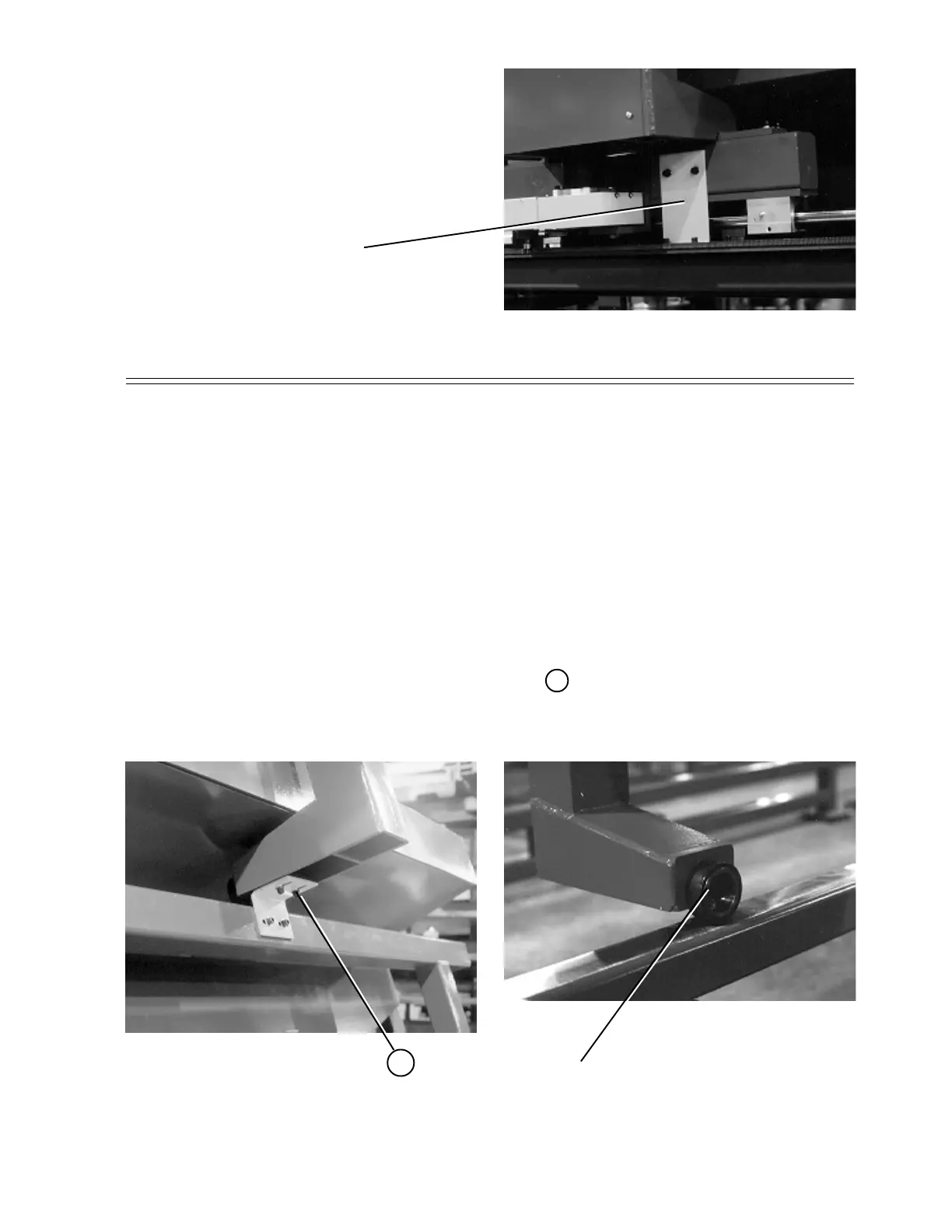
1. Position an appropriate, safe
jacking device and carefully lift the
carriage enough to take the weight
off of the yellow shipping bracket.
2. Remove the bracket by removing
the four mounting screws B .
3. Lower the carriage.
REMOVE THIS BRACKET
BEFORE OPERATING THIS
MACHINE
PHOTO 1
PHOTO 2
B
WHEEL
BRACKET REMOVAL CONT.
WHEEL SIDE OF CARRIAGE
SHIPPING BRACKET REMOVAL
H. WEISS MACHINERY & SUPPLY
H. WEISS MACHINERY & SUPPLY
PHONE: (718) 605-0395 - www.hweiss.com


 To Next Page