4D-Nucleofector™ Manual – Bioscience Solutions 35
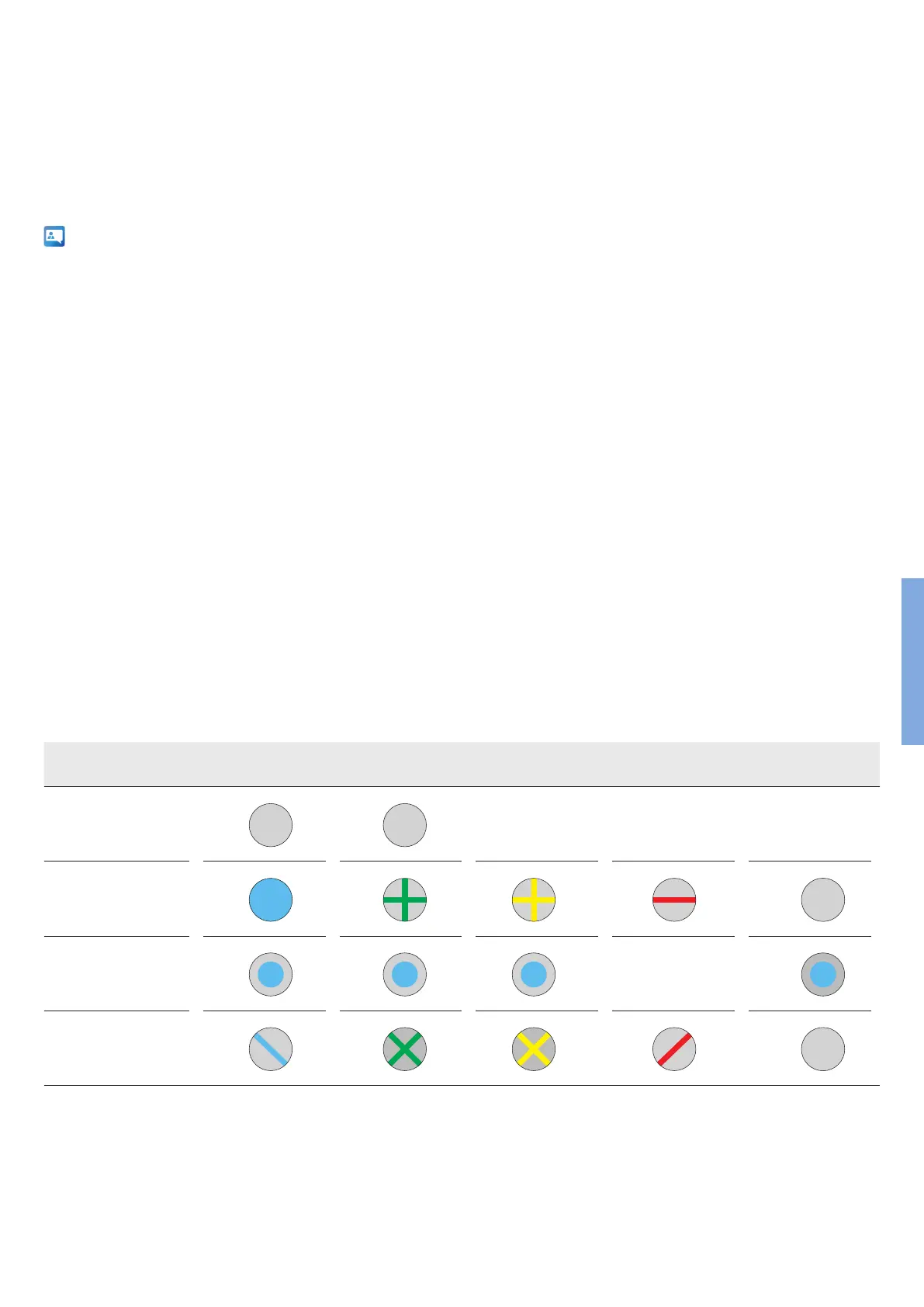
Parameter File Result File, OK Result File, Warning Result File, Error Skipped Well
Undened
Sample
No Program
No DNA
4 Error Codes of the 4D-Nucleofector™ System
The color of a well indicates the completion status of each well (gure 4.1).
In case of an error, the respective error code can be displayed by clicking
on the well in the result le. This section describes Nucleofector™ Error
Codes and provides suggestions for solving the problem.
If the problem cannot be resolved, please call Lonza’s Scientic
Support Team
Europe
Scientic Support: +32 87 321 611
scientic.support.eu@lonza.com
North America
Scientic Support: +1 800 521 0390 (toll free)
scientic.support@lonza.com
Figure 4.1: Color code of wells
4.1 Arc Discharge Correction
Arcing is a complete or partial discharge circumventing the sample and is
often accompanied by a ash and a noise. This problem is usually caused
by imperfect cuvettes or cuvette lling. The 4D-Nucleofector™ System is
equipped with a hardware safety feature that immediately detects arc
formation and protects the cells from damage. After the arc interruption
the 4D-Nucleofector™ System resumes program execution. Normally, the
program can be completed successfully (“arc discharge correction 1 or 2”)
and only minor dierences in transfection eciency are observed. Such
events are not considered as an error and just indicated as a notes. When
repeated arc discharges occur within one program, it may be impossible
for the 4D-Nucleofector™ System to complete execution of the program.
In this case (“Err8 – Arc discharge”), signicant impact on transfection
eciency may be observed. Discard the cuvette (which is possibly
damaged) and its content, reset the device by pressing any button and
repeat the experiment with a new cuvette. It is not necessary to switch
o the 4D-Nucleofector™ System.
4



 To Next Page