Page 8-64 LTV
®
1200/1150 Ventilator Service Manual p/n 18603-001, Rev. C
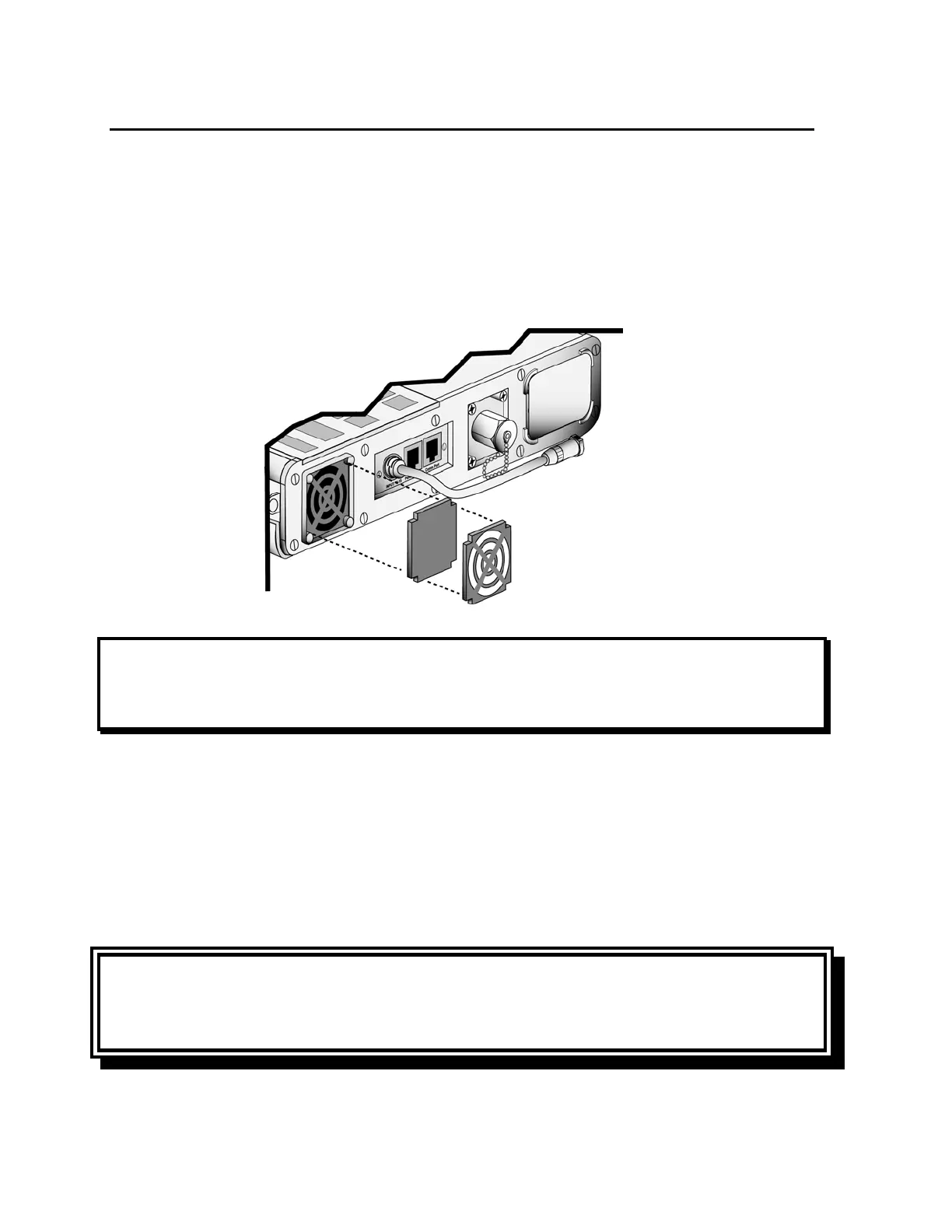
Cleaning the Fan Filter
The fan filter should be removed and cleaned at least once a month. If the ventilator is being
operated in high dust or humidity environments, it may need to be cleaned more often. If the
filter is damaged or can not be thoroughly cleaned, it should be replaced.
To clean the fan filter
1) Using a small screwdriver or long nose pliers, detach the fan filter grill from its housing.
2) Remove the fan filter by gently pinching the foam filter and pulling it out.
NOTE
If you touch the fan blades while removing the fan filter grill or filter, a HW FAULT may
occur. This is normal. Clear the HW FAULT alarm by using the Silence Reset button.
3) Gently bathe the filter in a solution of a mild liquid detergent and warm water.
4) Remove all detergent by thoroughly rinsing the filter in warm water.
5) Examine the filter for damage (discard and replace if necessary) and allow it to
thoroughly air dry before reinstallation.
6) Reinstall the filter.
7) Reposition the filter grill over the filter and apply light pressure until it fully seats
(“clicks”) into the filter housing.
CAUTION
Wet or Damp Filters - Do not install a wet or damp filter into the LTV
®
1200/1150. This
could damage the ventilator.



 To Next Page