p/n 18603-001, Rev. C LTV
®
1200/1150 Ventilator Service Manual Page 2-11
Exit
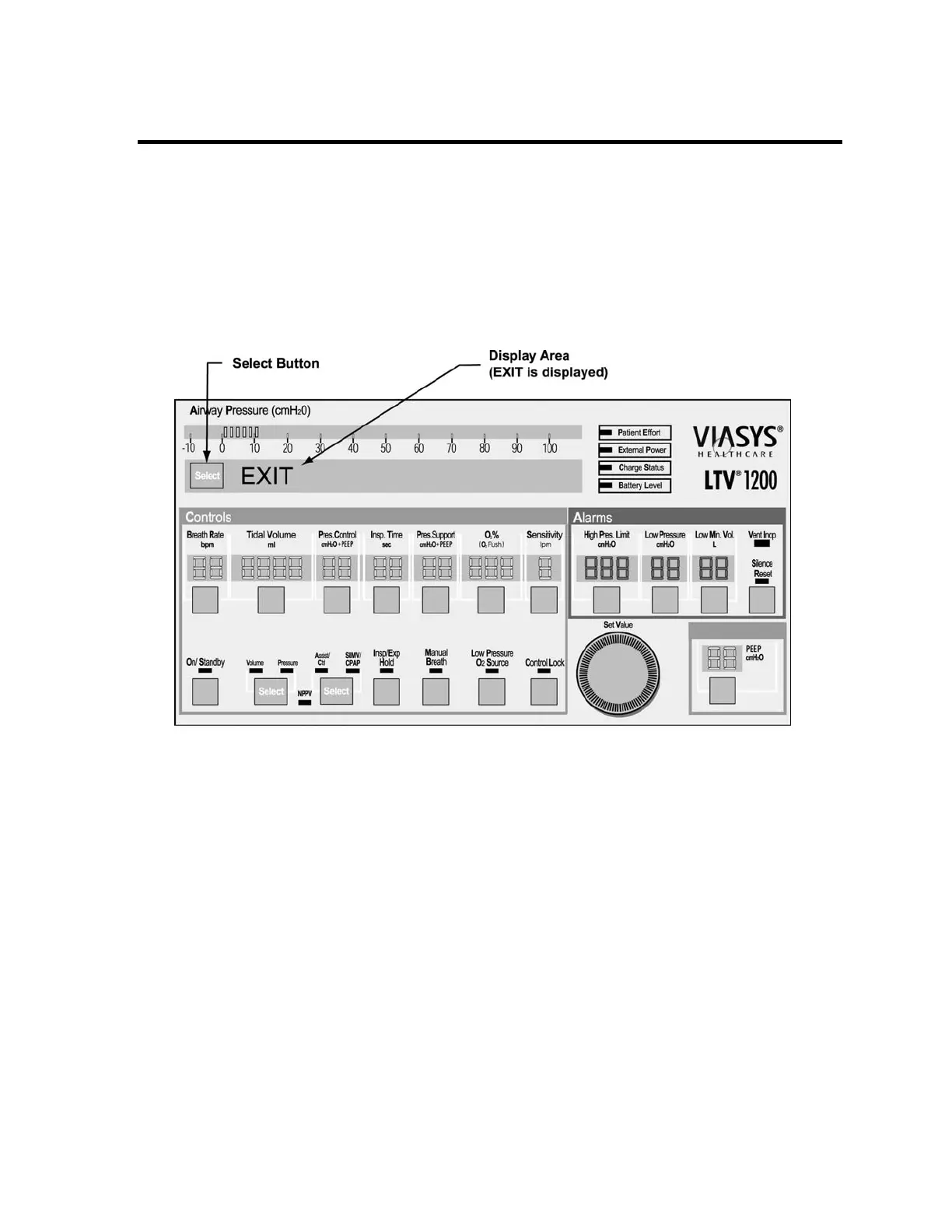
To exit VENT CHECK and enter normal ventilation mode:
1) Turn the Set Value knob to scroll through the main menu entries (VENT OP, ALARM
OP, VENT CHECK, etc.) until EXIT is displayed.
2) Press Select while EXIT is displayed. Alternatively, press Control Lock repeatedly until
normal ventilation mode is restored. After performing POST, the ventilator begins
ventilation using the previously stored settings.



 To Next Page