Page 6-16 LTV
®
1200/1150 Ventilator Service Manual p/n 18603-001, Rev. C
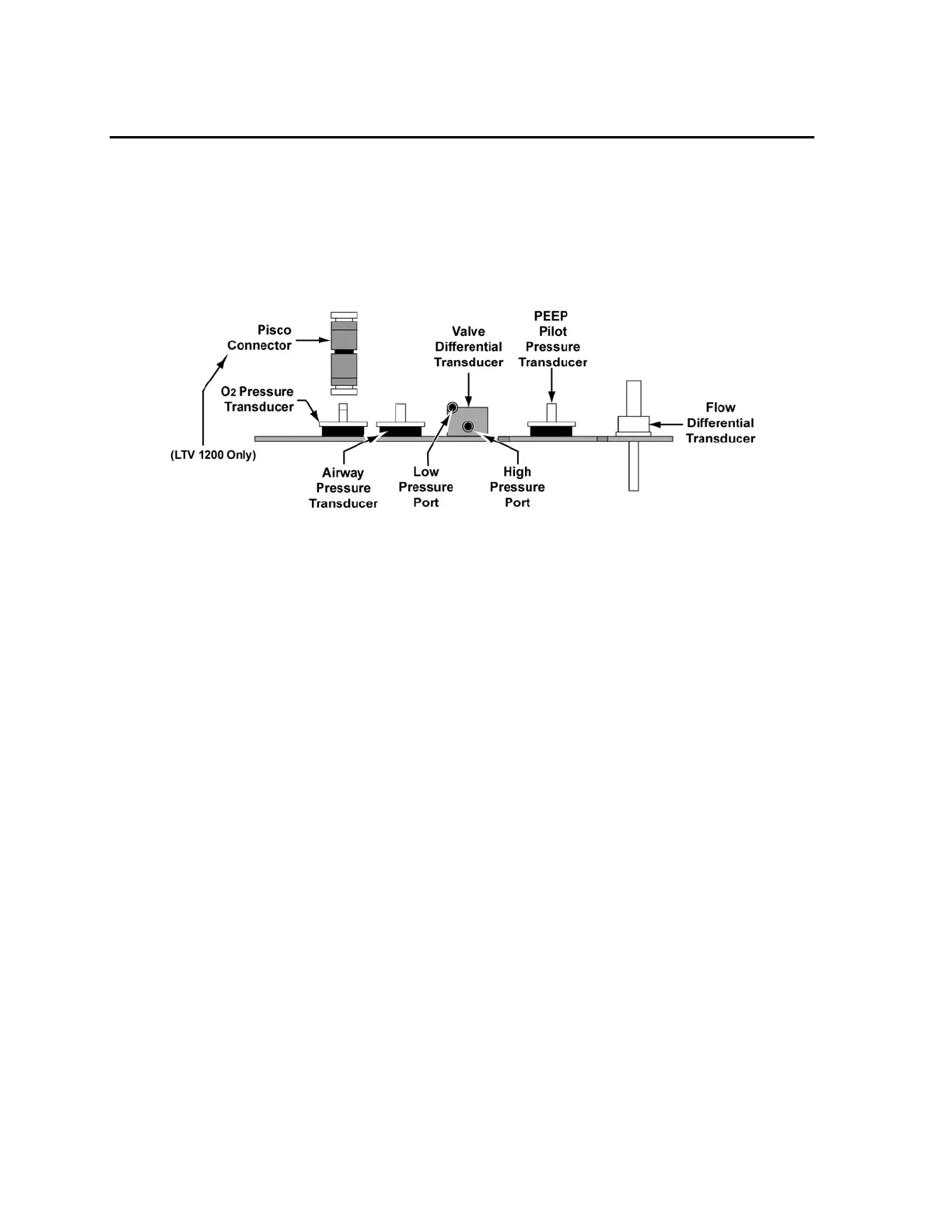
PEEP Pilot Pressure Transducer Calibration
To calibrate the PEEP Pilot Transducer:
1) Press the Select button while PPP is displayed.
PPP 30
C
M
H
2
O is displayed.
2) Remove the tube connected to the PEEP pilot pressure transducer (PT2 on the analog
PCBA).
3) Connect an open tube from the syringe to PT2. Use a pinch clamp on the unused line
from the calibration syringe assembly to hold the pressure steady.
Increase and maintain the pressure at 30.0 ± 0.2 cmH
2
O.
Observe the numbers displayed in the Tidal Volume setting window. When the
displayed value is stable, press Select.
Record that value on the Calibration Worksheet.
PPP 0
C
M
H
2
O is displayed.
4) Disconnect the tube from the syringe to the PEEP pilot pressure transducer.
Observe the numbers displayed in the Tidal Volume setting window. When the
displayed value is stable, press Select.
Record that value on the Calibration Worksheet.
5) Reconnect the flexible tube to the pilot pressure transducer of the analog PCBA.



 To Next Page