Page 20 of 60
Diagram 2.4-15
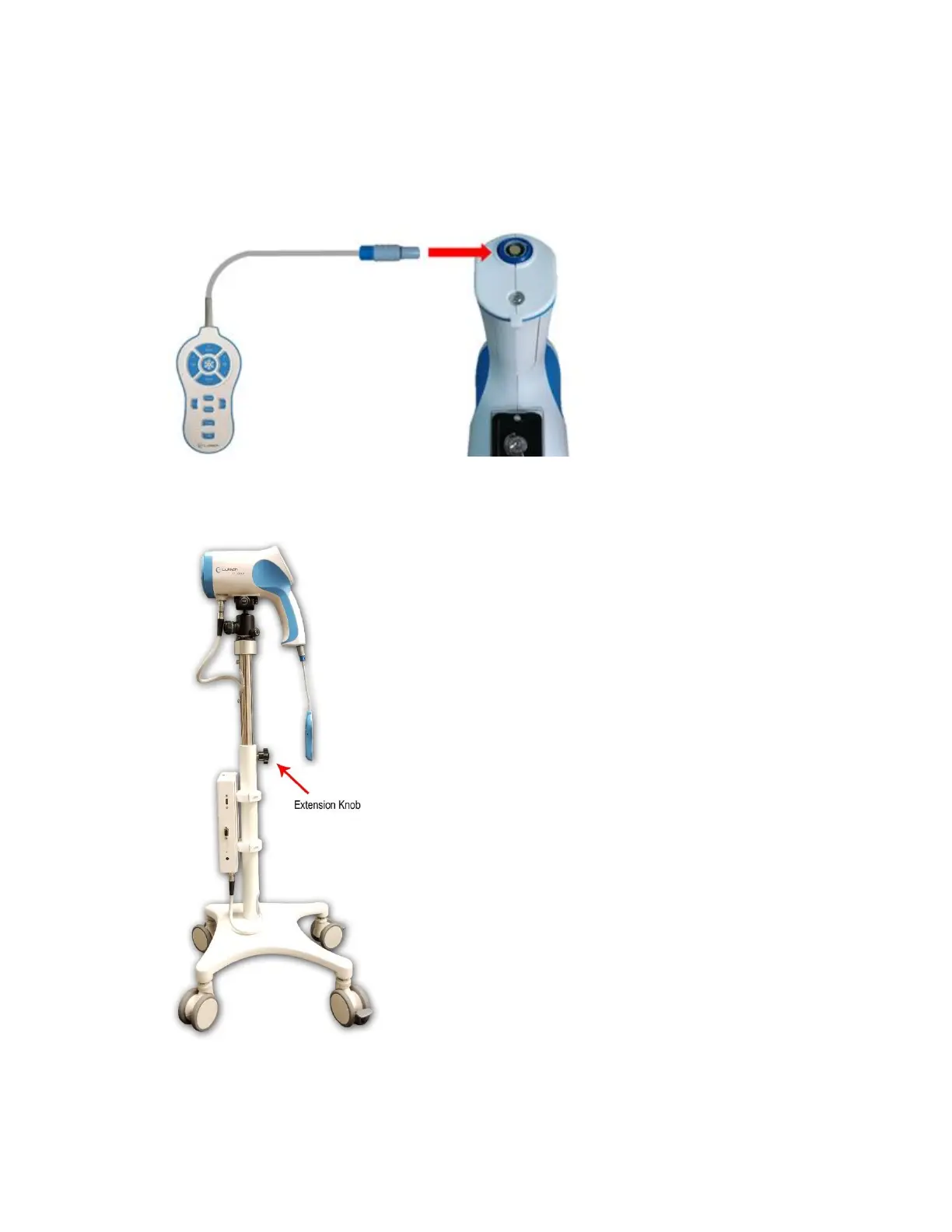
14. Plug the remote into the connector located on the bottom of the colposcope camera handle.
NOTE: There are 2 protruding bars on top of the remote cable connector. These bars will fit into the grooves
on the connector located on the bottom of the colposcope handle. Make sure to match the bars to the
grooves. The cable will plug in easily. Do not force it in.
Diagram 2.4-16
15. Use the vertical stand extension knob to adjust the colposcope to the desired height.
Diagram 2.4-17
Assembly is now complete.



 To Next Page