LX 10k
Advanced operation
Document name: LX 10KUM
Document revision: R1
• Export task - Task will be expor ted to your external microSD card in a .cup file format,
containg only the task, without any additional turnpoints, enabling easy sharing between
devices.
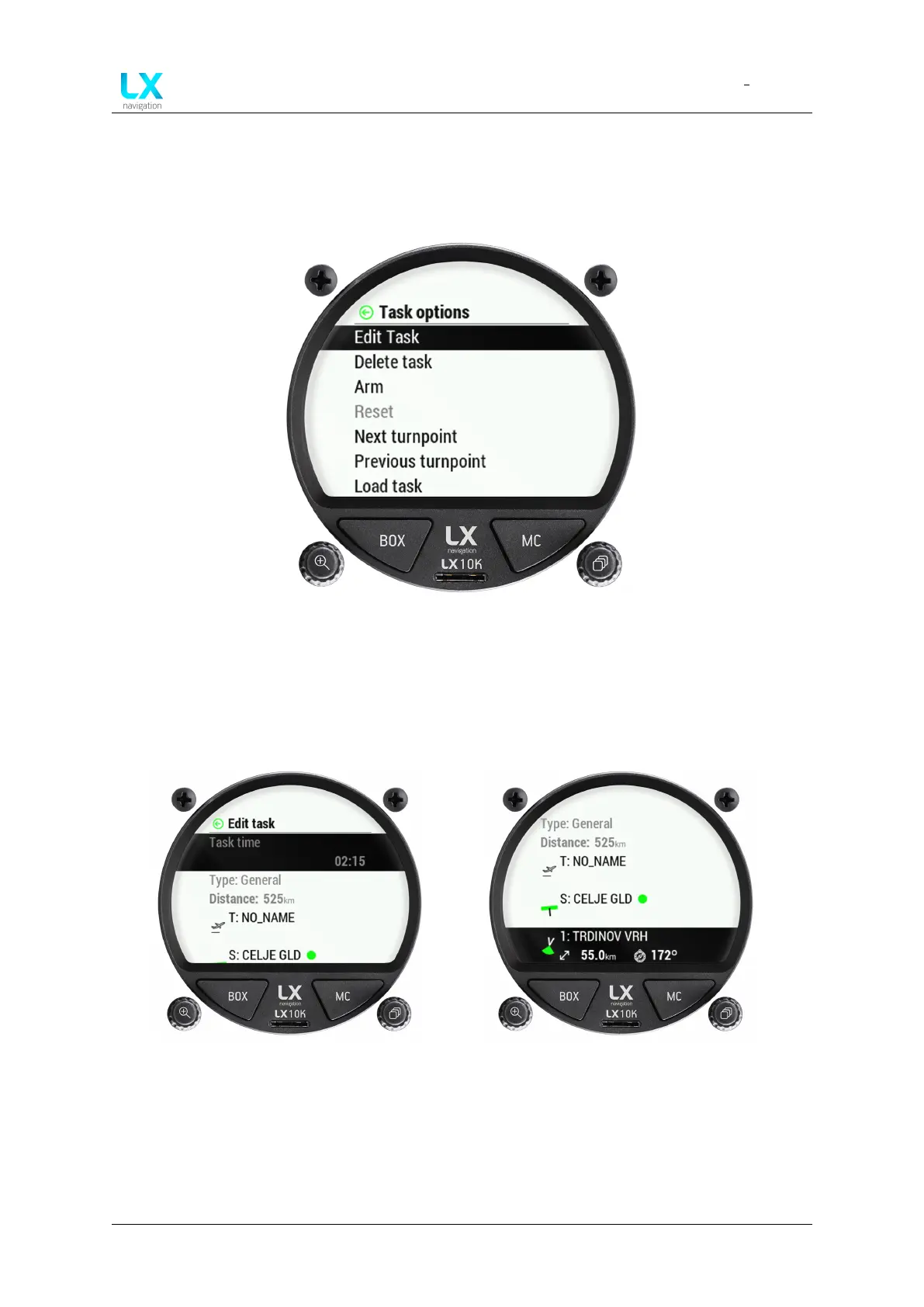
Figure 26. Task options sub-page
Pressing the right push-rotary knob will open the ’Edit task’ sub-page. This sub-page
is used for selecting task points, setting the task time and turnpoint sectors. The selection
of turnpoints and airports works in the same way as described in the previous two sub-sections.
Figure 27. Edit task sub-page 1 Figure 28. Edit task sub-page 2
In this sub-page, we can see the task time (if set, the task type will be set to AAT), calculated
distance between sector centres and a list of turnpoints used in the following order:
• Take-off (T) - Does not have to be set, is not taken into account for navigation, can not
be deleted
Device manual Public 32



 To Next Page