LX 10k
Device setup
Document name: LX 10KUM
Document revision: R1
5.2.5 Transfer
The Transfer sub-menu setup page holds all microSD transfer related options. In this setup
page, we will see how to transfer database files, load tasks and FlarmNET files.
WARNING
LX navigation provides database files on an informative level and can in no way
be held accountable implicitly, or otherwise, for and damage, be it material,
personal or other, that may occur due to the use of this device. It is the pilot’s
responsibility to abide to all rules of air safety and to utilize good airmanship
practice. In this sense, the information provided by the LX 10k is of an
informative nature only and should be taken with reserve. No guarantees are
made on the accuracy of information found in databases released by LX
navigation.
WARNING
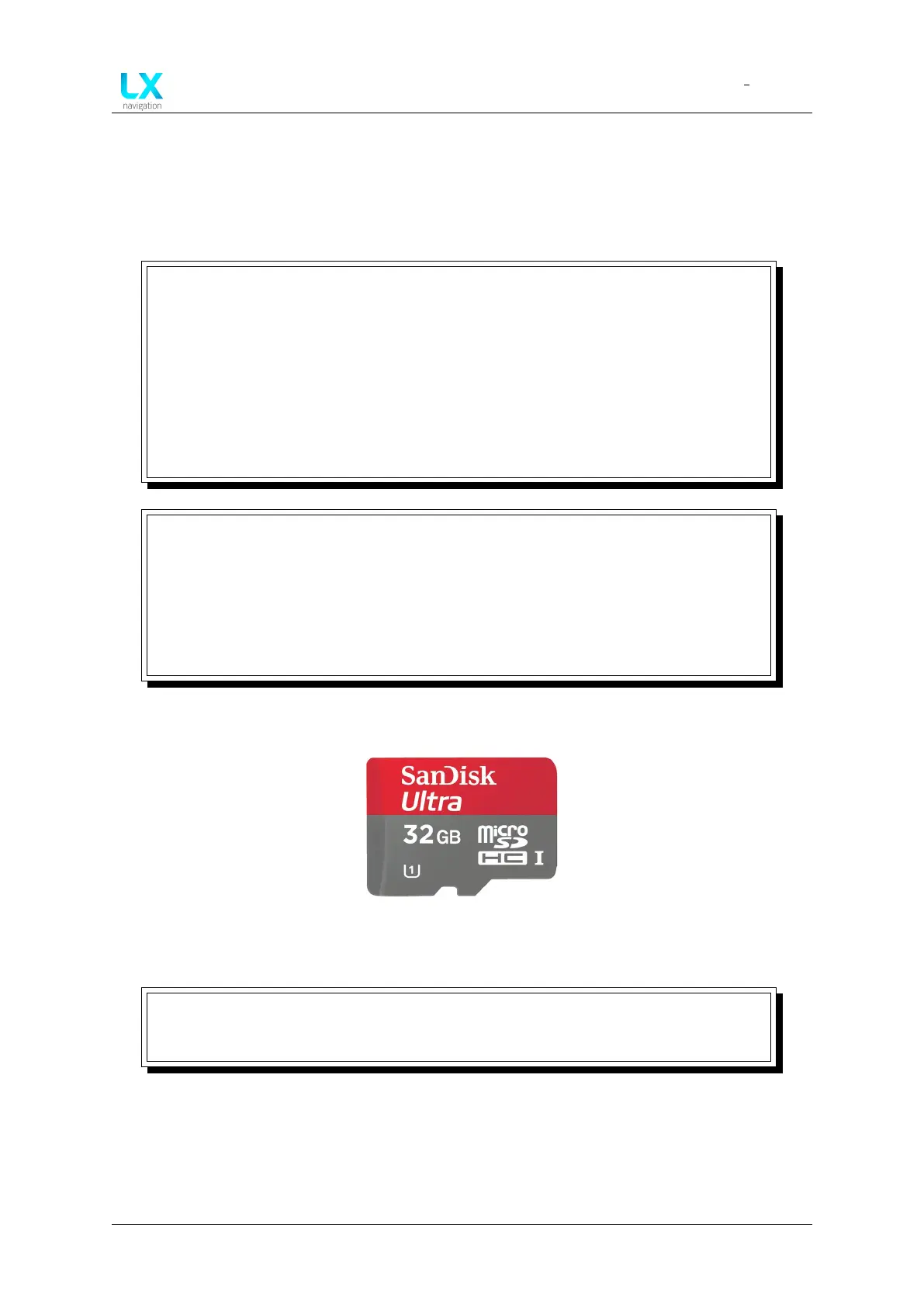
It is important to note, that some microSD cards of lower quality may cause
issues and not be read by the LX 10k. This is why we strongly recommend you
use the supplied SanDisk Ultra red/grey micro SD card, supplied with the device,
as depicted on the figure below. The microSD card should be formatted to the
FAT32 file system. Cards of up to 32 GB of memory were successfully tested on
the LX 10k.
Figure 75. The correct type of microSD
NOTE
Pilot must be careful to not exceed the file size of 750 kB, except “FlarmNET” file
can be max. 5 MB.
Device manual Public 70



 To Next Page