LX 10k
Advanced operation
Document name: LX 10KUM
Document revision: R1
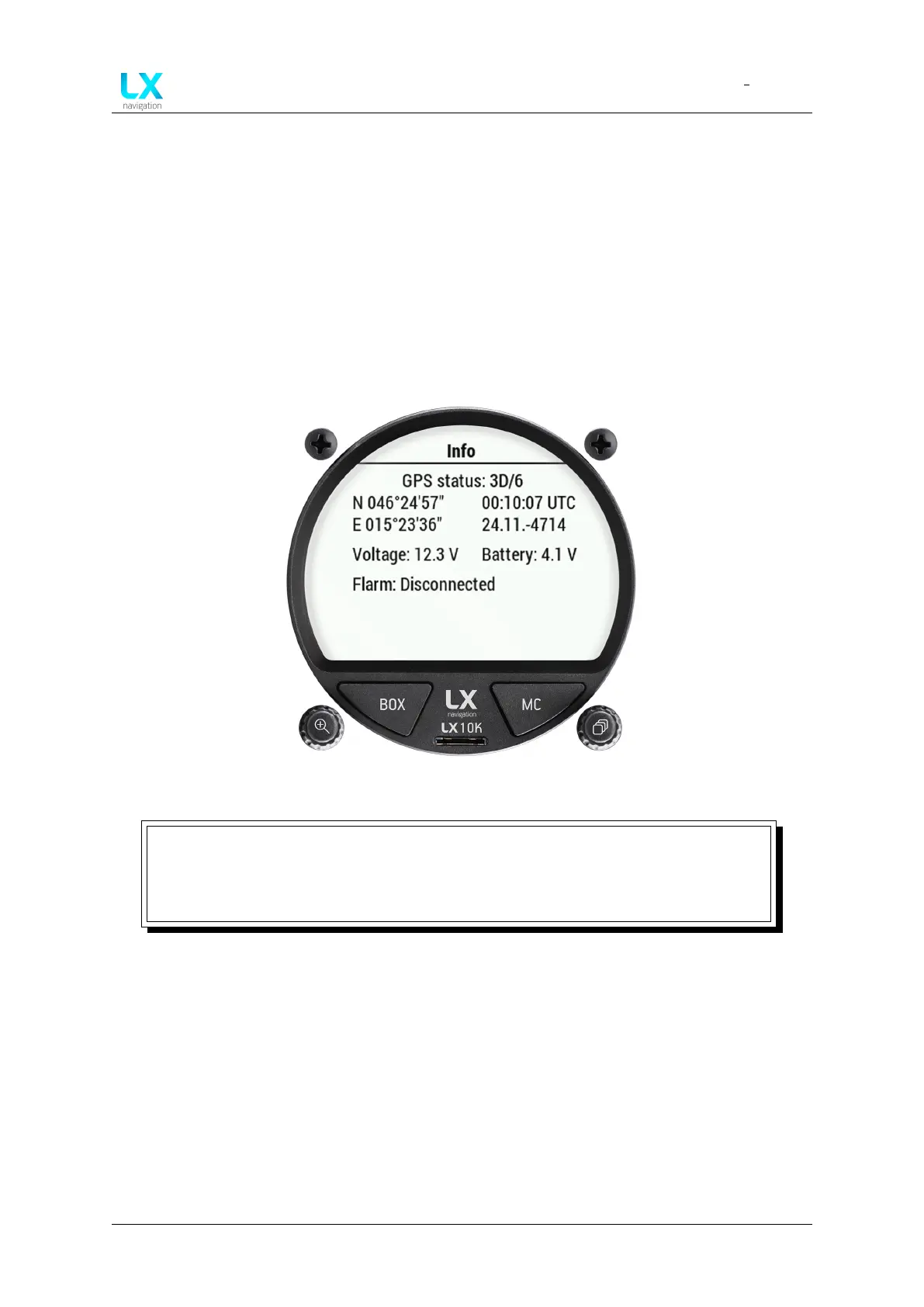
4.6 Info page
The info page shows the current GPS status and additional info, received from the GPS, like
the GPS location, UTC time and date.
The device shows the battery voltage of both the LX 10k’s internal battery and the external
(airplane) battery.
Lastly, the page shows the Flarm connection status, and Flarm device ID, if a Flarm device is
connected.
Figure 45. Info page overview
NOTE
The event function can be triggered by pressing the right push-rotary knob, while
on this page. The activation of the Event function will be accompanied by a
notification box, as depicted by Fig. 73.
Device manual Public 47



 To Next Page