LX 10k
Device setup
Document name: LX 10KUM
Document revision: R1
5.1.8 Warnings
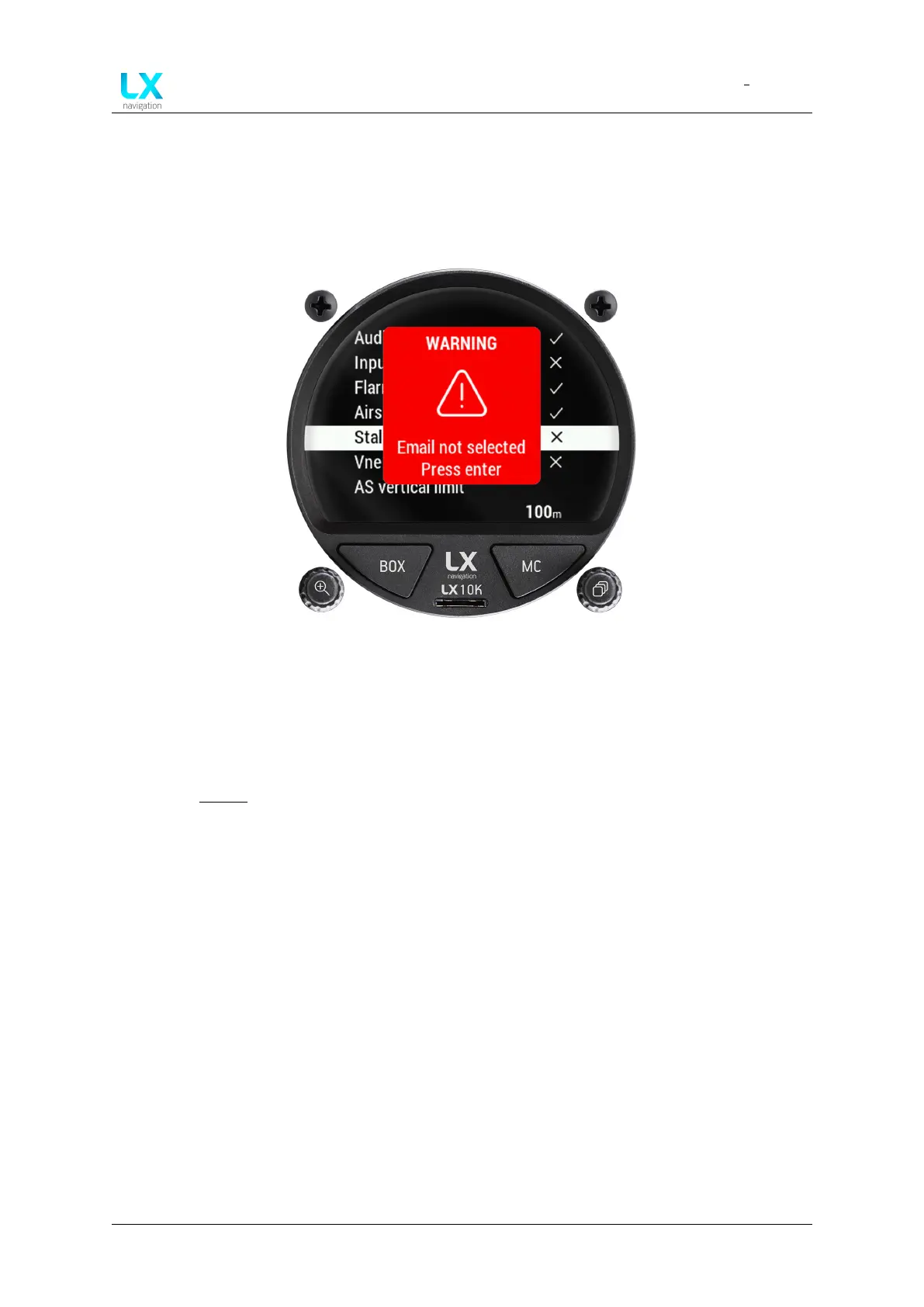
The Warnings setup sub-menu gives the pilot an overview of which warnings are available. In
the case of this sub-menu, warnings refer to a warning, that is given by the LX 10k to the pilot
in the shape of a red square as shown with the picture below:
Figure 72. A warning screen
The following warnings are available:
• Audio - whether or not to play audio warnings in general
• Inputs - inputs warnings include all warnings that depend on an external input, as depicted
in the Inputs section of this manual
• Flarm - display warnings sent by Flarm devices
• Airspace - display warnings concerning airspace infringements
• Stall - display stall speed warning
• Vne - display V
N E
speed warning
• AS vertical limit - set vertical distance from airspace when the warning is shown
• AS horizontal limit - set horizontal distance from airspace when the warning is shown
• AS button value - set time value, how long an airspace warning for a par ticular airspace
will be muted for
• Max. altitude - set a maximum altitude warning
5.1.9 Logger
The Logger setup sub-menu holds all IGC logging - relevant settings. The Event function is an
IGC mandatory function which, for a set period of time, changes the logging interval from the
regular ’Interval’ value, to the ’Event interval’ value, which is usually more frequent and writes a
special line in the .igc file.
Device manual Public 64



 To Next Page