LX 10k
Device setup
Document name: LX 10KUM
Document revision: R1
In the past, the event function was used because less internal memory was available for flight
logging and consequently less frequent logging intervals were set as standard (5s). When
the event button was triggered, the logging changed to the ’Event interval’, thus ensuring your
ticking of the sector was captured with a high enough resolution.
In present times, event buttons are frequently used in new types of competitions starts, where
the pilot marks his intention on actually crossing the line.
The moment at which the Event button is pressed is captured in the .igc flight with an event sen-
tence, which is why it is useful for all kinds of tests, when we wish to mark a certain point in time.
The following options are available in the Logger sub-menu setup:
• Interval
• Event interval
• Event fixes
• Start speed
The Start speed sets the IAS at which logging will begin, as depicted in Flight mode section.
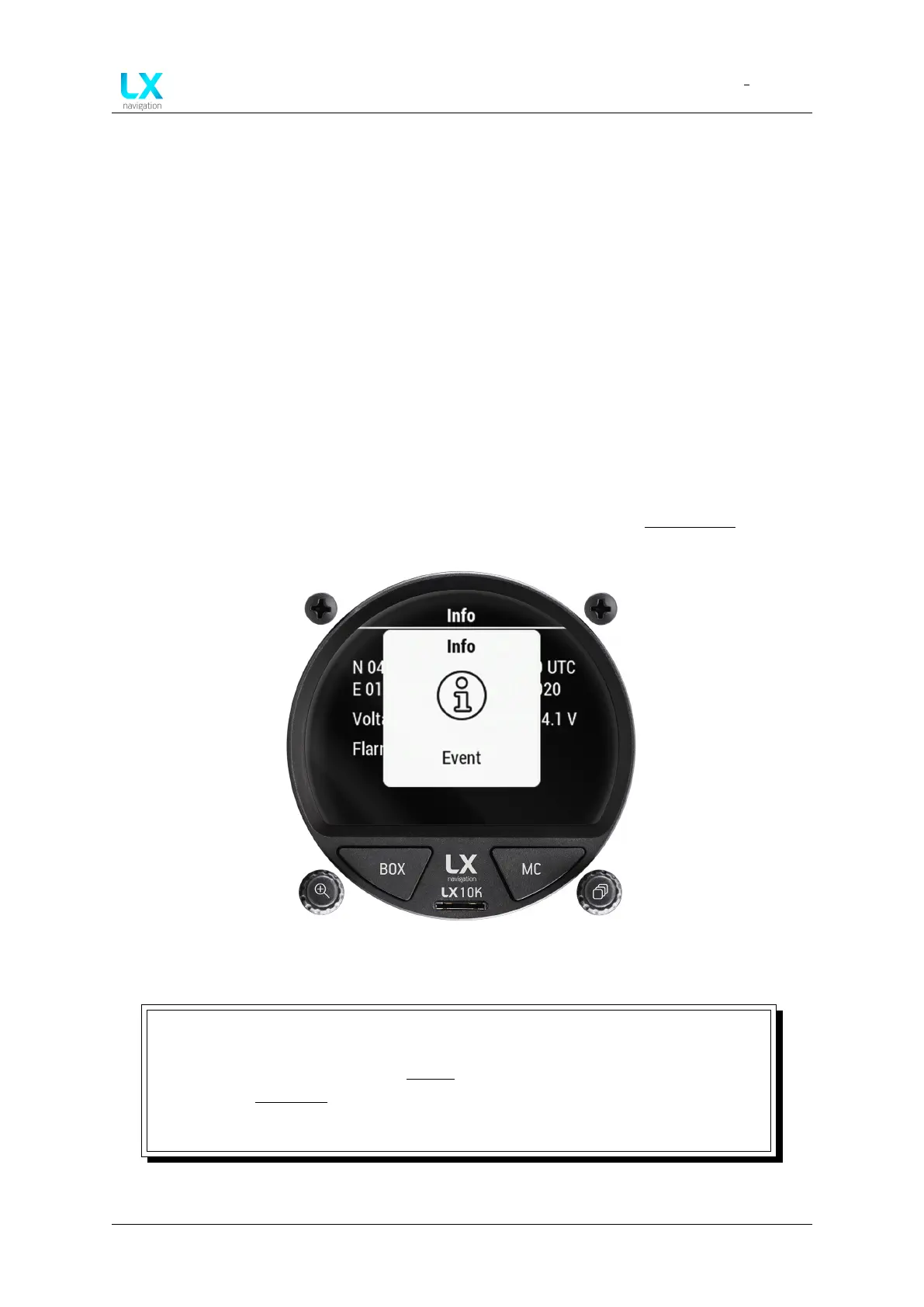
Figure 73. Event info box
NOTE
The event function can be triggered in two ways. Firstly, by having a dedicated
external button connected to the Inputs interface and pressing it, or secondly, by
going to the Info page page and pressing the right push-rotary knob. Either way,
the activation of the Event function will be accompanied by a notification box, as
depicted by Fig. 73.
Device manual Public 65



 To Next Page