LX 10k
Device setup
Document name: LX 10KUM
Document revision: R1
5.1.7.5 Theme
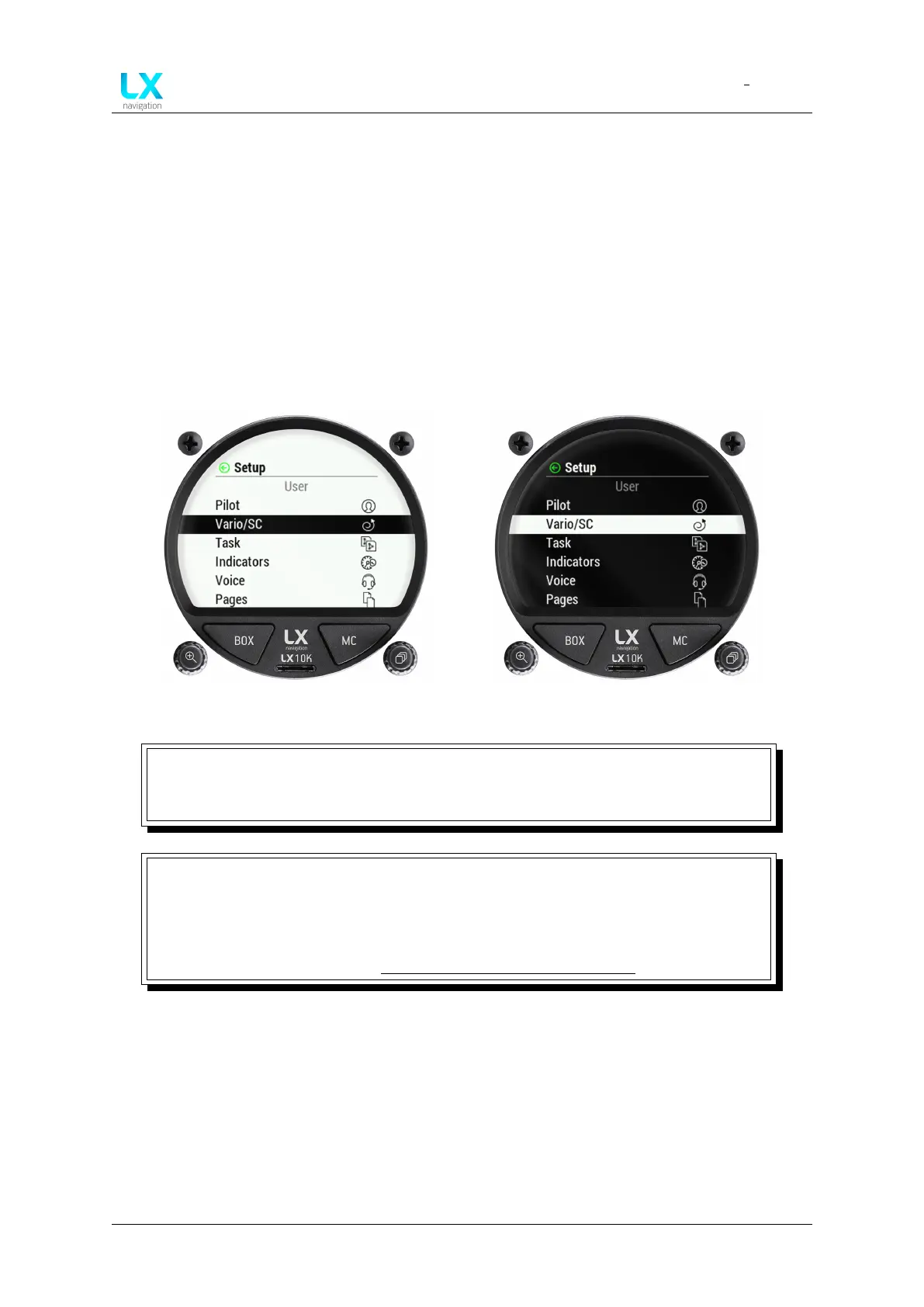
The Theme sub-menu offer the pilot to choose between 4 themes. The LX 10k features has
two areas for themes - the vario scale and the internal part (everything inside of the vario
scale). For each of these two a white or black option is available, giving us four combinations.
The first colour indicates the colour of the central part of the display, and the second colour
indicates the digital needle part of the display:
• Black panel
• White panel
Figure 70. White panel Figure 71. Black panel
WARNING
Changing the theme will cause the unit to instantly restart. Changing the theme
in flight is not possible, due to this reason.
NOTE
Experience has shown that in high sunlight conditions, the ’White panel’ colour
theme is most visible, while the ’Black panel’ colour theme is least straining for the
eyes in low light conditions. Of course, sometimes it is just a matter of taste,
which means De gustibus non est disputandum.
Device manual Public 63



 To Next Page