LX 10k
Advanced operation
Document name: LX 10KUM
Document revision: R1
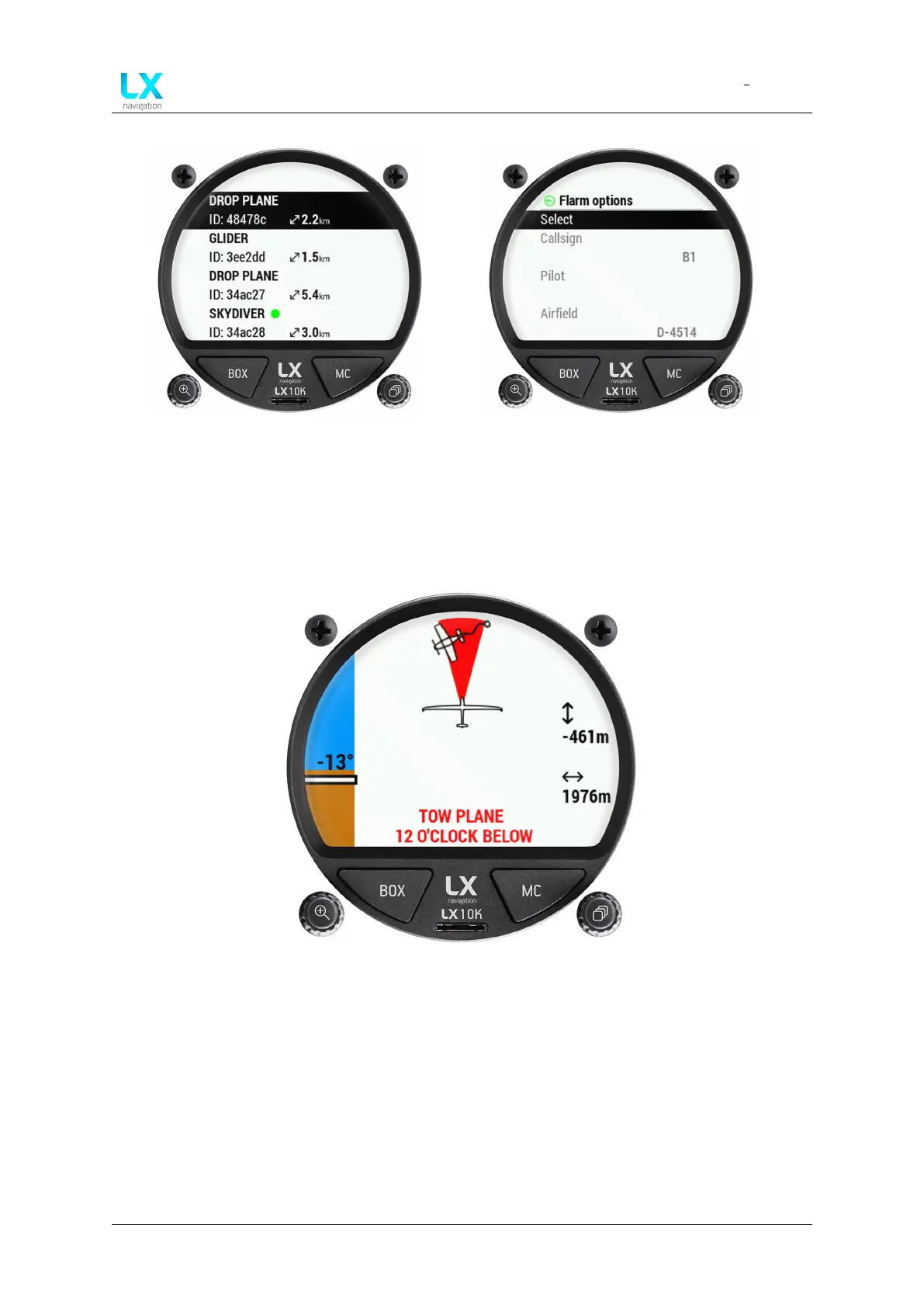
Figure 38. List of visible Flarm objects Figure 39. Additional options for objects
An important safety feature of the LX 10k is the Flarm warning page. This page pops-up
whenever the Flarm device sends a warning sentence, regardless of the menu, page or setup
you’re currently in.
Figure 40. Flarm warning page
The Flarm warning screen shows the type of object the Flarm is warning you about, from the list
of supported Flarm objects (Skydiver shown on figure). It’s relative direction to your heading,
relative altitude and distance, as well as an angle from the horizon, with the blue/brown scale
on the left side of the screen. The relative direction of the object is also written in word with
SKYDIVER 12 O’CLOCK ABOVE.
Device manual Public 41



 To Next Page