LX 10k
Advanced operation
Document name: LX 10KUM
Document revision: R1
NOTE
Once the LX 10k determines that you are not in flight, it will start the 5 minute
countdown to finishing your flight. Once the countdown has finished, it will
calculate the security and save the .igc file to its internal memory.
The conditions for finishing a flight are:
• GPS lock
• Ground speed less than 10 m/s
• Indiacted airspeed less than 10 m/s
• Altitude less than 3000 m QNH
NOTE
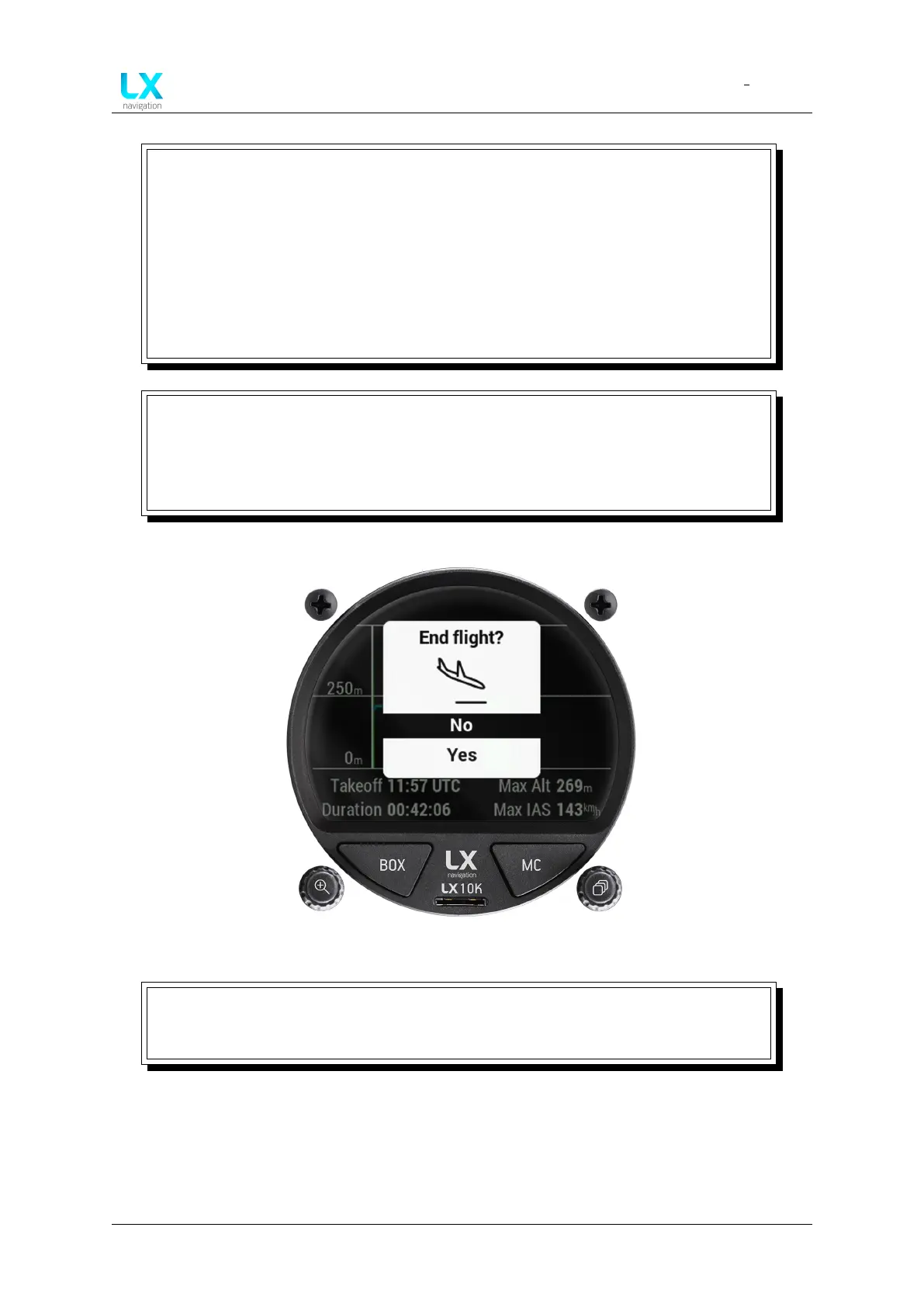
If you wish to forcefully finish a flight, prior to the LX 10k starting the finish
procedure, you can do this by going to the ’Flight statistics’ page and pressing the
right push-rotary knob and confirming the ’End flight?’ question, as shown in figure
54.
Figure 50. ’End flight?’ dialog box
WARNING
If the LX 10k turns off due to both the internal and external power supply being
drained, the IGC flight might not get the IGC seal.
Device manual Public 50



 To Next Page