PRE-DELIVERY CHECKS
169001 Revision E
50
I. KNIFE
a. Check guards for signs of heating during run-up
due to insufficient clearance between guard and
sickle.
b. If heating is evident, proceed as follows:
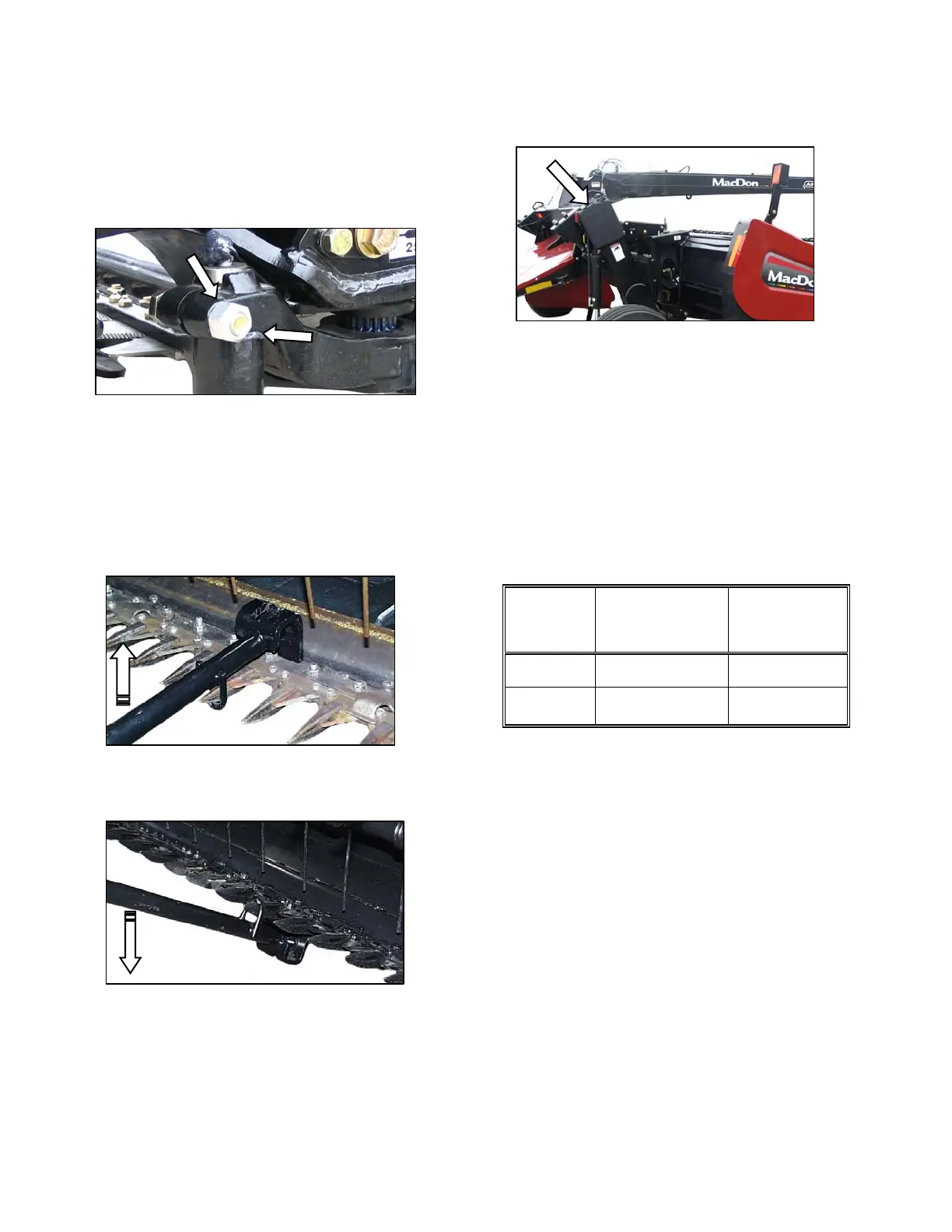
1. Check gap between knife head and pitman
arm. A business card should slide easily
through the gap. If not, then adjust gap by
loosening bolt, and tapping knife head with a
hammer. Re-tighten bolt.
2. Adjust guard alignment as follows: The
guard straightening tool (MD# 140135) is
available from your MacDon Dealer:
i. Position tool as shown, and pull up.
ii. Position tool as shown, and push down.
J. MANUALS
a. The following manuals should be stored in the
manual storage case on the RH end of the
carrier frame.
o A30-S and A30-D Pull-Type Mower
Conditioners, A30-S, and A40-D Self-
Propelled Windrower Headers
PARTS CATALOG. See table below for
manual number for your model.
o A30-S and A30-D Pull-Type Mower
Conditioners, A30-S, and A40-D Self-
Propelled Auger Headers
OPERATOR’S MANUAL. See table below
for manual number for your model.
HEADER
OPERATOR’S
MANUAL PART
NUMBER
PARTS
CATALOG
PART NUMBER
MacDon 169000 169002
Premier 169040 169073
b. This manual should be kept for future reference.
c. The yellow Checklist should be retained by
either the Dealer or the Operator.
DOWNWARD ADJUSTMENT
UPWARD ADJUSTMENT



 To Next Page