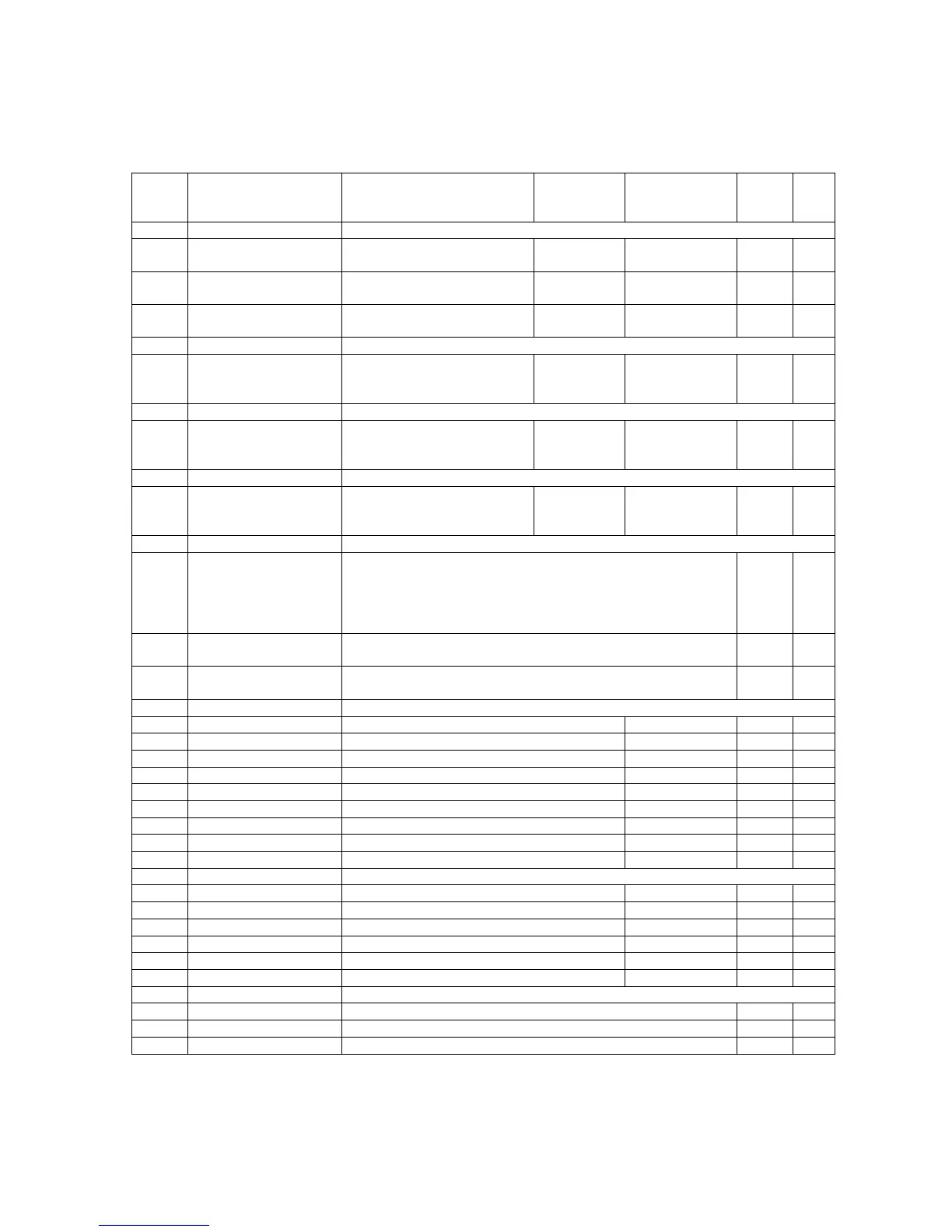
Quattro DC Utility U0 Menu
89
Utility U0 menu
U0 Parameter Description Default Choices
Hidden
Item
Run
lock
out
U1 PASSWORD For more information, see PASSWORD on page 90.
ENTER PASSWORD
Allows the user to enter in a
password
012345 N N
NEW PASSWORD
Used to change the
established password
N N
PASSWORD
LOCKOUT
Used to enable and disable
password lockout
DISABLED
disabled
enabled
N N
U2 HIDDEN ITEMS For more information, see HIDDEN ITEMS on page 90.
HIDDEN ITEMS
Selects if the “hidden”
parameters will be displayed
on the Digital Operator.
ENABLED
enabled
disabled
N N
U3 UNITS For more information, see UNITS on page 90.
UNITS SELECTION
Choose either Metric units or
standard English
measurements units
ENGLISH
english
metric
N Y
U4 OVRSPEED TEST For more information, see OVERSPEED TEST on page 90.
OVERSPEED TEST?
Allows for Overspeed Test to
be enabled via the digital
operator
NO
no
yes
N Y
U5 RESTORE DFLTS For more information, see RESTORE DFLTS on page 91.
RESTORE DRIVE
DEFAULTS?
Resets all parameters in the A1, A2, A3, A4, C1, C2, C3, and
C4 Submenus. Also resets the following parameters in the A6
submenu: FLUX CONFIRM LEV, TACH VOLT SENSE, TACH
SPEED SENSE, OVLD START LEVEL, and OVLD TIME
OUT.
N Y
RESTORE MOTOR
DEFAULTS?
Resets the parameter GAIN SELECTION (A4) to its default
value.
N Y
RESTORE UTILITY
DEFAULTS
Resets the parameters in A5 submenu to default values. Also
reset GAIN SELECTION (A4).
N Y
U6 MS DRIVE INFO For more information, see MS DRIVE INFO on page 92.
MS TYPE Read Only Data N N
MS PLATFORM Read Only Data N N
FIELD MODULE Read Only Data N N
MS CODE VERSION Read Only Data N N
MS S/W DATE Read Only Data N N
MS S/W TIME Read Only Data N N
MS PIB MODULE Read Only Data N N
MS FPGA REV Read Only Data N N
MS CUBE ID Read Only Data N N
U7 LS DRIVE INFO For more information, see LS DRIVE INFO on page 94.
LS TYPE Read Only Data N N
LS CODE VERSION Read Only Data N N
LS S/W DATE Read Only Data N N
LS S/W TIME Read Only Data N N
LS FPGA REV Read Only Data N N
LS CUBE ID Read Only Data N N
U8 HEX MONITOR For more information see HEX MONITOR on page 94.
Addr1
N N
Addr2&
N N
Addr3&
N N



 To Next Page