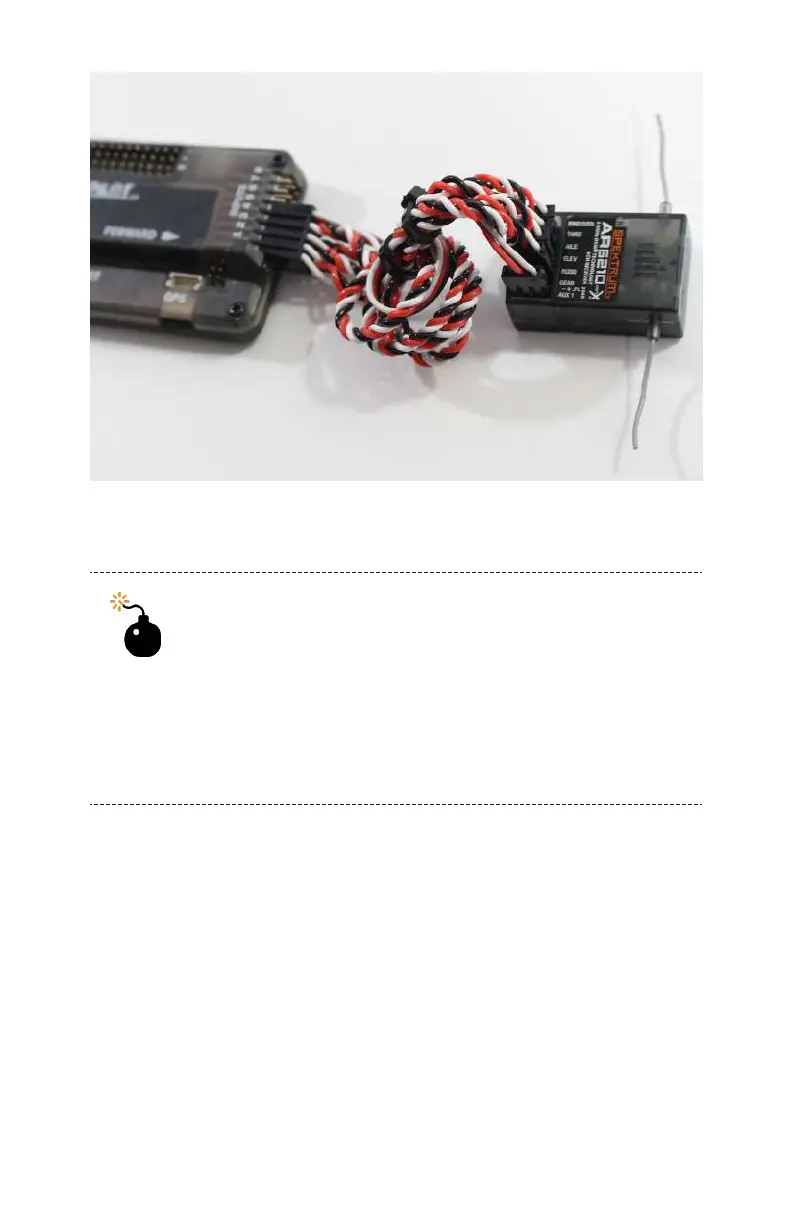
Figure 6-3. Our Spektrum receiver is plugged into the APM input
on the bench.
Which Way Is Front?
Be sure that you are mounting these components in
the correct spot. You can easily identify the front of
the frame, because it has a large cut out for the
vibration isolation mount that the camera will sit on.
Another good reminder is that the booms fold back
on the frame, not forward.
Step 2: Mount the Receiver
Use a piece of the thick foam double-sided tape to mount the
receiver somewhere on your airframe (see Figure 6-4). We rec-
ommend placing it inside the front of the frame, as this will give
you easier access to the input ports of the APM later in the
build.
Transmitter 111



 To Next Page