features we have already discussed, but most of it will be new.
Click the Config/Tuning button at the top and let’s explore
some of the options that appear in the left-hand menu.
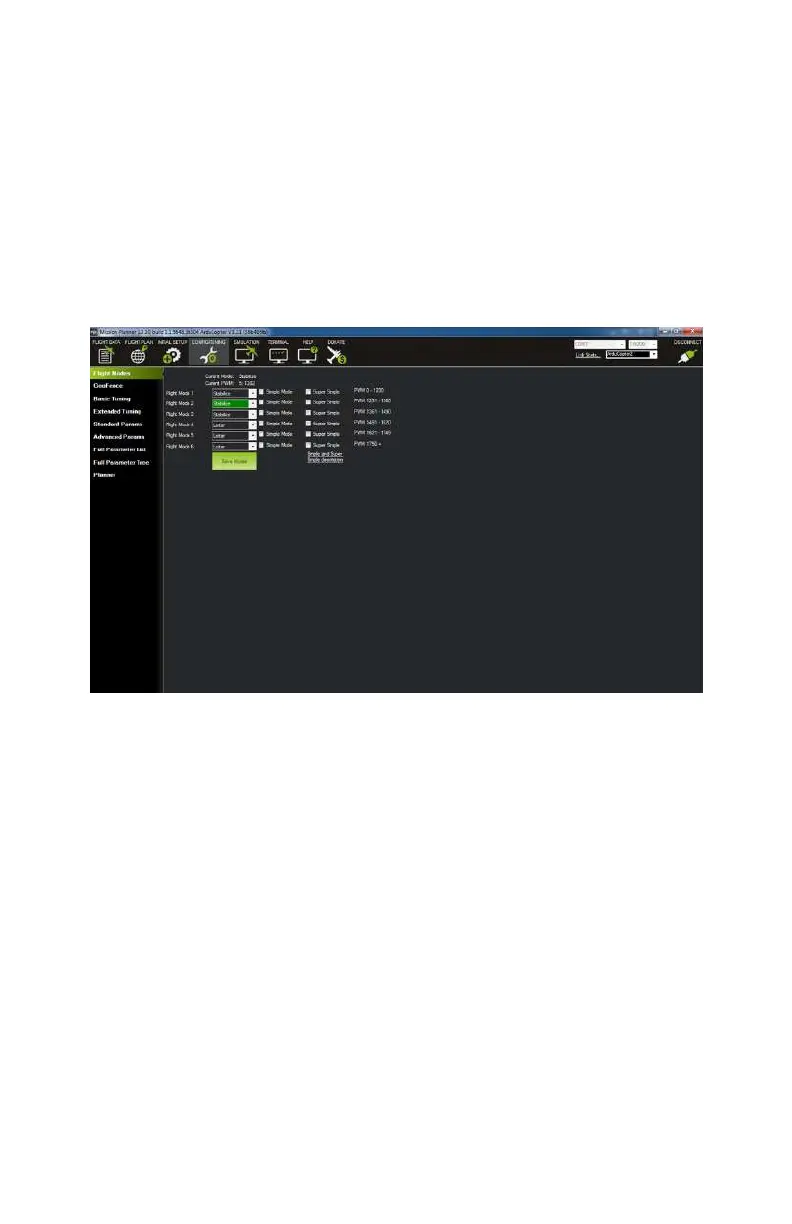
Flight Modes
This screen (see Figure 9-22) is actually identical to the Flight
Modes screen we discussed earlier in this chapter. You can use
this page to assign the
dierent flight modes to the various
switch positions on your radio transmitter.
Figure 9-22. Flight Modes screen.
Geo Fence
Geo Fence can be a pretty cool safety feature for new pilots. It
does exactly what its name implies: it sets up a virtual fence
around your
takeo point that you are not allowed to fly beyond.
Think of it as a way to keep your quad on a virtual leash!
APM will use your initial takeo location to assign a home point,
and from there the options you select on this screen will dictate
how far away you can fly and what happens if that fence is
breached. If you want to use this feature, simply check the
Enable checkbox at the top of the main application window, then
set your parameters below as you see
fit (see Figure 9-23). Keep
152 Make: Getting Started with Drones



 To Next Page