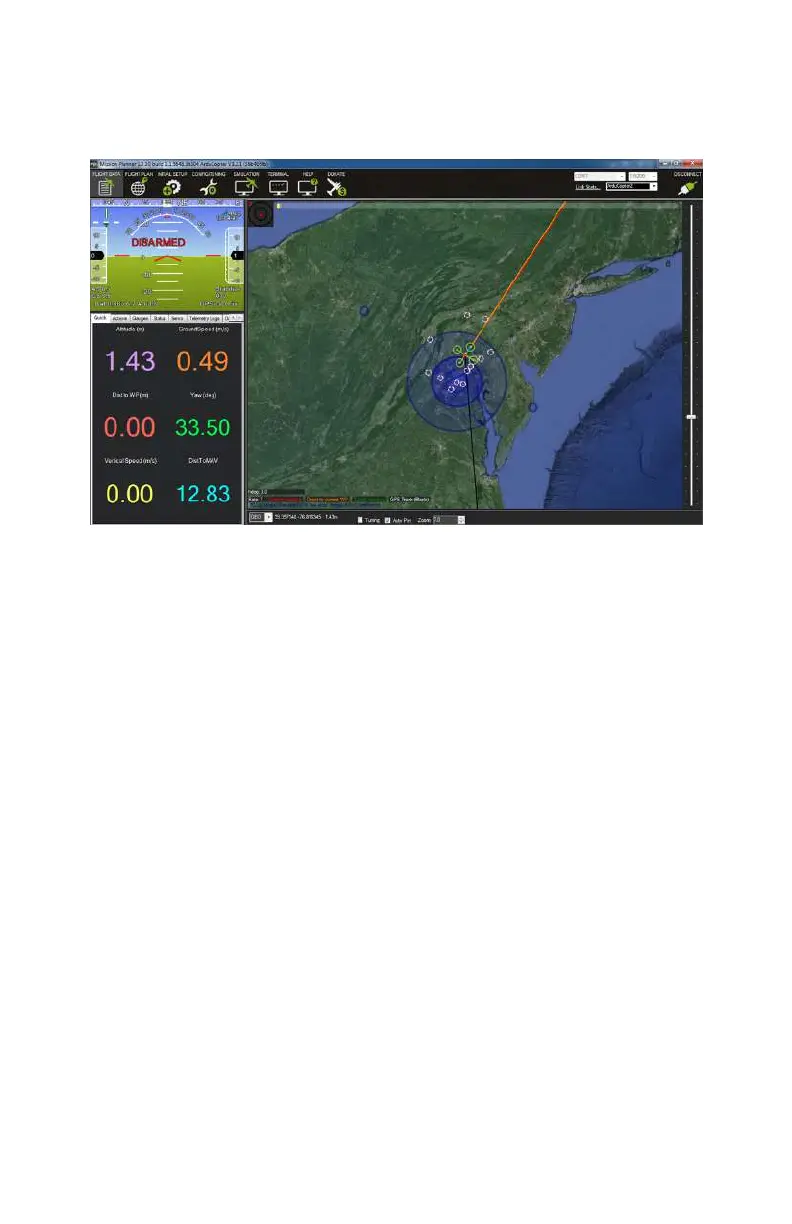
because they help you gauge things like how fast your aircraft is
flying, how far you have flown from your takeo point, and what
your current altitude is.
Figure 9-27. Flight Data screen.
Flight Plan
Finally, we will take a quick look at the Flight Plan screen, which
enables you to plan your autonomous
flights (see Figure 9-28).
At first glance, it looks very similar to our Flight Data screen
because it has the same type of map, but this map has a vast
amount of additional functionality built into it.
Everything from an entire mission to a single waypoint can be
planned from this screen. No matter what the complexity of
your mission, they are all made up of a series of waypoints that
direct the aircraft to a specific latitude, longitude, and altitude.
You will also tell the aircraft what it should do once it reaches
each waypoint—for example, you may want it to pause for 30
seconds or move directly on to the next way point—and how fast
it should
fly in order to get to that waypoint.
It is very important that you have a solid grasp on manual flight
before attempting any type of autonomous flight. Every pilot
should be able to manually take control and fly the aircraft
home in the event of a GPS or sensor failure.
ArduPilot Mega (APM) Setup 157



 To Next Page