find a complete list of all data communicated in your ground
control software manual.
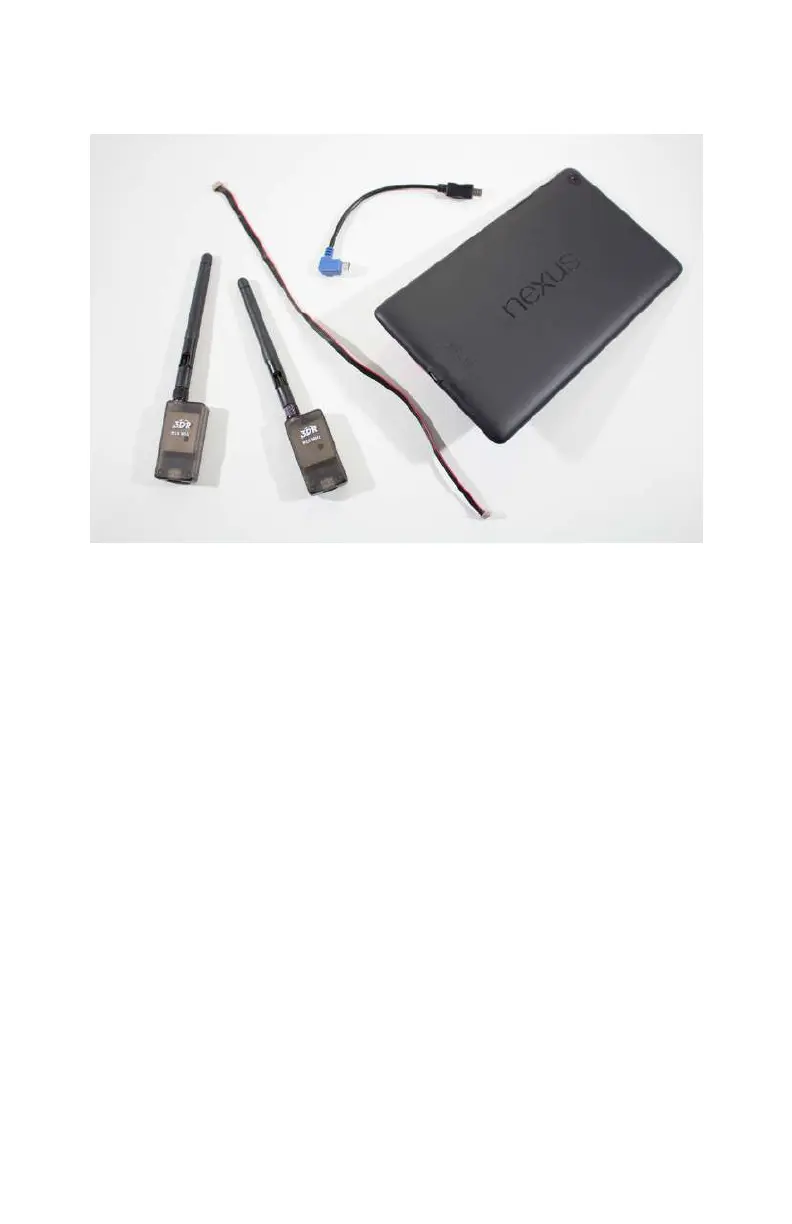
Figure 7-1. This Android tablet can be used a ground station
with the addition of telemetry radios and a free app.
Step-by-Step Build Instructions
For this portion of the build, you will need:
•
One inch of foam double sided tape
•
One inch of Velcro
•
Zip ties
Step 1: Mount the Ground Station
Radio
Your telemetry radio set will actually come with two dierent
radios. One goes on the aircraft while the other connects to your
ground control software (Figure 7-2). The ground radio can be
mounted in any number of ways; however, we ordinarily use Vel-
cro on the back of the tablet or laptop that runs the software.
This allows us to remove the radio when we’re not using the
ground control software.
116 Make: Getting Started with Drones



 To Next Page