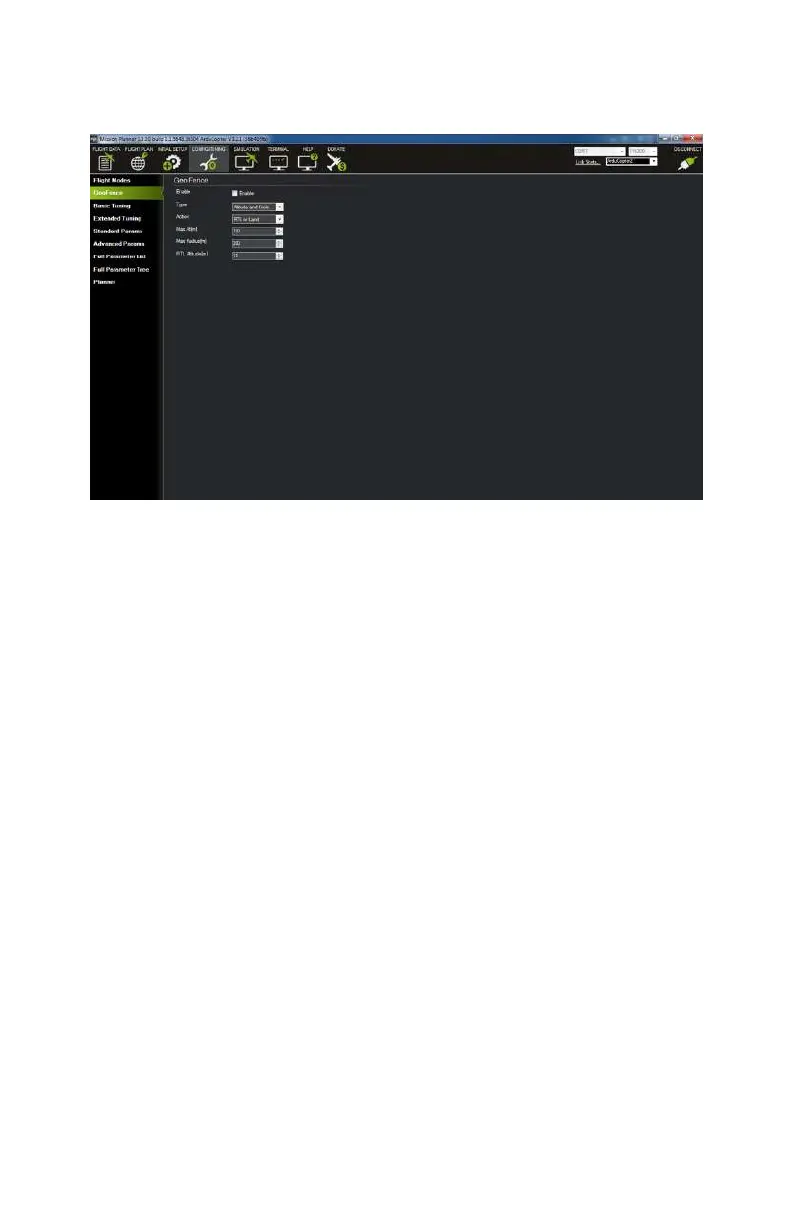
in mind that the parameters will be in the metric units, so the
numbers indicate meters, not feet.
Figure 9-23. Geo Fence screen.
Basic Tuning
If you spend any time online reading about drones, you are likely
to have heard about people tuning their copter to perform one
way or another. The idea here is that any number of
dierent
drones have dierent flight characteristics and the autopilot—
APM, in our case—needs to be tuned to match. Think of our Lit-
tle Dipper; this is obviously going to have a dierent set of char-
acteristics than a 35 lb Octocopter with a DSLR under it. Tuning
allows you to use the same autopilot in both aircraft but alter it
to work in either environment.
Basic Tuning is the entry point to tuning your APM (see
Figure 9-24). One thing that attracts people to using the APM
platform is that it has an almost endless set of parameters that
you can use to
fine-tune it for advanced functionality (most of
which will fall outside of the scope of this book). This page
allows you to set just a few that alter the “feel” of your aircraft.
You can adjust the drone response of your input from the trans-
mitter, how sensitive the drone is to autoleveling, where the air-
craft should hover in relation to the throttle input, as well as how
ArduPilot Mega (APM) Setup 153



 To Next Page