Keep a Clear Line of Communication
If you are building a kit other than the Little Dipper,
try to find a location for your receiver that is close to
your autopilot and makes it easy to maintain a clear
line of sight with your controller on the ground.
Remember that some materials such as carbon
fiber can block radio transmissions. It’s a good idea
to keep as little airframe as possible between the
receiver and the controller on the ground. If your
receiver has long antenna wires, run them out of the
frame and as low as possible to provide the best
possible reception.
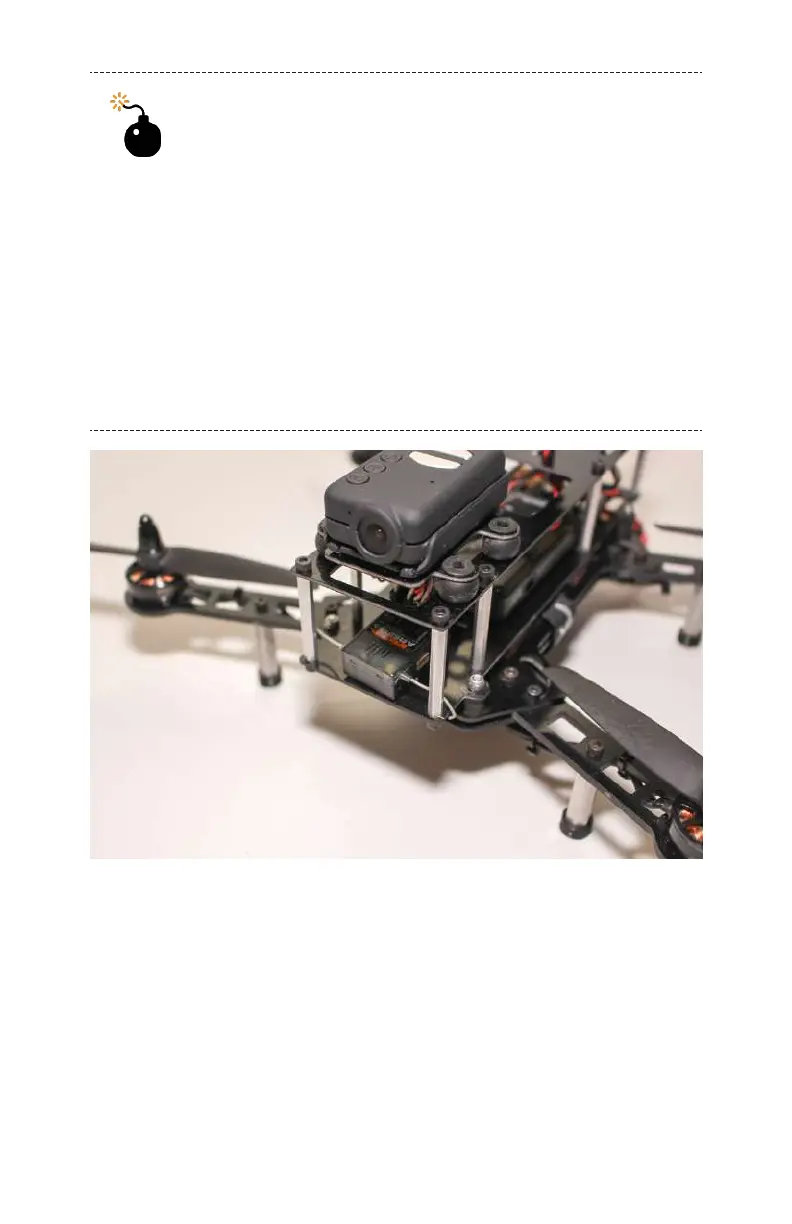
Figure 6-4. Spektrum Receiver installed in the nose of the air-
frame.
Step 3: Plug in the Receiver
Take
five short male-to-male servo wires and plug them in
according to Figure 6-5. Connect input 1 to your receiver’s roll
channel, input 2 to the pitch channel, input 3 to the throttle
112 Make: Getting Started with Drones



 To Next Page