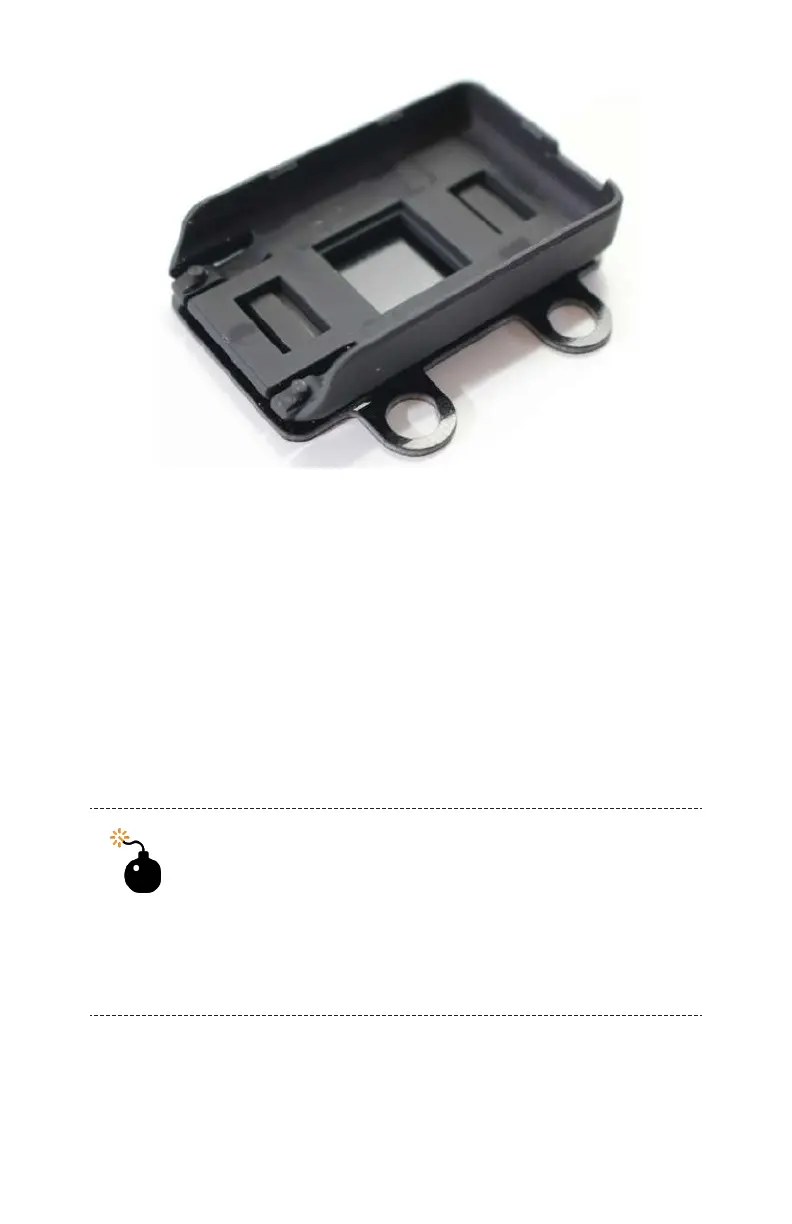
Figure 8-5. Quick-release mount after being attached to the
Vibration Isolation Plate.
Step 2: Attach the Vibration Isolation
Plate
If you haven’t done so yet, now is a good time to attach the
vibration isolation plate to the rubber ball mounts on the frame.
A quick and easy way to do this is by using a piece of thread or
unwaxed dental
floss to pull the ball mounts through the mount-
ing holes, as shown in Figure 8-6. Repeat this step for all four
rubber balls.
Are You Facing the Right Direction?
Make sure you have the camera mount facing in the
correct direction. The mount basically has three
sides with one end being open for the camera to
slide into. Make sure that the open end points
toward the front of the aircraft.
128 Make: Getting Started with Drones



 To Next Page