3-11
The locking mechanism engages to confirm attachment.
g. Carefully place holster/probe assembly on the cart’s ST docking station until you are ready to initiate
the tissue sampling procedure.
U/S Probe Only
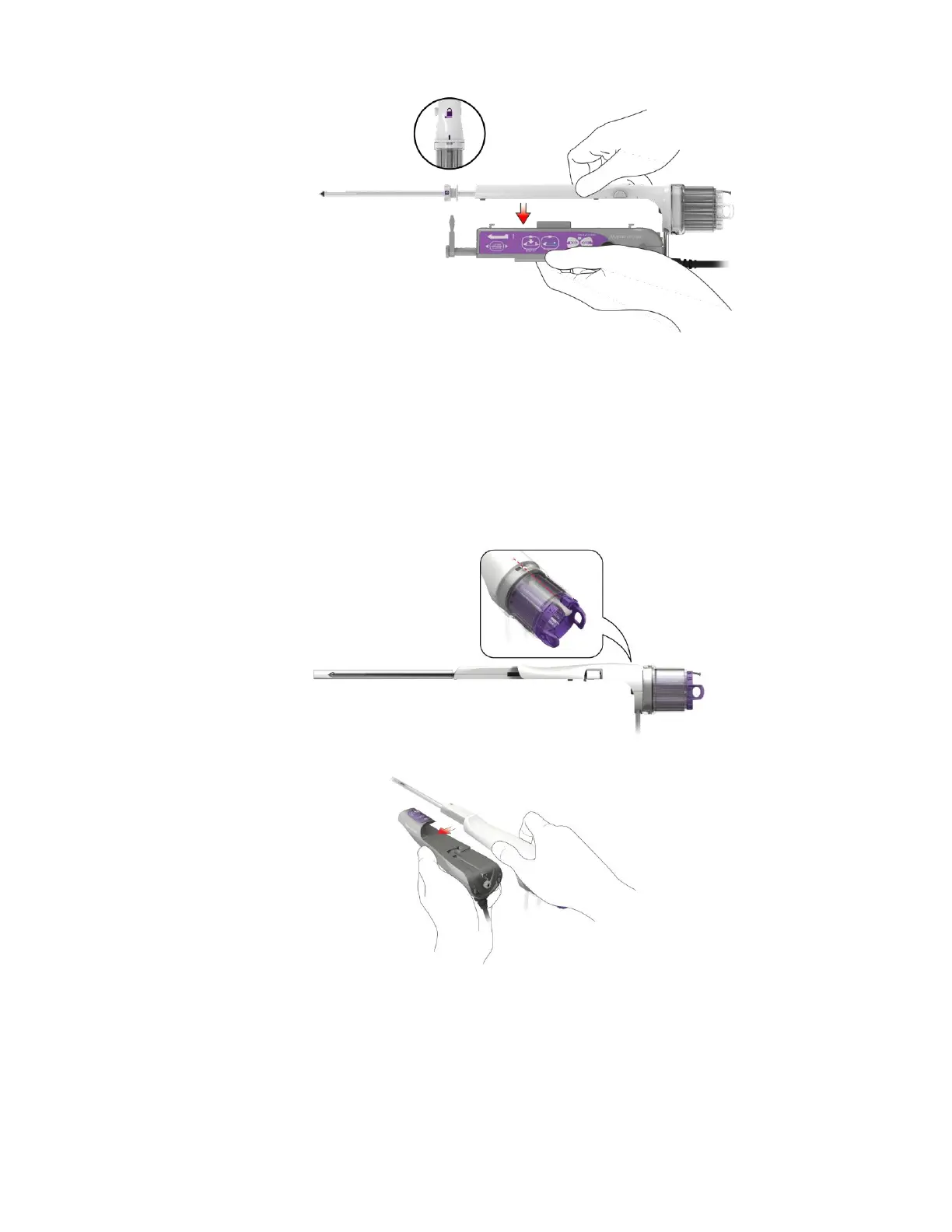
d. Before the probe is attached to the holster, ensure that the Specimen Management System’s marker
port is aligned with the alignment indicator on the probe body, as shown below. Ensure the SMS is
fully seated on the probe, and that the tissue strips are fully seated in the SMS chambers.
e. Grasp the probe and slide the end of the probe body under the holster keypad (buttons).
f. Push the probe body forward (distal) onto the holster until a click is heard, indicating the locking tab
on the probe has engaged to the holster. Do not force. Take care to avoid pinching the vacuum lines
in the holster.



 To Next Page