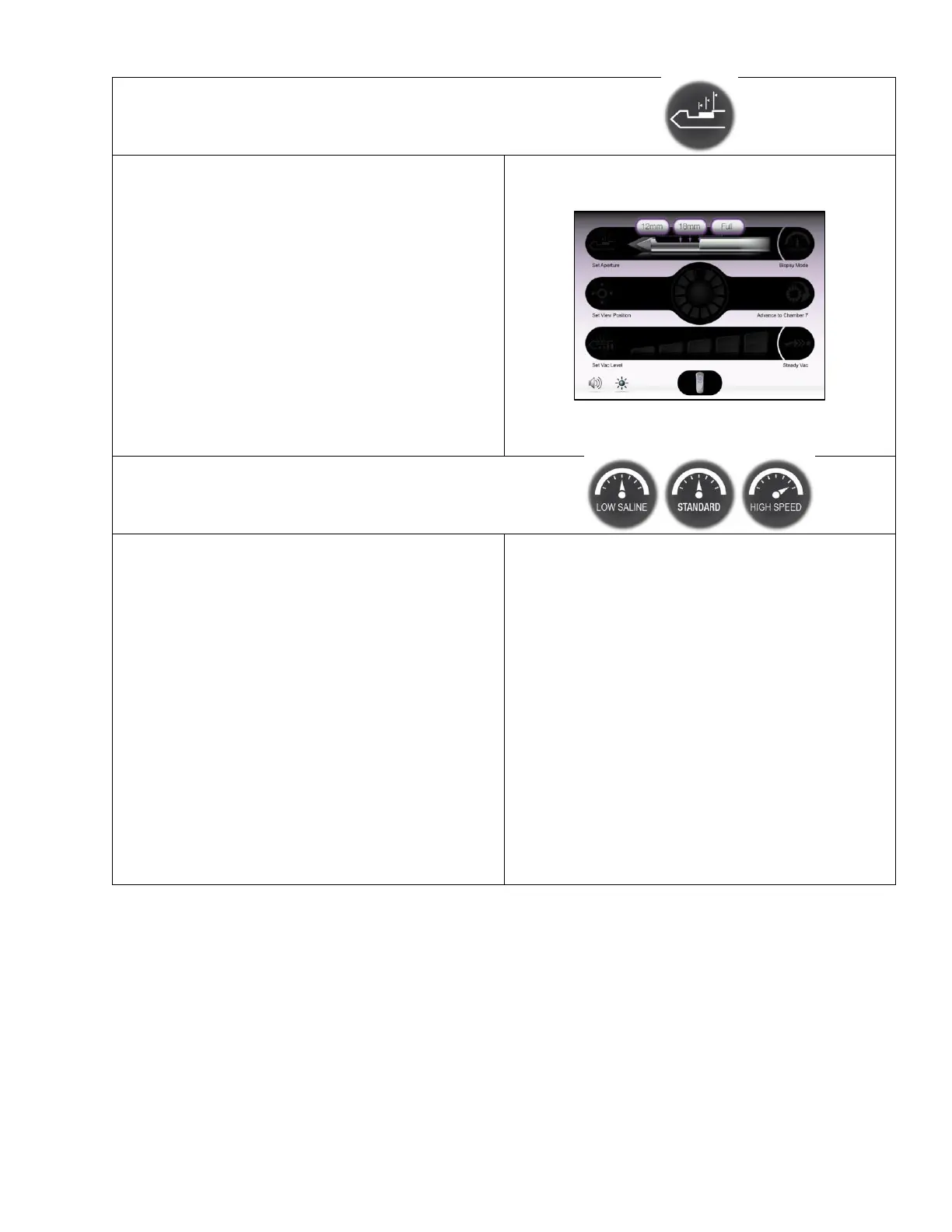
• On this Confirm Selection Screen, the user can
select one of three options for the length of the
sample aperture:
o 12mm
o 18mm
o Full aperture
• At Full aperture settings, the 8G Mammotome
revolve probe has a 23mm aperture, and the 10G
Mammotome revolve probe has a 19mm aperture.
• To adjust the setting: First, touch the “Set
Aperture” button. Then touch the desired aperture
length shown on the screen.
• Default Setting: Full Aperture
• The user can toggle through one of three options
for Biopsy Mode:
o High Speed
o Standard
o Low Saline
• This setting adjusts the speed of the cutter
rotation, translation, and vacuum dwell time at the
sample aperture, affecting how fast the system
takes a tissue sample. Standard Speed provides
consistent sampling across a range of tissue
types.
• System shutdown returns the biopsy mode to the
default setting. However, initiating a new
procedure from the standby state (i.e. not full
shutdown) retains the speed setting.
Default Setting: Standard Speed


 To Next Page
 Loading...