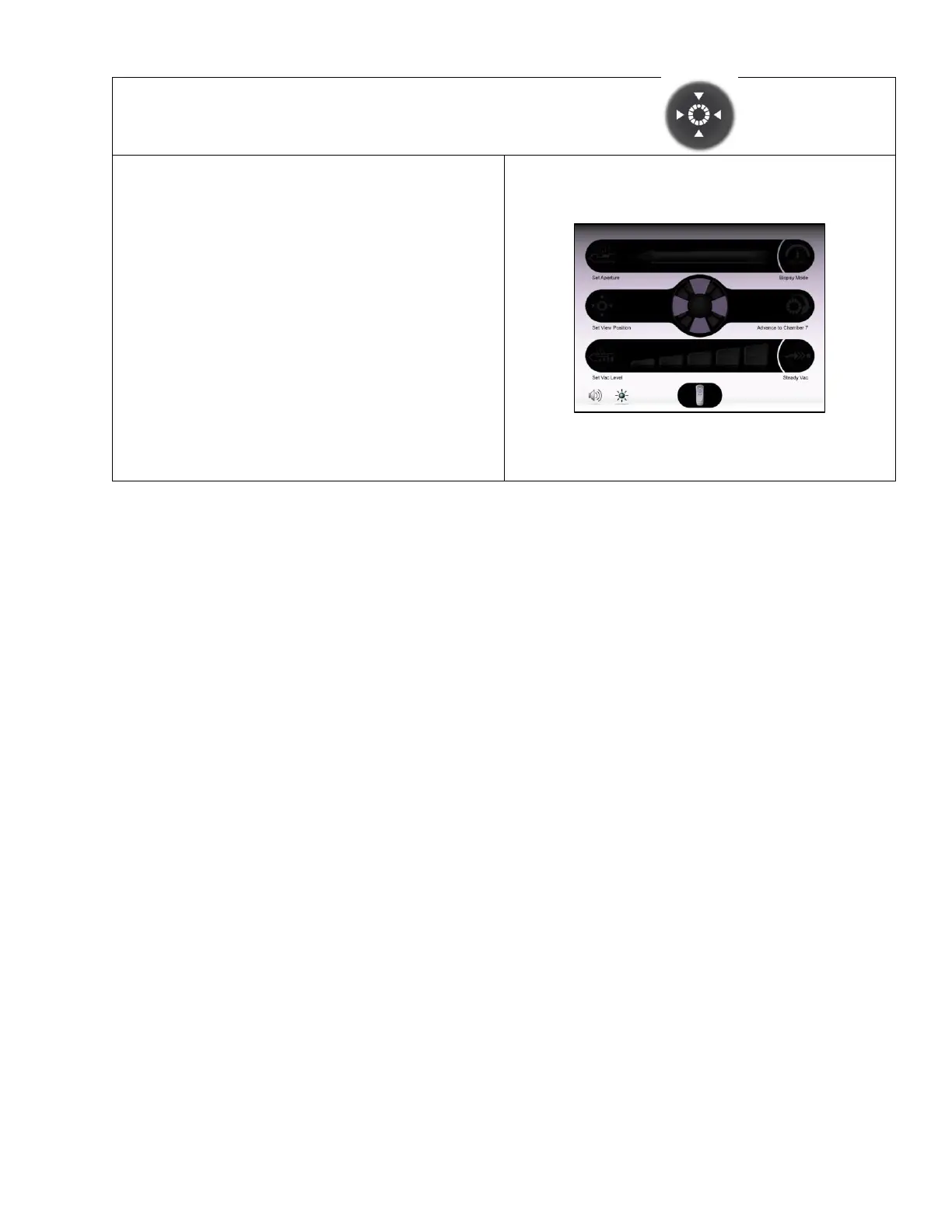
• On this Confirm Selection Screen, the user can
select from four distinct viewing locations for the
most recent tissue sample obtained to be
presented for visual inspection.
• When a tissue sample is retrieved, it is always
deposited into the “top” viewing position first (in
line with the alignment indicator on the probe). If
an alternate viewing position has been selected,
the chambers then rotate to present the specimen
to the user in the selected location.
• To adjust the setting: First, touch the “Set View
Position” button. Then, touch the desired position
setting that is available on the screen.
Default Setting: Aligned with Alignment Indicator on
Probe Body.



 To Next Page