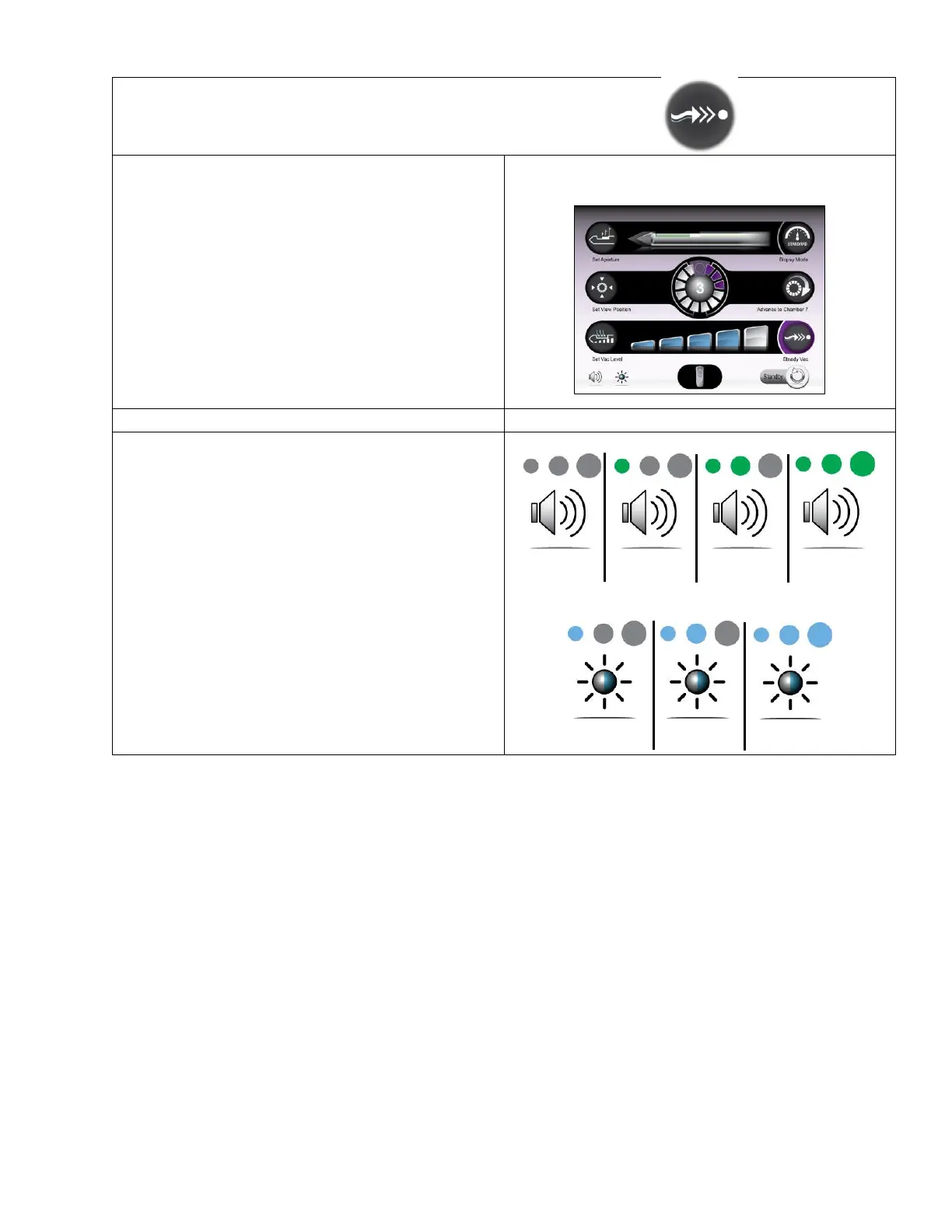
• This setting directs the system to apply a
continuous and low-level vacuum to keep the
biopsy cavity, probe, and tubing clear, to minimize
clogging and incidence of hematoma at the biopsy
cavity.
• Press the touchscreen icon once to turn the
function on. Press again to turn it off.
Pressing a clinical function button (e.g. BIOPSY, VAC,
Open/Close) while SteadyVac is on disables
SteadyVac and returns the system to Ready state.
• Volume and Brightness settings can be accessed
from any screen and allow the user to adjust the
system volume level and touchscreen brightness
for better audible and visible feedback.
• Changes to the volume and screen brightness
levels are saved on system shutdown and will
return to the previously set level the next time the
system is powered on.
• First Time Use Default Setting:
o Volume: Medium
o Screen Brightness: High



 To Next Page