72
2.3. About the error code
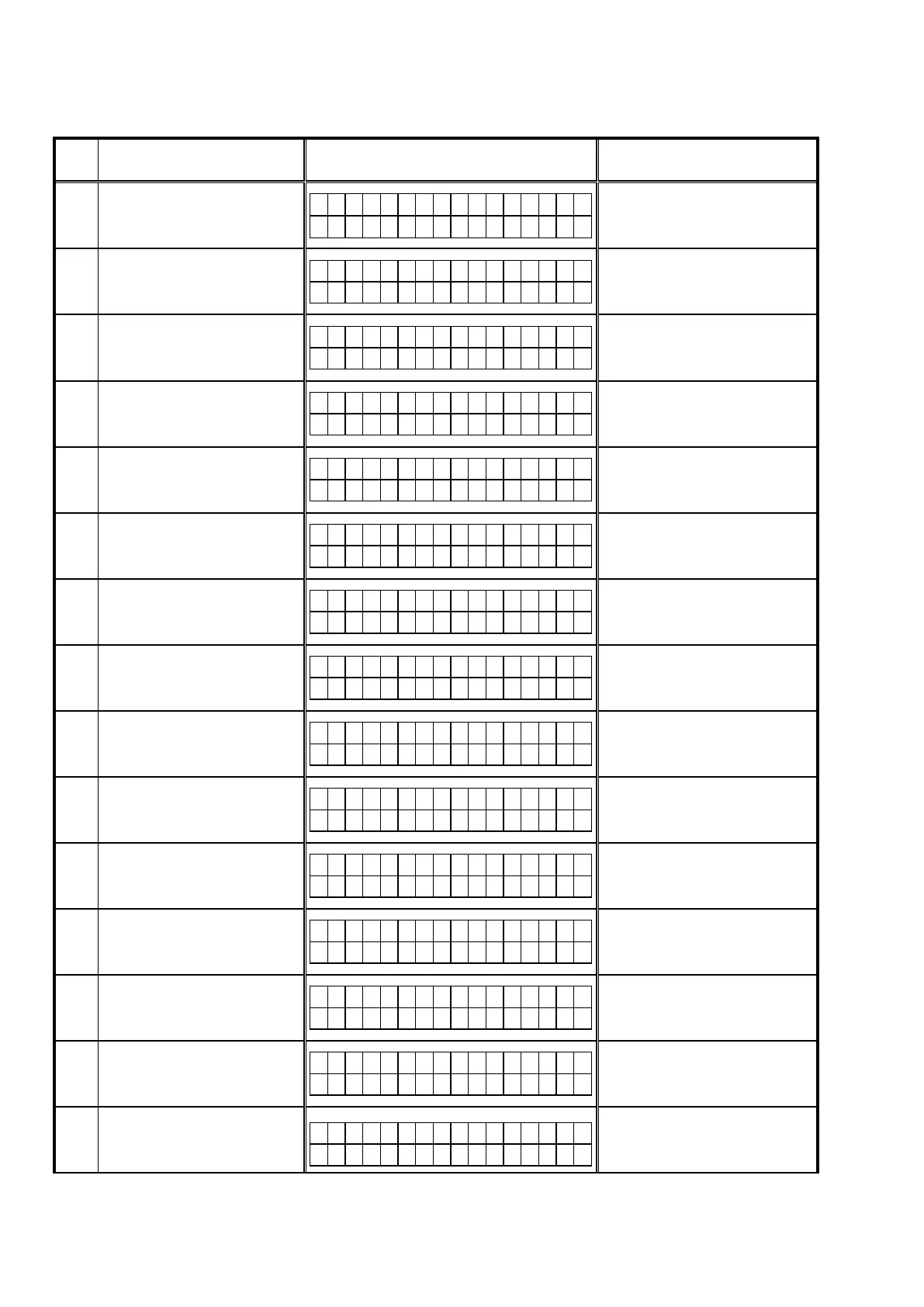
Seethetablebelowforerrorcodes,detailsoffaults,andcopingstrategieswhenthermwareisupdatedthroughDPMS
(Marantz Product Management Server).
Error
Code
Details of Error code Display Coping strategies
01
Log-in to DPMS has failed.
L o g i n f a i l e d
0 1
Reset and update again.
Carry out the update in an environment that
has little network load.
02
Line, etc., is busy when logging into
DPMS.
S e r v e r i s b u s y
0 2
Carry out the update in an environment
that has little network load.
03
Connection to DPMS failed.
C o n n e c t i o n f a i l
0 3
Check the network connection.
Carry out the update in an environment
that has little network load.
04
Firmwareledatawasrequested
but error message was received.
C o n n e c t i o n f a i l
0 4
Check the network connection.
Carry out the update in an environment
that has little network load.
05
Firmwareledatawasrequested
but it timed out.
C o n n e c t i o n f a i l
0 5
Check the network connection.
Carry out the update in an environment
that has little network load.
06
Firmwareledatawasrequested
but error message was received.
C o n n e c t i o n f a i l
0 6
Check the network connection.
Carry out the update in an environment
that has little network load.
07
Allrmwareledatawasrequested
but it timed out.
C o n n e c t i o n f a i l
0 7
Check the network connection.
Carry out the update in an environment
that has little network load.
08
FirmwareledataofMainCPUwas
requested but error message was
received.
C o n n e c t i o n f a i l
0 8
Check the network connection.
Carry out the update in an environment
that has little network load.
09
FirmwareledataofMainCPUwas
requested but it timed out.
C o n n e c t i o n f a i l
0 9
Check the network connection.
Carry out the update in an environment
that has little network load.
0A
Error (NG) message was received
whenrmwareofMainCPUwas
downloaded.
D o w n l o a d f a i l
0 A
Check the network connection.
Carry out the update in an environment
that has little network load.
0B
Error (line congestion) message
wasreceivedwhenrmwareof
Main CPU was downloaded.
D o w n l o a d f a i l
0 B
Check the network connection.
Carry out the update in an environment
that has little network load.
0C
Error (connection failure) message
wasreceivedwhenrmwareof
Main CPU was downloaded.
D o w n l o a d f a i l
0 C
Check the network connection.
Carry out the update in an environment
that has little network load.
0D
Received Package Version is
wrong.
C o n n e c t i o n f a i l
0 D
Check the network connection.
Carry out the update in an environment
that has little network load.
0E
Connection to DPMS failed.
(can not get NTP)
C o n n e c t i o n f a i l
0 E
Check the network connection.
Carry out the update in an environment
that has little network load.
10
MainCPUfailedtoreceivermware
for rewriting sent from
DM860A (when timed out).
M a i n * * * m i n
U p d a t i n g f a i l 1 0
Turn off and on the power. Updating
starts automatically.



 To Next Page