27
2. PANEL/REMOTE LOCK Selection mode
2.1. Behavior specications
In this mode, you can switch between the PANEL LOCK MODE and the Mode for preventing remote control acceptance.
2.2. Starting up
Press the "ON/STANDBY (
X
)" button to turn on power while pressing the "BACK" and "ENTER" buttons.
Press the "Cursor
d
/
f
"buttontoselectthemodeandthe"ENTER"buttontoconrmtheselection.
2.3. Mode selection method and how each mode is displayed
Each time you press the "Cursor
d
/
f
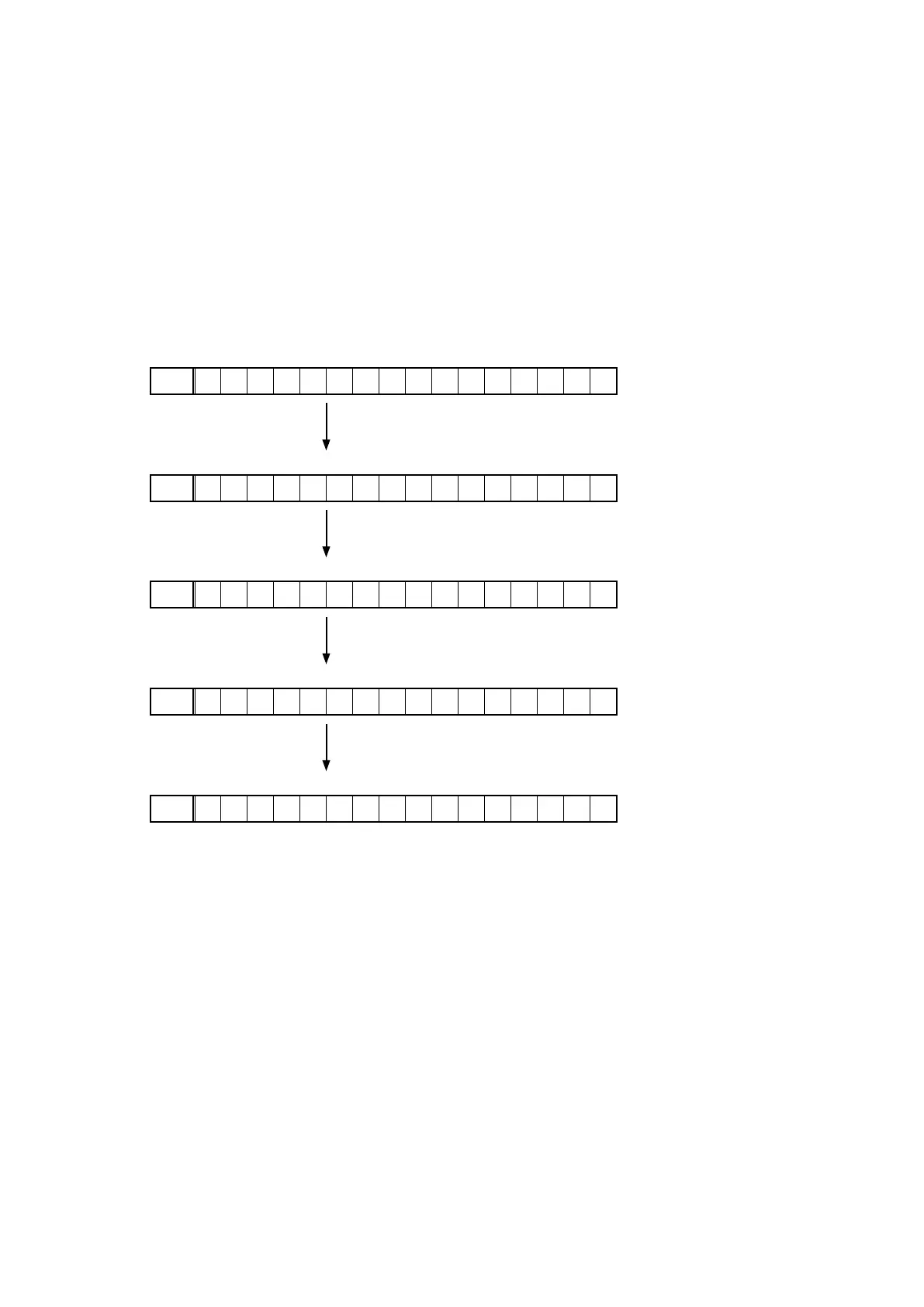
" button, the mode displayed on the FL DISPLAY changes.
While the desired mode name is displayed on the FL DISPLAY, press the "ENTER" button. The set is restarted and the
selected mode takes effect.
The currently set item is marked with "
*
".
q
FLD
– F P / V O L L O C K O n
Operations using the main unit panel buttons and the master
volume knob are rejected.
w
FLD
– F P L O C K O n
Operations using the main unit panel buttons are rejected.
e
FLD
– F P L O C K * O f f
Panel lock mode is cancelled.
r
FLD
– R C L O C K O n
Operations using the remote control are rejected.
t
FLD
– R C L O C K * O f f
RC lock mode is cancelled.



 To Next Page