Playback
Basic operation
Turning the power on
Press X on the unit.
Apoweronstatusisestablished.
n When power is switched to standby
Press X CD.
Astandbystatusisthenestablished.
Beforesettingpowertostandby,makesurethedisctrayis
completelyclosed.
NOTE
•Donotforcethetrayinbyhandwhilepowerissettostandby.
Thiscouldcauseatrouble.
•Evenwhenpowerissettostandby,electricalcurrentpasses
throughsomecircuits.Ifyoudonotintendtousetheunitfor
anextendedperiodoftime,unplugthepowercordfromthe
householdpoweroutlet.
n Turning the power o
Press X on the unit.
Thepowerturnso.
Switching the input source
Thisunitsupportsthefollowingplaybackfunctionsinaddition
todiscplayback.
•Digitalaudioinputsignalplayback
•USBmemorydeviceleplaybackfromtheUSBportinthe
frontpanel
•iPodleplaybackfromtheUSBportinthefrontpanel
•ComputerleplaybackfromtheUSBportintherearpanel
Before playing back lesfrom a connected device,perform
thefollowingoperationtoswitchtheinputsource.
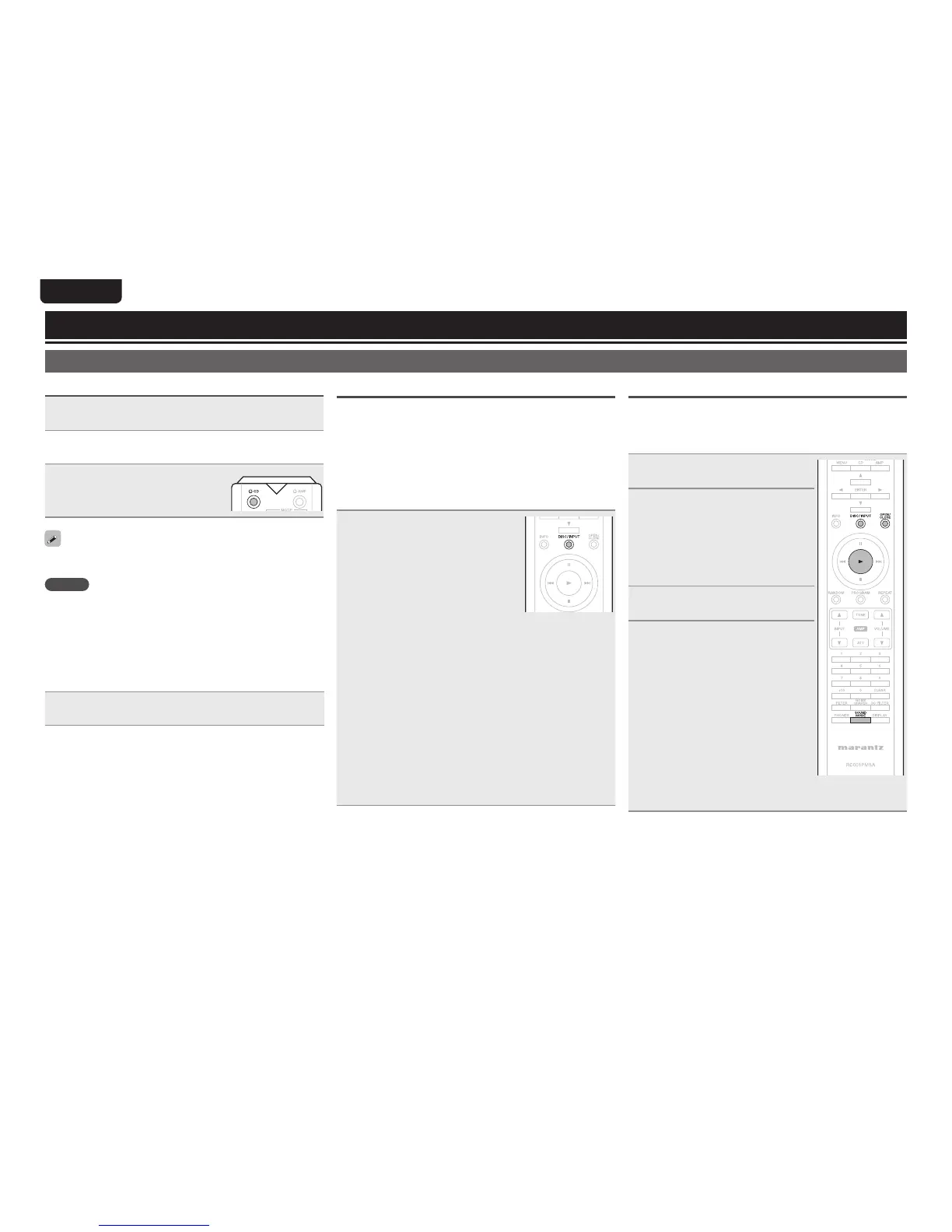
Press DISC/INPUT to select the
input source.
[Selectable modes]
Disc :Playsbackthediscinsidethedisctray(vpage14).
USB:PlaysbacklesonthedeviceconnectedtotheUSB
portonthefrontpanel(vpage18,19).
USB-DAC:ConnectacomputertotheUSBport(USB-DAC)
on the rear panel, and use this unit as a D/A
converter(vpage20).
Coaxial :ConnectadigitaldevicetotheCOAXIALconnector
on the rear panel, and use this unit as a D/A
converter(vpage23).
Optical:ConnectadigitaldevicetotheOPTICALconnector
ontherearpanel,andusethisunitasaD/Aconverter
(vpage23).
Switching the sound mode (Playback layer)
SomeSuperAudioCDdiscshave2layers.Beforeplayback,
performtheoperationbelowtoselecttheplaybacklayer.
For details on the Super Audio CD, see “Super Audio CD”
(vpage30).
1
Press DISC/INPUT to change
the input source to “Disc”.
2
Insert a disc.
•PressOPEN/CLOSEtoopenandclose
thedisctray.
•You can also close the disc tray by
pressing 1, then starts playback
automatically.
3
Press OPEN/CLOSE to open
and close the disc tray.
4
Press SOUND MODE and
switch to the layer you want
to set.
[Selectable items]
STEREO:Playsbackthe2-channelarea
of the Super Audio CD (the
defaultsetting).
MULTI:Plays back the multi-channel
area of the Super Audio CD.
Multi-channel is downmixed to
2-channel.
CD:PlaysbacktheCDlayeroftheSuper
AudioCD.



 To Next Page