Playback
Menu map
Bydefault,thisunithasrecommendedsettingsdened.Youcancustomizethisunitbasedonyourexistingsystemandyour
preferences.
Timer Play
This unit can perform timer play by cooperating with your
audiotimer(vpage12“Connectingthetimerdevice”).
On:Timerplayisset.
O (Default):Timerplayisnotset.
n Using the timer play function
1.Turnonthepoweroftheconnectedcomponents.
2.LoadadiscorconnectaniPodorUSBmemorydevice.
3.Switch the amplier’s function to input from the
connectedunit.
4.Settheaudiotimerforthedesiredtimes.
5.Turnthetimeron.
The power of the components connected to the timer
turns off.
When the set time is reached, the power of the different
components automatically turns on and playback starts
from the first track.
NOTE
•Forconnectiontoaudiotimerandit’soperation,pleaserefer
totheinstructionmanualofyouraudiotimer.
•Thetimerplaydoesnotsupporttherandomplayorprogram
play.
Settings
Setting items Description Page
Timer Play Switchesthetimerplaybackfunctionon/o. 24
Play File Disc Switchesalemediaplaybackrange(“All”or“Folder”). 25
USB Switchesalemediaplaybackrange(“All”or“Folder”). 25
Disp Info iPod SetstheiPodinformationthatdisplaysduringplayback. 25
USB SetstheUSBmemorydeviceinformationthatdisplaysduringplayback. 25
iPod Ctrl SwitchestheiPod’soperationmode. 25
USB Resume SwitchestheUSBmemorydeviceresumeplaybackon/o. 25
Digital Out Switchesthedigitalaudiooutputon/o. 25
Auto Stnby Switchestheautostandbyfunctionon/o. 25
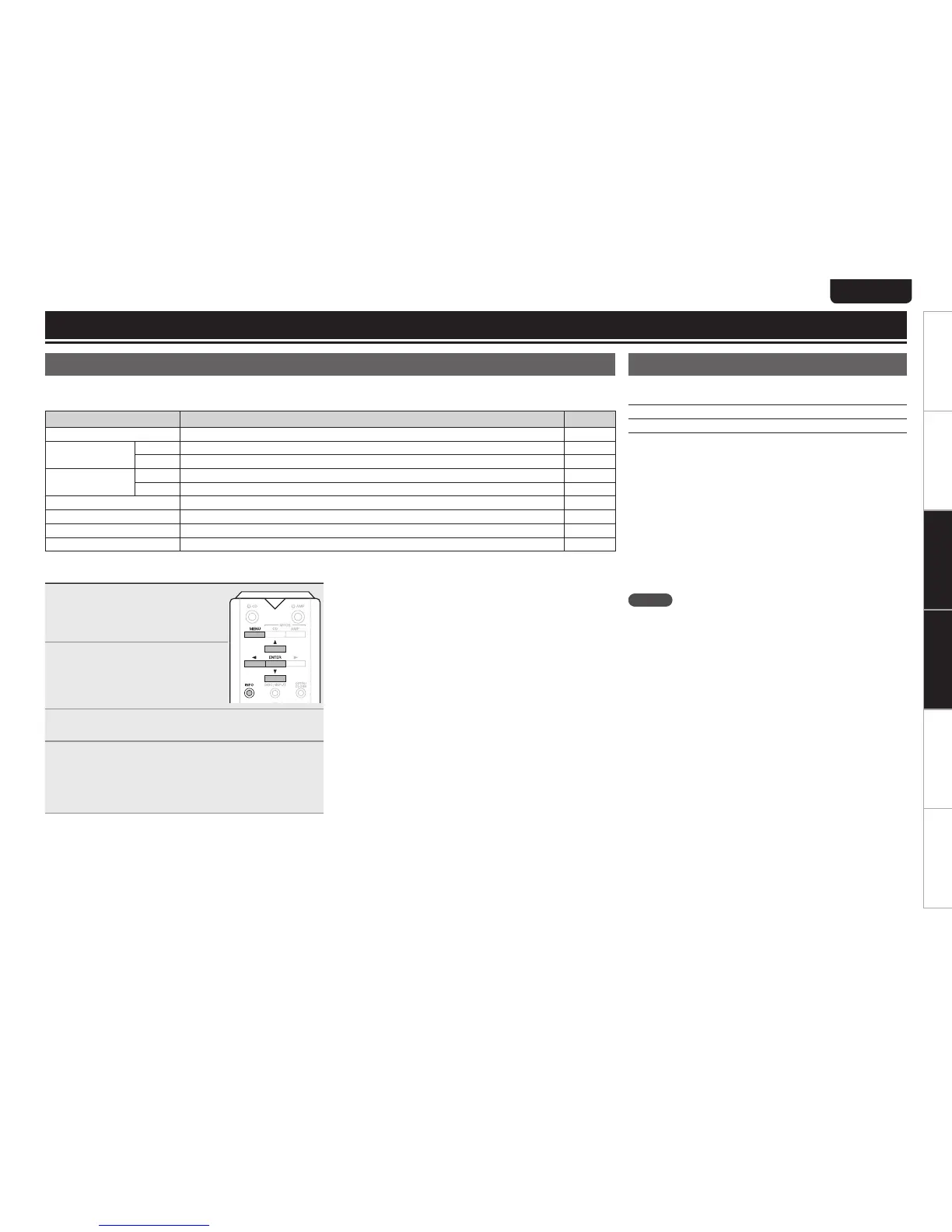
Menu operation
1
Press MENU during stop
mode.
The menu is displayed on the
displayofthisunit.
2
Use ui to select the menu
to be set or operated, and
tehn press ENTER.
3
Use ui change to desired setting.
4
Press ENTER to enter the setting.
•Toreturntothepreviousitem,presso.
•ExitingtheMenu,pressMENUwhilethemenuisdisplayed.
Themenudisplaydisappears.



 To Next Page