Having the display and the illumination
lamp o
Thedisplaycircuitoperationcanbestoppedtominimizenoise
fromthedisplayandthedisplaycircuitwhichcouldinterfere
withtheanalogaudiooutputsignal.
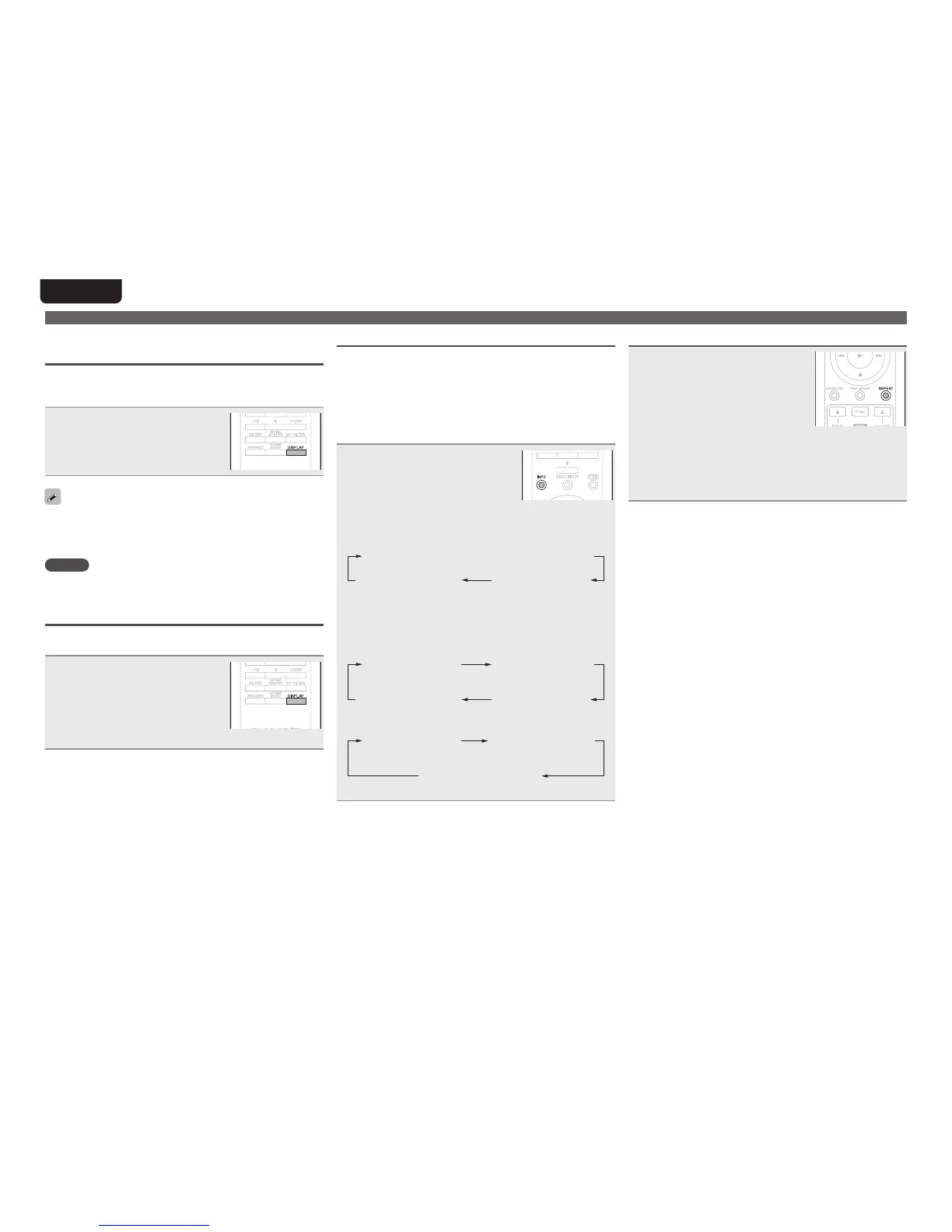
During playback, press DISPLAY.
•Each time you press DISPLAY, the
display and the illumination lamp
(blue)switchon/oatthesametime.
•When the display is switched o, the “DISPLAY OFF”
indicatorlights.
•IfyoupressDISPLAYatanytimeotherthanduringplayback,
thedisplayandtheilluminationlamp(blue)donotlighto.
NOTE
Duringstopmode,thedisplayinformationdoesnotturno.
Theinformationisturnedoonlyduringplayback.
Having the illumination lamp always o
Thefollowingproceduremakestheilluminationlampalways
oregardlessofthedisplayon/ooperation.
Press and hold DISPLAY for two
seconds and longer while display
is lighted.
•Press and hold DISPLAY for two
seconds and longer while the lamp
isalways otoreturnto thenormal
setting.
Playback CDs
Switching the display
Displaystextandtimeinformationstoredonmedia.
•Thedisplaycontentvariesaccordingtothemedia.(Thetext
informationisonlydisplayedforSuperAudioCD.)
•Thedisplaycontentduringplaybackandwhenstoppedvaries
accordingtothemedia.
•Textinformationdisplaysinascrollformat.
•Characters that can be displayed are uppercase/lowercase
alphabets,numbers,andsomesymbols.
Press INFO.
The display switches each time the
buttonispressed.
GWhen stoppedH
Super Audio CD:
Totalnumberoftracks
AlbumnameArtistname
CD:Disabled
GDuring playback (pause)H
Super Audio CD:
Elapsedtimeforthe
playedbacktrack
Remainingtimefor
theplayedbacktrack
Totalremainingtime
foralltracks
Track name
CD:
Elapsedtimefor
theplayedback
track
Remainingtimefor
theplayedbacktrack
Totalremainingtime
foralltracks
Repeat playback
Press REPEAT to select repeat
mode.
[Selectable items]
Repeat 1 (1-track repeat):Only1trackisplayedrepeatedly.
Repeat All (All-track repeat):Alltracksareplayedrepeatedly.
Not Displayed (Repeat o):Normalplaybackresumes.



 To Next Page