Playing tracks in a specific order
(Program playback)
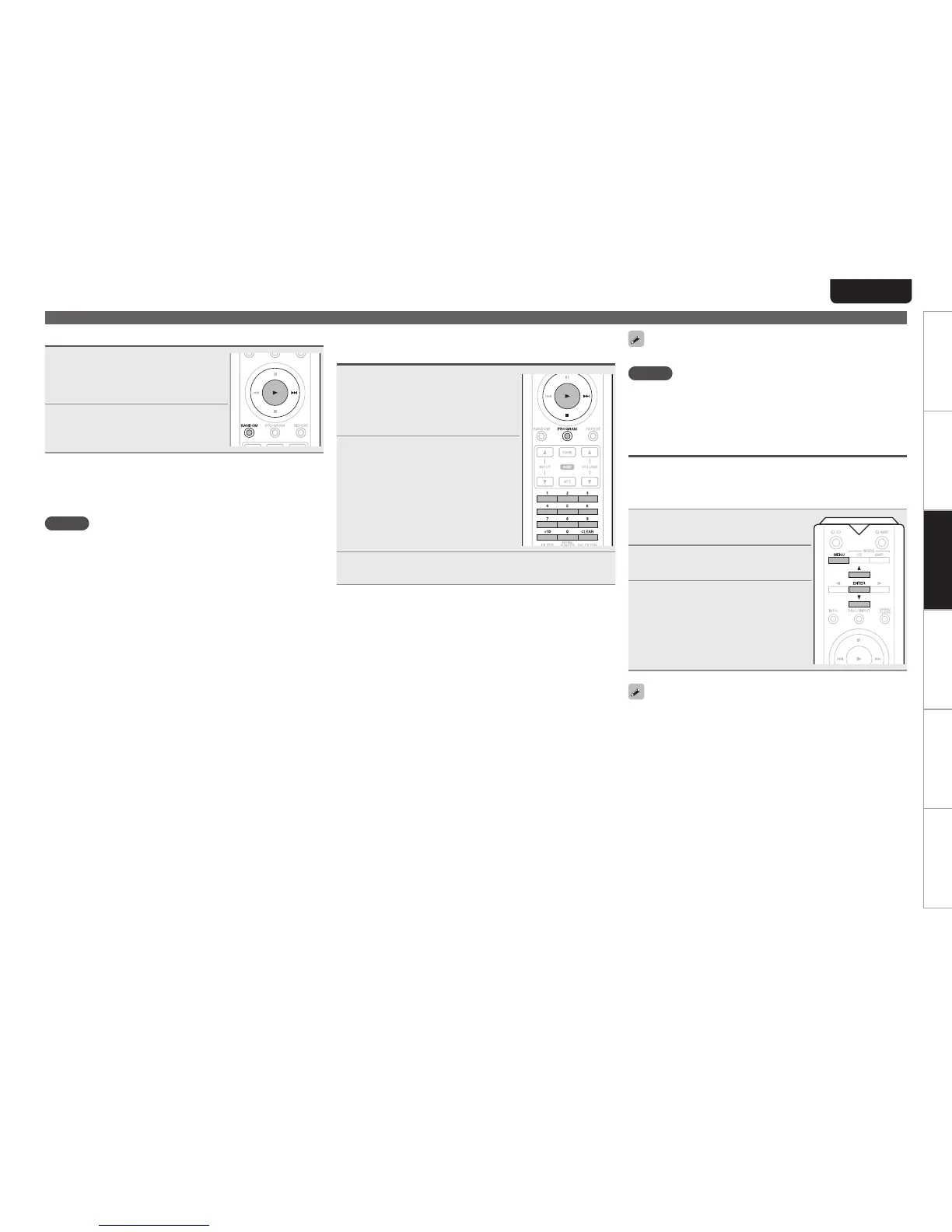
1
During stop mode, press
PROGRAM.
“PROG”lights inthedisplay,and
the mode switches to program
playbackmode.
2
Use 0 – 9, +10 to select the
tracks you want to program.
GExampleH
Toprogramtracks3and12tobeplayed
inthat order, press 3, +10,and2 one
aftertheother.
3
Press 1.
Playbackstartsintheprogrammedorder.
n Adding tracks for program playback
Trackscanbeaddedtotheendofprogramwhenprogram
isremaining(“PROG”indicatorislightingup)andinstop
mode.
Use0–9,+10toselectthetracksyouwanttoprogram.
n Checking programmed track orders
Whilestopped,press9.
Eachtimeyoupressit,tracksaredisplayedintheorderin
whichtheyareprogrammed.
n Canceling a track from program playback
Whilestopped,pressCLEAR.
WhenCLEARispressed,tracksaredeletedinorderfrom
thelastprogrammedtrack.
n Clearing the all programmed track
PressPROGRAMduringstopmode.
•ProgramcanalsobeclearedbypressingOPEN/CLOSEon
themainunittoopenthedisctray.
Youcanspecifyupto20trackseachforprogramplayback.
NOTE
•ProgrammedplaybackisnotpossiblewithMP3andWMA
les.
•Theprogramplaybackmodeiscanceledifyousetpowerto
standby,turnopower,oropenthedisctray.
Stopping digital outputs
Stopsallmediaandsourcedigitalsignaloutputsfromtherear
panel’sdigitalaudiooutputconnectors(COAXIAL,OPTICAL)
to minimize digital audio output circuit noise which could
interferewiththeanalogaudiooutputsignal.
1
During stop mode, press
MENU.
2
Use ui to select “Digital
Out”, and press ENTER.
3
Use ui to select “O”, and
press ENTER.
[Selectable items]
On:Outputsthedigitalsignal.
O:Digitalsignalisnotoutput.
•When digital output is turned o, the “D OFF” indicator
lightsuponthedisplay.
•The“DigitalOut” has a memory retention function where
thesettings remain stored and unchanged even when the
discischangedorthepoweristurnedo.
Playback CDs
Random playback
1
During stop mode, press
RANDOM.
The “RNDM” indicator on the
displaylights.
2
Press 1.
Thetracksstartplayinginrandom
order.
n Stopping random playback
PressRANDOMduringstopmode.
The“RNDM”indicatoronthedisplaygoeso.
NOTE
•Eachpressof9duringrandomplaychangesthetrackin
randommanner.
•Therandomplaybackmodeiscanceledifyousetpowerto
standby,turnopower,oropenthedisctray.



 To Next Page