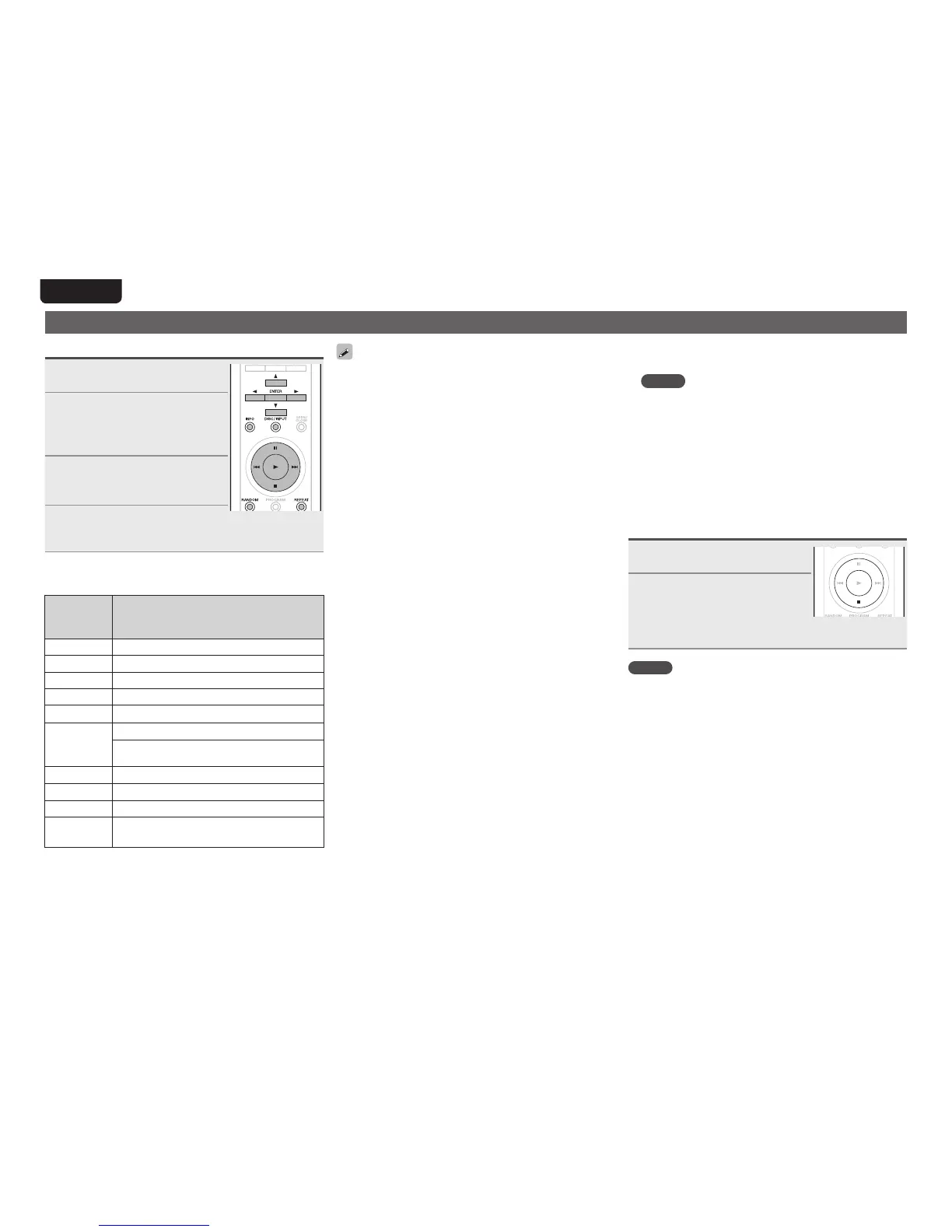
Playing a USB memory device
Playing files stored on USB memory devices
1
Press DISC/INPUT to change
the input source to “USB”.
2
Connect the USB memory
device to the USB port on
the front panel of this unit
(vpage10).
3
Use ui to select a file/folder
you want to play back and
press ENTER.
4
Use ui to select a file and
press ENTER.
Playbackstarts.
n USB operation
Remote
control
buttons
Operation on the unit
1
Playback
3
Pause
2
Stop
ui
Movesup/downthecursor
o
Callsthemenu/returnsfromthemenu
8
,
9
Previous/Next
(Pressandhold)
Fast-reverse/Fast-forward
REPEAT
Switchestherepeatfunction
RANDOM
Switchestherandomfunction
INFO
Switchesthedisplay
ENTER
or
p
Conrmthesettings/playback
•When the menu’s “USB Resume” (vpage 25) is on,
playback starts automatically whena USB memorydevice
isconnected.
•When a USB memory device is connected to this unit,
playback starts automatically when “USB” input source
switchingoccurs.
n Stopping playback
Press2.
n Stopping playback temporarily
Press3.
•The3indicatorlights.
•Torestartplayback,press1.
n To switch file during playback
•Use8or9toselectthele.
n Fast-forwarding and fast-reversing (Searching)
Pressandhold8or9duringplayback.
•When you remove your nger from the button, normal
playbackisresumed.
•When normal playback is resumed after searching, the
soundmaybeinterruptedmomentarily.
nRepeat playback
PressREPEAT.
n Random playback
PressRANDOM.
•To cancel random playback, press RANDOM. The
“RNDM” indicator goes dark and random playback is
canceled.
n Switching the display
Duringplayback,pressINFO.
NOTE
•Marantzwilltakenoresponsibilitywhatsoeverforanyloss
ordamagetodataonaUSBmemorydevicewhenusing
itconnectedtotheunit.
•USBmemorydeviceswillnotworkviaaUSBhub.
•MarantzdoesnotguaranteethatallUSBmemorydevices
will operate or be supplied power. When using a USB
portable hard disk that can draw power from an AC
adapter,werecommendusingtheACadapter.
n Files that can be played back
•See“USBmemorydevice”(vpage30).
Removing the USB memory device
1
Press 2 to stop playback.
2
Check that the
communication indicator on
the USB memory device is
not flashing, then pull out
the USB memory device.
NOTE
DonotpullouttheUSBmemorydeviceifthecommunication
indicatorontheUSBmemorydeviceisstillashing.Doingso
maydamagetheUSBmemorydeviceandthedatarecorded
onthedevice.



 To Next Page