Specifying the desired sound quality
Thisunitisequippedwithasoundqualityadjustingfunction
whichallowsuserstoenjoythedesiredplaybacksoundquality.
•Thissettingremainseectiveevenifthepoweristurnedo.
Switching the filter characteristics
2ltercharacteristictypescanbeselectedforSuperAudioCD
playback,andforaudioCDplayback.The2ltercharacteristics
typesareexplainedbelow.
Filter
Type
Audio CD Super Audio CD
FIL 1
Oersashortimpulse
responseforbothpre-echo
andpost-echo.Suitable
forlarge-information-
contentaudio.Produces
adeepsoundimagewith
clearly-denedpositional
relationshipsoftheaudio
sources.
Preciselyreproduces
highresolution
audiothathaslarge
informationcontent.
FIL 2
Thisisalongcoecient
FIRlterwithsymmetric
pre-echoandpost-echo
intheimpulseresponse.
Resemblesanalogsound
quality.
Attenuatesportions
thatexceed100kHz.
Characterizedbya
well-balanced,smooth
sound.
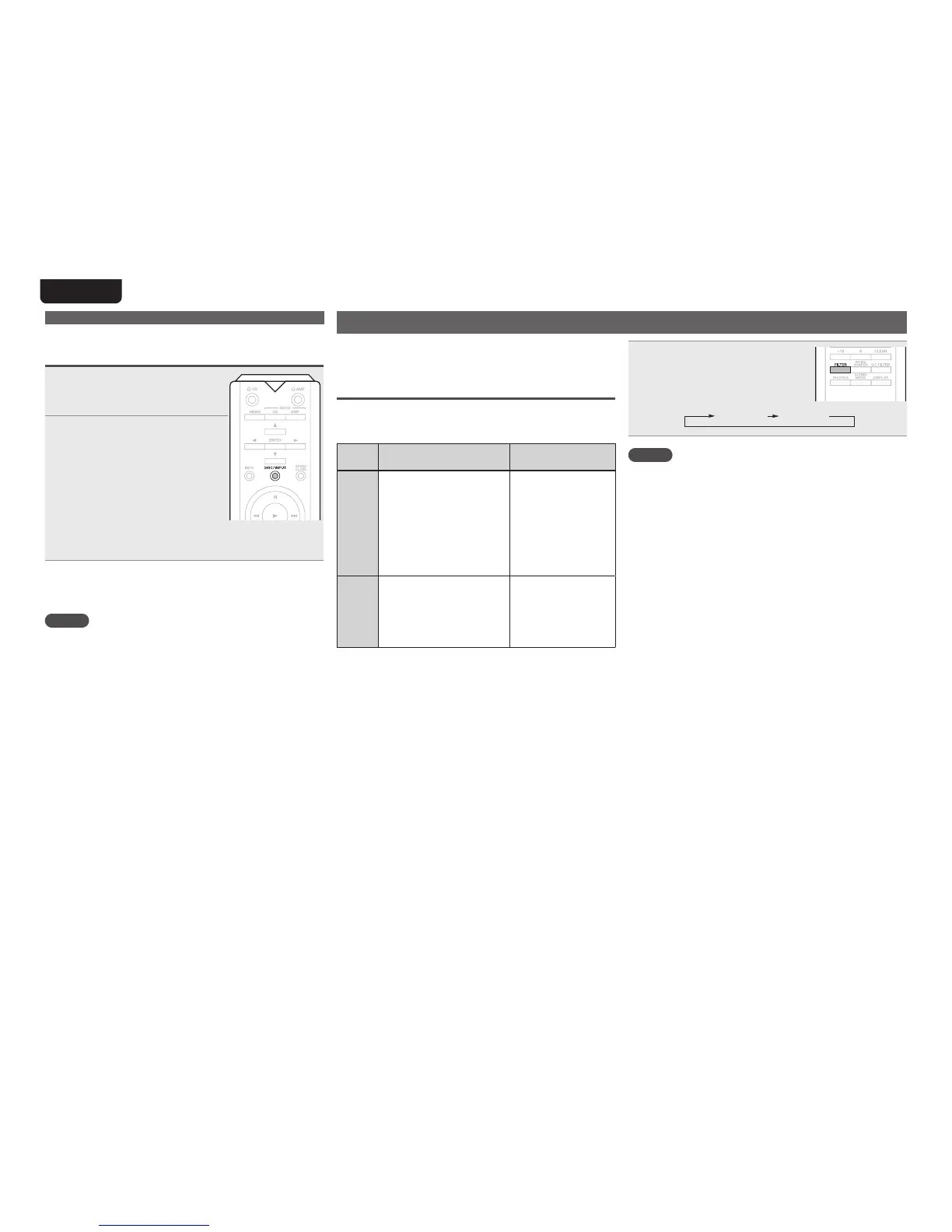
Press FILTER.
•The setting cycles through the 2
modes(FIL1/FIL2)asshownbelow
eachtimethebuttonispressed.
FIL1 FIL2
NOTE
Theltercharacteristicshavealastmemoryfunction.These
settingsremaininmemoryevenifadiscchangeoccurs,orif
thepoweristurnedo.
Connect and playback from a devices with
digital audio connectors (Coaxial/Optical)
1
Connect devices with digital
audio connectors to this unit
(vpage9).
2
Press DISC/INPUT to change
the input source to “Coaxial”
or “Optical” (vpage13).
The input digital audio signal is
displayedasshown.
“Coax:zzzzzk”or
“Opt:zzzzzk”
(zzzz indicates the sampling
frequency.)
•If the sampling frequency cannot be detected, “Unlock”
willbedisplayed.
n Files that can be played back
•See“D/Aconverter”(vpage31).
NOTE
•Do not input non-PCM signals, such as Dolby Digital, and
DTS.Thiscausesnoiseandcoulddamagethespeakers.
•Ifthe samplingfrequencyswitches,suchas fromAmode
toBmodeinaCSbroadcast,mutingmayoperatefor1–2
seconds,cuttingthesound.
Using as a D/A converter



 To Next Page