Playing DATA CDs
TherearemanymusicdistributionsitesontheInternetallowing
youtodownloadmusiclesinMP3orWMA(WindowsMedia®
Audio)formats.Themusic(les)downloadedfromsuchsites
canbestoredonCD-RorCD-RWdiscsandplayedontheunit.
Playing files
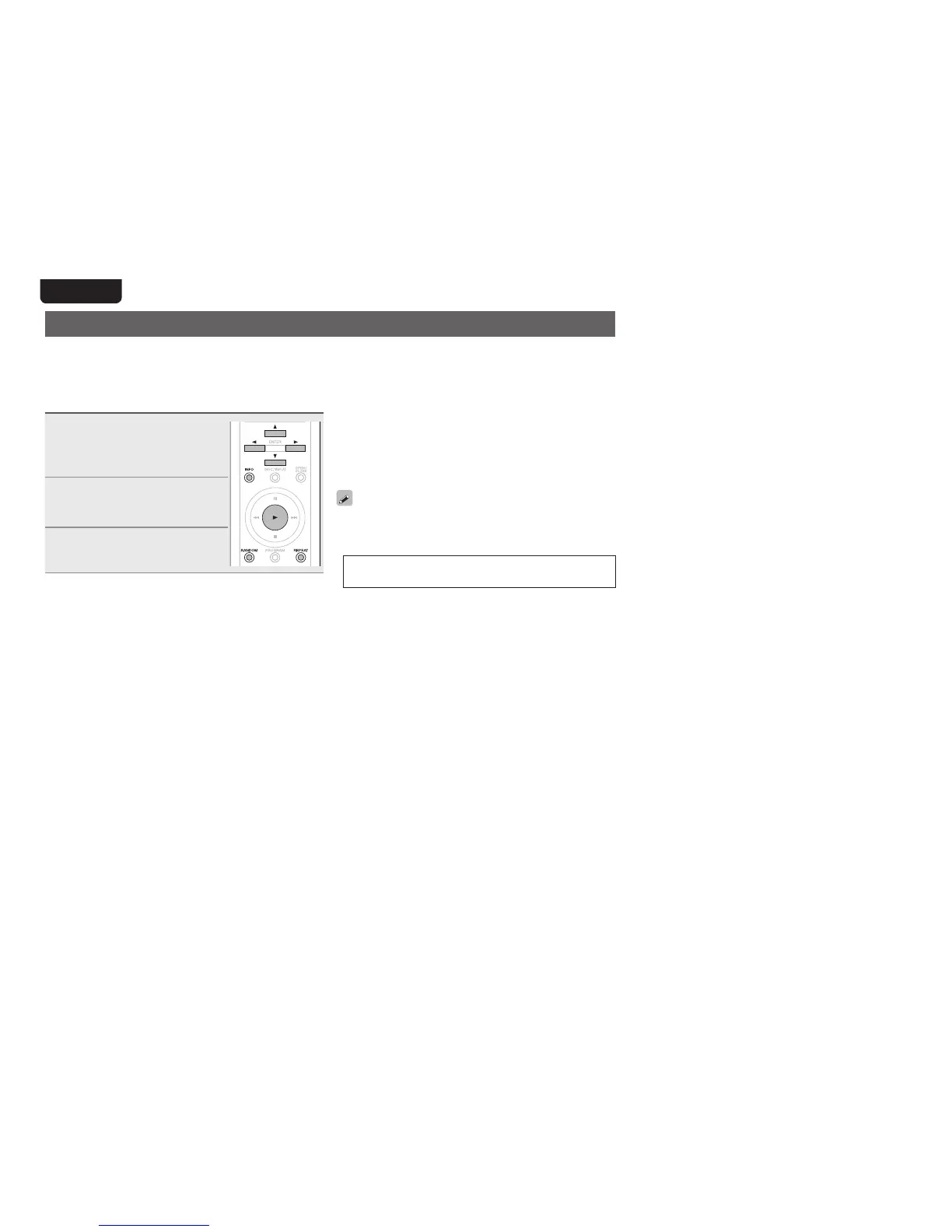
1
Load the CD-R / CD-RW
containing MP3 or WMA type
audio files to the disc tray
(vpage14).
2
At the menu’s “Play File”
item (vpage 25), select
the “All” or “Folder”.
3
Press 1.
Playbackstarts.
n Changing the playback folder
Useuitoselectthedesiredfolder.
n Changing the playback file
Useoptoselectthedesiredle.
n Switching the display
Duringplayback,pressINFO.
nPlaying back MP3 and WMA files randomly
(random playback)
Whilestopped,pressRANDOM.
•During random playback, the playback range becomes
“All”.
nPlaying back MP3 and WMA files repeatedly
(folder/disc repeat playback)
PressREPEAT.
n Files that can be played back
•See“DATACD”(vpage30).
•Folderandlenames can be displayed as titles. Up to 11
alphanumericcharactersandunderscorescanbedisplayed.
Characterswhichcannotbedisplayedappearasasterisks.
•Thefollowingcharacterscanbedisplayed.
A-Z,a-z,0-9,!”#$%&:;<>?@\
[]_`|{}~^’()*+,-./=(Space)



 To Next Page