48
9
Menu items on playback screen.
Love this track
Loving tracks improves your Last.fm
recommendations, and you can optionally share
them on popular social networks.
Ban this track
If you ban a track, we won’t play it again. You can
undo this on the Last.fm website.
Scrobbling
Scrobbling sends the tracks you played to your
Last.fm account. You can see charts of the music
you’ve been listening to, get recommendations for
new music and events in your area and share your
listening tastes with your friends. You can turn this
service on or off using this option. The more you
scrobble, the better your recommendations will
become.
Menu [1/3]
Love this track
Ban this track
Scrobbling(On)
NOTE
•The password should be no longer than 99 characters.
•Press RETURN to cancel the input. When “Cancel input?” is
displayed, select “Yes”, then press ENTER.
•To play back compressed audio with extended bass or treble
reproduction, we recommend playback in M-DAX mode
(vpage89). The default setting is “OFF”.
•You can specify the duration of the on-screen display to be displayed
(default: 30 sec) at menu “NET/USB” (vpage102). Press uio
p to return to the original screen.
•Use STATUS on the main unit to switch between displaying the
title name, artist name or album name.
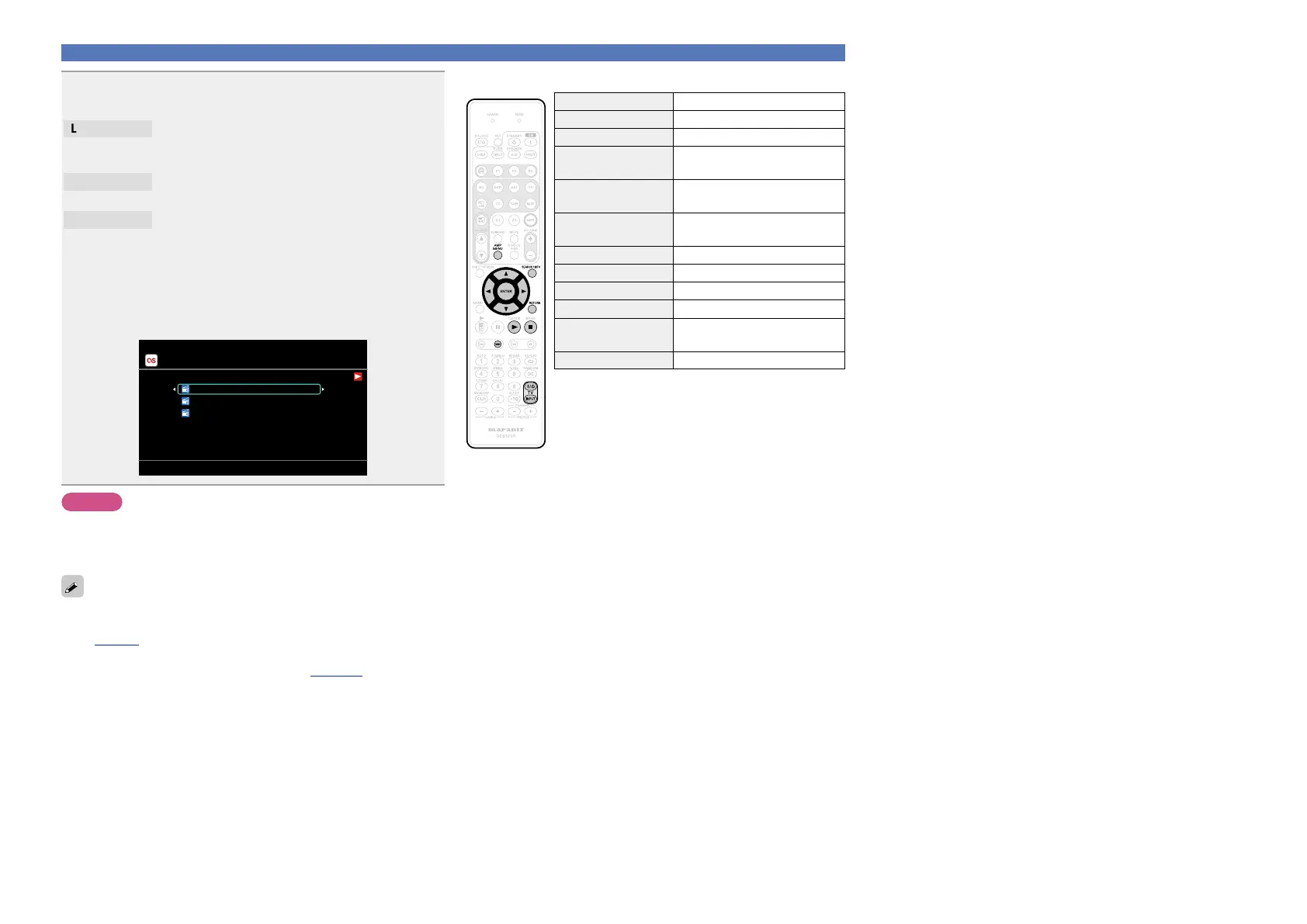
Playing a network audio
nLast.fm operation
Operation buttons Function
AMP MENU Amp menu
SEARCH/INFO Page Search
z
uio p
Cursor operation /
Auto search (cue, i)
ENTER
(Press and release)
Enter
ENTER
(Press and hold)
Stop
RETURN Return
1
Playback
2
Stop
9
Auto search (cue)
TV Z / X
TV power on/standby
(Default : marantz)
TV INPUT Switch TV input (Default : marantz)
z When the menu screen is displayed, press
SEARCH/INFO, then press o (previous page) or
p (next page).
To cancel, press ui or SEARCH/INFO.



 To Next Page