1.3. Error display
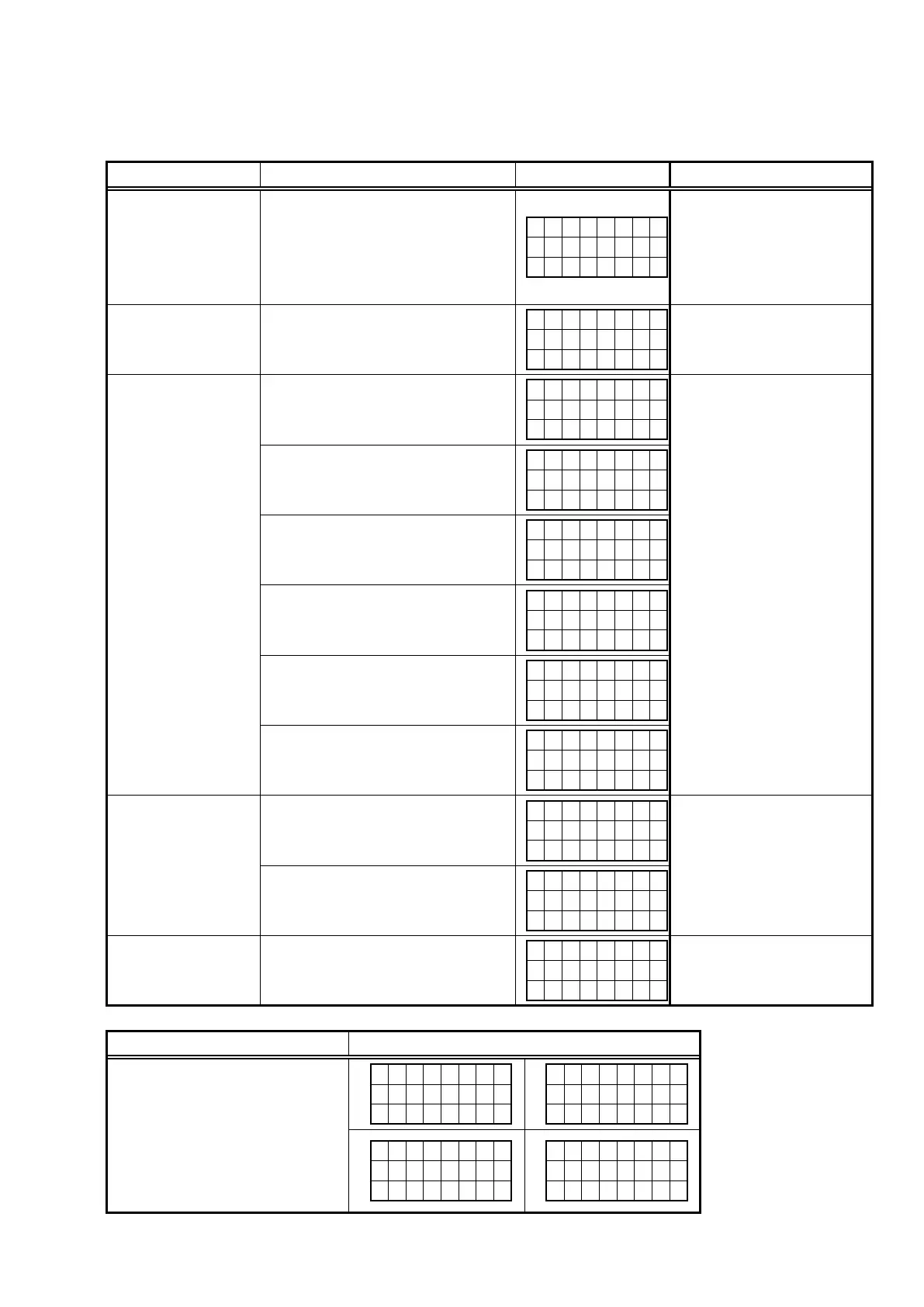
See the following table for each "Error information" display and its explanation (status).
Display order is
q
,
w
,
e
,
r
,
t
.
Condition Status FL Display Trouble shooting
q
Firm Check NG
Compared with the destination setting
on the board. This is displayed
when the model name or destination
informationwrittenintothermware
does not match. (
b
)
F I R M
E R R O R
• Please check the
destination-resistors (R773/
R776, HDMI B'D).
•Pleasewritethermwareof
correct destination.
w
DIR NG
No response from DIR
D I R
E R R O R
0 1
• Please check DIR (IC21,
HDMI B'D) and around
circuits.
e
DSP NG
When DSP code boot is performed,
the DSP FLAG0 port does not change
to "H" even if DSP reset is executed.
D S P
E R R O R
0 1
• Please check DSP (U8,
HDMI B'D) and around
circuits.
Before DSP command is issued, the
DSP BUSY port does not change to
"L".
D S P
E R R O R
0 2
When DSP data read is performed,
executing WRITE="L" does not result
in ACK="H".
D S P
E R R O R
0 3
When DSP data read is performed,
executing REQ="L" does not result in
ACK="L".
D S P
E R R O R
0 4
When DSP data writing is performed,
executing WRITE="H" does not result
in ACK="H".
D S P
E R R O R
0 5
When DSP data writing is performed,
executing REQ="L" does not result in
ACK="L".
D S P
E R R O R
0 6
r
IP SCALER NG
An error occurred in testing writing
data between IP SCALER and DRR.
I P
S C A L E R
E R R 0 1
• Please check IP SCALER
(U1601, HDMI B'D) and
around circuits.
Testing writing data between IP
SCALER and DRR resulted in no
response.
I P
S C A L E R
E R R 0 2
t
EEPROM NG
Error occurs in EEPROM checksum.
(
zzz
is a block address number.)
E 2 P R O M
E R R O R
* * *
Status FL Display
b
The written Firmware and product
settings (model name, brand
name, destination) are compared.
If Firmware that is not designed
forthisproductiswritten,▲is
displayed in the upper right column,
as shown on the right.
M A I N
–
* * * * * * * *
B
L - * * . *
*
A . P L
D
–
* * . *
*
D S P
–
* * . *
*
G U I
–
* * * * * * * *
25



 To Next Page