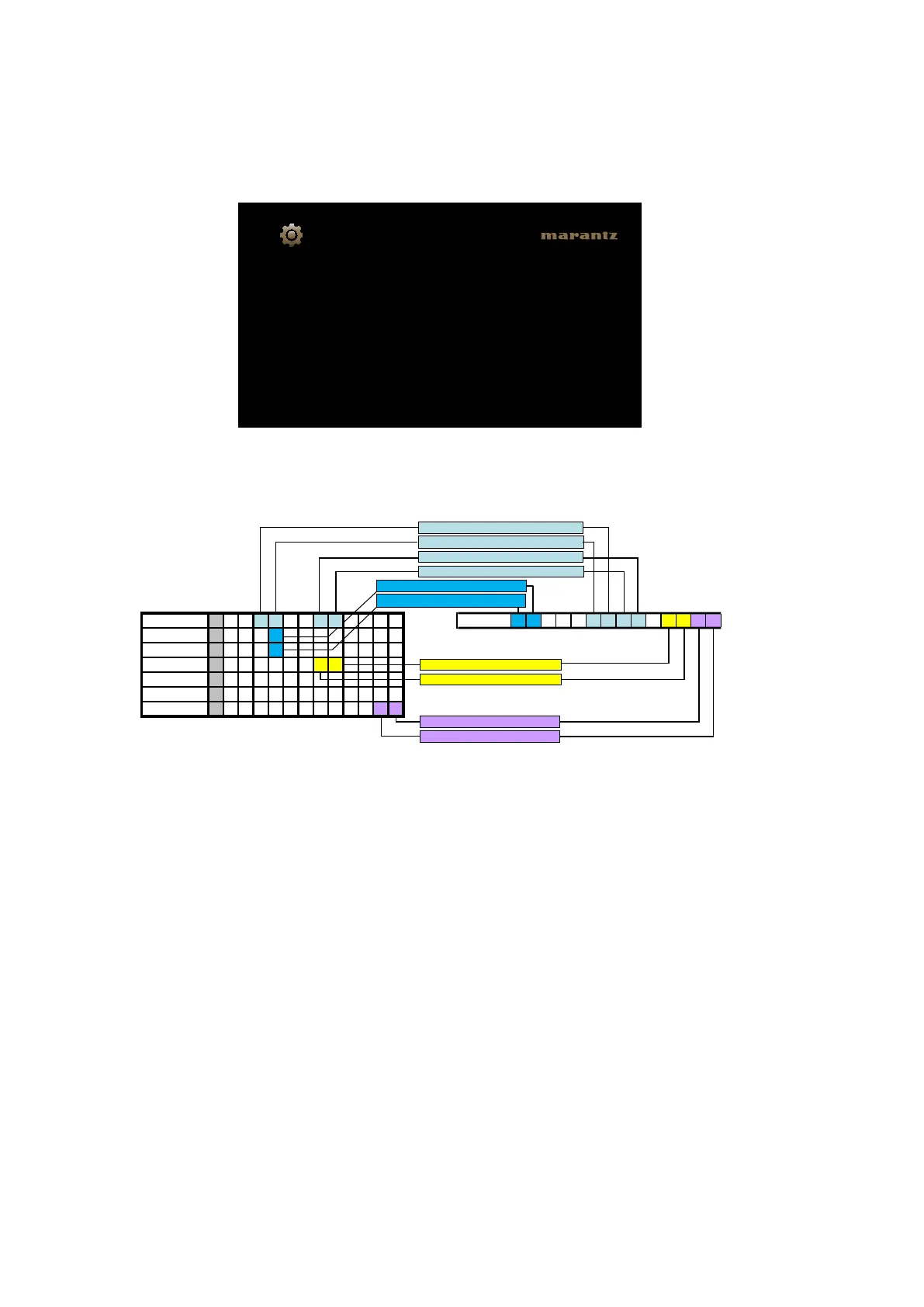
1.4. Version display on the Setup Menu
Usethefollowingproceduretodisplaythermwareversion.
(1) Press the "SETUP" button on the remote control.
(2) Select "General-Information-Firmware".
A version with 12 digits is displayed as shown in the following image.
The displayed 12 digits are derived from each device version as shown below.
b
ThisrmwareversionNo.(xxxx-xxxx-xxxx)isincludedintheservicecontactdocument.
These 12 digits are also included in the document.
GUI Image
7300-7784-1425
General/Firmware
Version
Displays system information
Mainμcom 0 0 2 3 0 0 1 6
Info display
5 2 0 0 - 3 2 6 1 - 6 0 8 5
DSP 8 2 0 2
A.PLD 2 2 0 5
GUI 6 4 1 1 0 0 0 6
DM860 FBL 0 9 0 3 1 1
DM860 SBL B 2 0 1 2 0 9 2 1 0 5 4 6
DM860 IMG I 2 0 1 2 1 0 2 2 0 9 5 8
The 6th digit from the right for Main μcom
The 5th digit from the right for Main μcom
The 2nd digit from the right for Main μcom
The 1st digit from the right for Main μcom
The 1st digit from the right for DSP
The 1st digit from the right for A.PLD
The 1st digit from the right for IMG
The 2nd digit from the right for IMG
The 1st digit
from the right for GUI
The 2nd digit from the right for GUI
26



 To Next Page