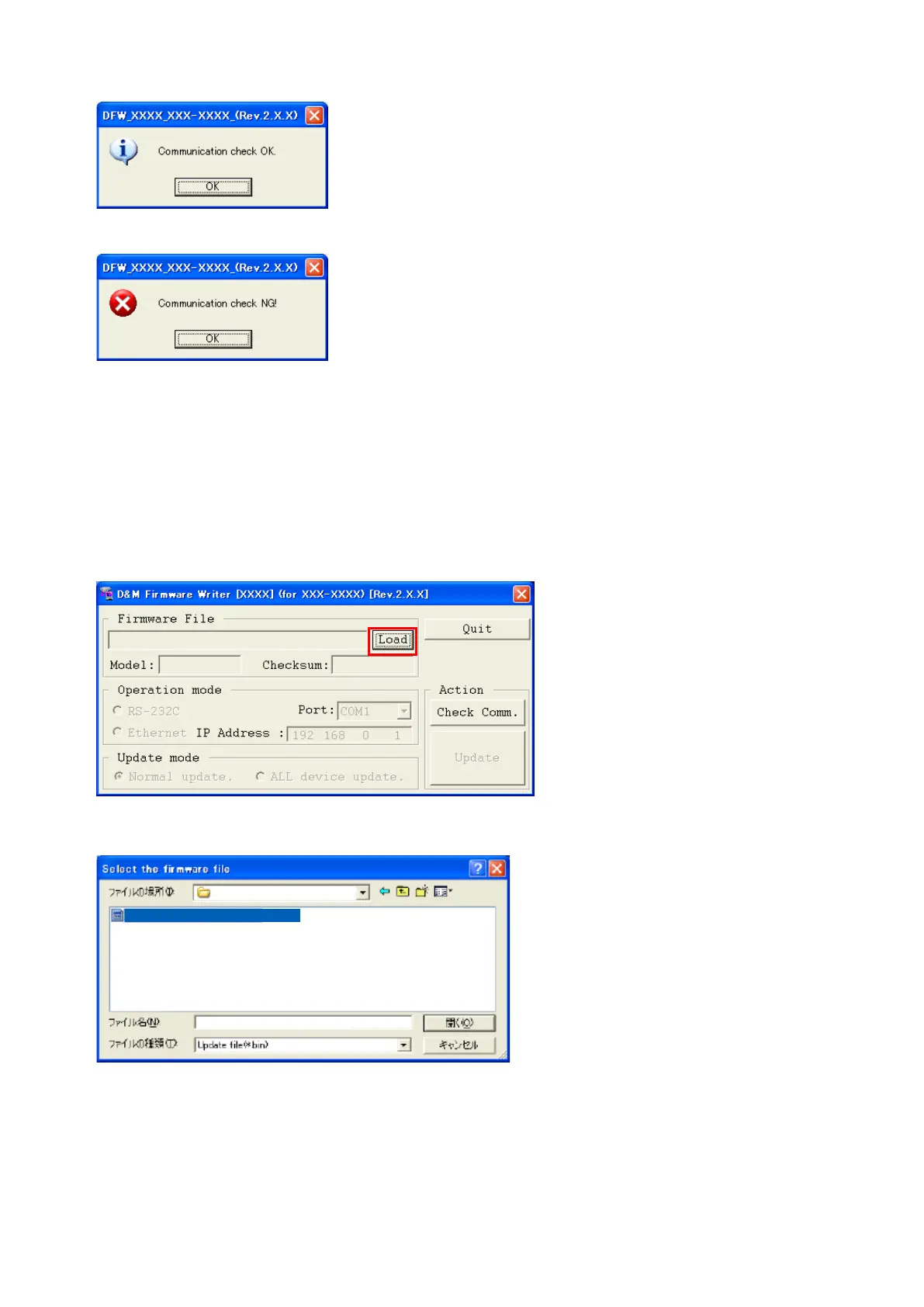
(3) When connection is good, then you can see the "Communication check OK." message.
(4) If connection is not good, then you can see the "Communication check NG" message.
Pleaseconrmthefollowing
(a) Check the connection of the AV receiver and PC. (refer to "1.2. Connection of the AV receiver" )
(b) Check the operation mode of the AV receiver. (refer to "1.3.Turn on the AV receiver")
(c) Check the selection of the RS-232C port number of PC.
1.6. Download the rmware
(1) Click the "Load" button.
(2) DownloadthermwarefromthespecieddownloadsourcetoPC.
XXX-XXXX
XXX-XXXX_WWWXXXXYYYY-ZZZZ.bin
XXX-XXXX_WWWXXXXYYYY-ZZZZ.bin
58



 To Next Page